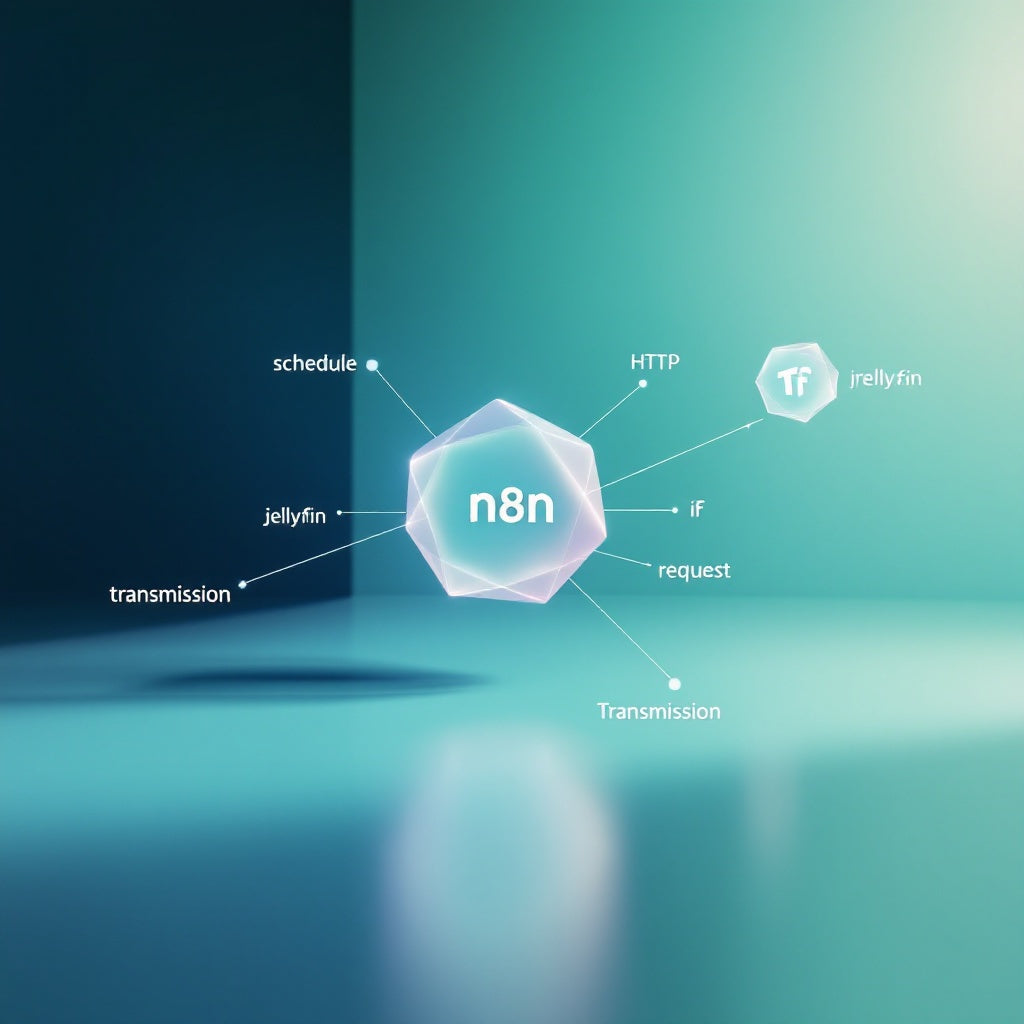
Automate Jellyfin Cleanup & Torrent Removal with n8n
Automate Jellyfin Cleanup & Torrent Removal with n8n
Regular price
£10.99
Regular price
£10.99
Sale price
Unit price
per
⬇
Instant Digital Download
∞
Unlimited Downloads
★
Lifetime Access in Your Account
Couldn't load pickup availability
🔥
128+ Sold
Popular with n8n builders
⚡
23 people viewing
High interest right now
✅
9 added today
Fast-moving digital product

Automate Jellyfin Cleanup & Torrent Removal with n8n
Regular price
£10.99
Regular price
£10.99
Sale price
Unit price
per
Effortlessly Automate Your Jellyfin Cleanup & Torrent Management with n8n
Tired of manually managing watched media on Jellyfin and completed torrents in Transmission? Our n8n workflow can streamline this tedious process by automating routine cleanups. Set it and forget it—enjoy a decluttered library and torrent list without the hassle.
What this workflow does
- Operates on a daily schedule, allowing you to set the exact hour for execution.
- Configures both Jellyfin and Transmission API connections with your server and user-specific details.
- Retrieves and deletes played movies and episodes for specific users in Jellyfin, followed by a library refresh to maintain order.
- Utilizes the Transmission RPC endpoint to obtain your session ID, retrieve a detailed torrent list, and filter out completed torrents.
- Automatically cleans up by removing each completed torrent and its local data, ensuring efficient disk space usage.
Use cases
- Media enthusiasts: Keep your Jellyfin library clean by automatically removing watched content, leaving only unwatched media for seamless entertainment.
- Torrent users: Ensure your Transmission client stays organized by removing completed torrents daily, preventing unwanted data buildup.
- IT specialists: Simplify server management tasks related to media and torrent usage, freeing up valuable time for more critical workflows.
Technical details
This workflow leverages the following n8n nodes to deliver its functionality:
- Schedule Trigger: Initiates the automation at a set time each day.
- HTTP Request: Connects and communicates with Jellyfin and Transmission APIs for data retrieval and deletion tasks.
- Set: Configures essential variables such as Jellyfin base URL, user ID, and Transmission base URL.
- Split Out: Processes and isolates individual torrents for evaluation and deletion.
- If: Evaluates torrent completion status to determine eligibility for removal.
Optimize your media consumption and file management routine with this n8n workflow—the perfect solution for automation engineers, SaaS operators, and any n8n user looking for a smarter, more efficient way to handle Jellyfin and Transmission tasks.