AI Audio Translator Workflow (French to English) | n8n
AI Audio Translator Workflow (French to English) | n8n
Regular price
£40.99
Regular price
£40.99
Sale price
Unit price
per
⬇
Instant Digital Download
∞
Unlimited Downloads
★
Lifetime Access in Your Account
Couldn't load pickup availability
🔥
128+ Sold
Popular with n8n builders
⚡
23 people viewing
High interest right now
✅
9 added today
Fast-moving digital product

AI Audio Translator Workflow (French to English) | n8n
Regular price
£40.99
Regular price
£40.99
Sale price
Unit price
per
Translate French to English with AI audio—end to end in n8n
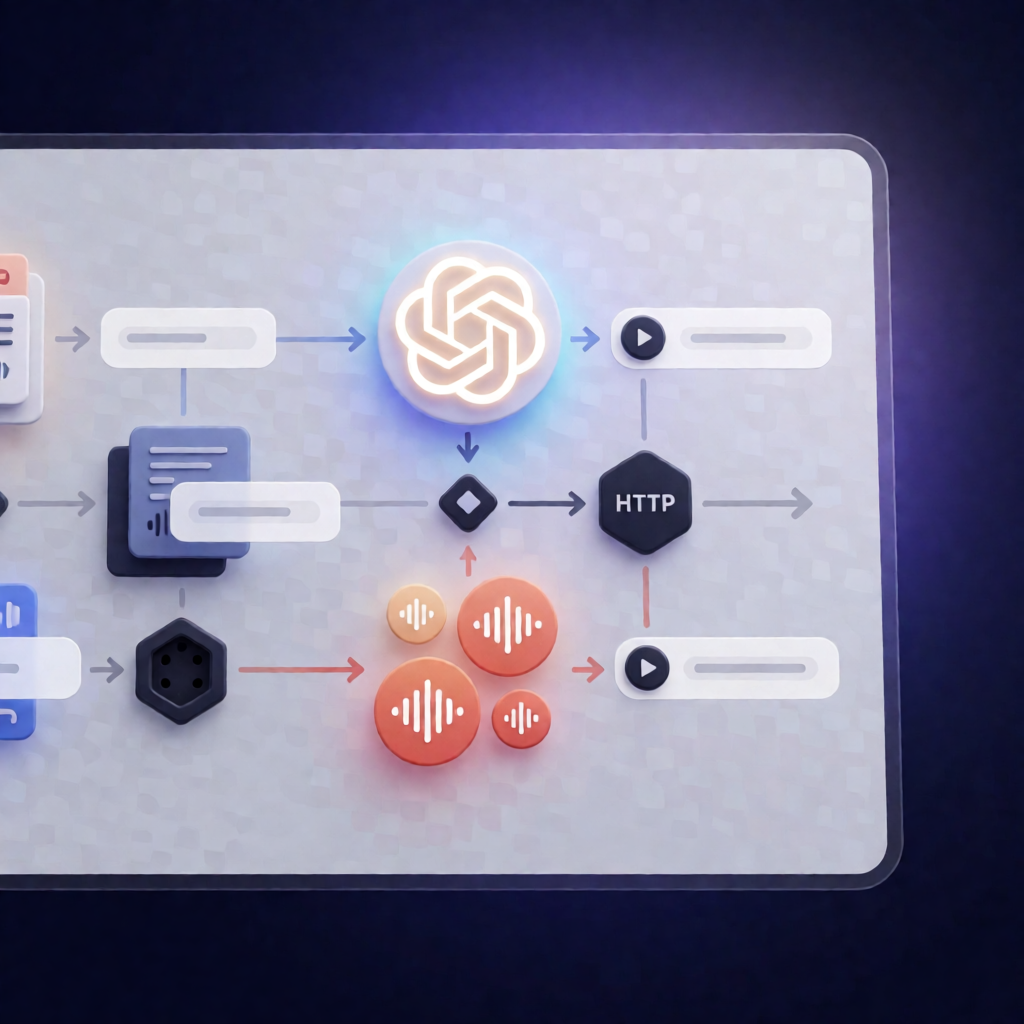
This AI Audio Translator Workflow (French to English) | n8n takes French text, generates spoken French audio, transcribes it back to text, then translates and produces an English audio file—all automated inside n8n.
What this workflow does
- Generates spoken French audio from your input text using ElevenLabs.
- Transcribes the French audio back into text using OpenAI.
- Translates the transcribed text into English.
- Generates an audio file of the English translation (again using ElevenLabs).
- Uses a Manual Trigger so you can run it on demand.
Use cases
- Multilingual support: convert French responses into natural-sounding English voice output.
- Content localization: turn French scripts into English narration for videos, podcasts, or training.
- Operational translation: quickly translate and re-voice internal updates without manually recording audio.
- Workflow testing: validate French→English audio translation pipelines using your own text.
Technical details
- ElevenLabs for voice generation (uses a voice ID you set in the Set voice ID node; ElevenLabs provides a free tier).
- OpenAI for audio transcription and chat-based steps (configure via OpenAI API credentials).
- Nodes/stack used: set, sticky note, http request, manual trigger, and n8nn8n-nodes-langchain nodes including n8nn8n-nodes-langchain llm and n8nn8n-nodes-langchain lm chat open ai.
Quick setup (a few minutes)
- In ElevenLabs, add a voice in your Voice Lab and copy its ID into the Set voice ID node.
- Get your ElevenLabs API key and set it in the Generate French audio node as header auth cred named
xi-api-key. - Create OpenAI credentials for the Transcribe audio node using your OpenAI API key.
- Run the workflow using the orange button at the bottom of the canvas.