AI Customer Feedback Sentiment Analysis in n8n (OpenAI + Google Sheets)
AI Customer Feedback Sentiment Analysis in n8n (OpenAI + Google Sheets)
Regular price
£53.99
Regular price
£53.99
Sale price
Unit price
per
⬇
Instant Digital Download
∞
Unlimited Downloads
★
Lifetime Access in Your Account
Couldn't load pickup availability
🔥
128+ Sold
Popular with n8n builders
⚡
23 people viewing
High interest right now
✅
9 added today
Fast-moving digital product

AI Customer Feedback Sentiment Analysis in n8n (OpenAI + Google Sheets)
Regular price
£53.99
Regular price
£53.99
Sale price
Unit price
per
Automatically analyze customer feedback sentiment in n8n using OpenAI and save results to Google Sheets
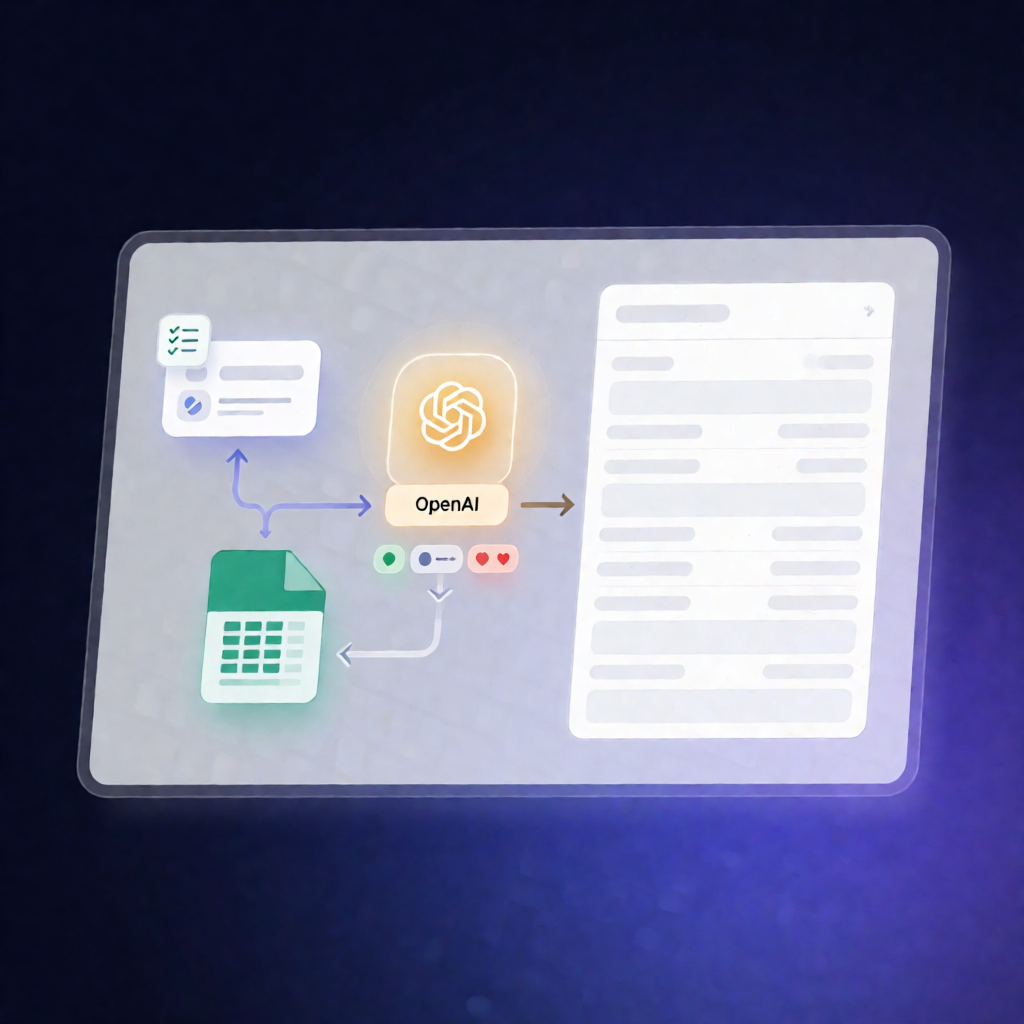
Turn raw customer feedback into clear sentiment labels (positive/neutral/negative). This n8n workflow takes feedback submitted via a form, uses OpenAI to classify the sentiment, and records the outcome in Google Sheets—so you can review customer sentiment without manual reading.
What this workflow does
- Connect Google Sheets to store incoming feedback and the sentiment result.
- Connect your OpenAI account using your API key and OpenAI organization ID.
- Create a customer feedback form (use your existing form or follow the provided example) and enable the workflow via the form trigger.
- Run OpenAI sentiment classification to label each feedback entry as positive, neutral, or negative.
- Write the sentiment output to Google Sheets using the mapped worksheet structure.
Use cases
- SaaS product feedback tracking: Collect feature requests and user reactions, then quickly spot negative trends.
- Customer support monitoring: Analyze survey comments after support interactions and log sentiment for follow-up.
- Ongoing UX improvement: Use sentiment labels to prioritize onboarding or usability changes based on customer comments.
Technical details
- n8n nodes / components: Merge, OpenAI, Sticky Note, Form Trigger, Google Sheets
- Workflow logic: Form submission → OpenAI sentiment classification → Google Sheets storage
- Example assets provided: An example Google Sheet template is available in the walkthrough, which you can download and use.
Walkthrough: Loom walkthrough
Example Google Sheet: Open the sheet template