AI-Driven Wealth Updates: Automate Client Portfolios with n8n
AI-Driven Wealth Updates: Automate Client Portfolios with n8n
Couldn't load pickup availability

AI-Driven Wealth Updates: Automate Client Portfolios with n8n
Transform raw financial trade data into personalized client communications with this intelligent n8n workflow that combines AI-powered content generation with human oversight. This automated solution monitors your portfolio database, generates professional explanations using Gemini AI, and streamlines advisor approval through Slack integration.
What this workflow does
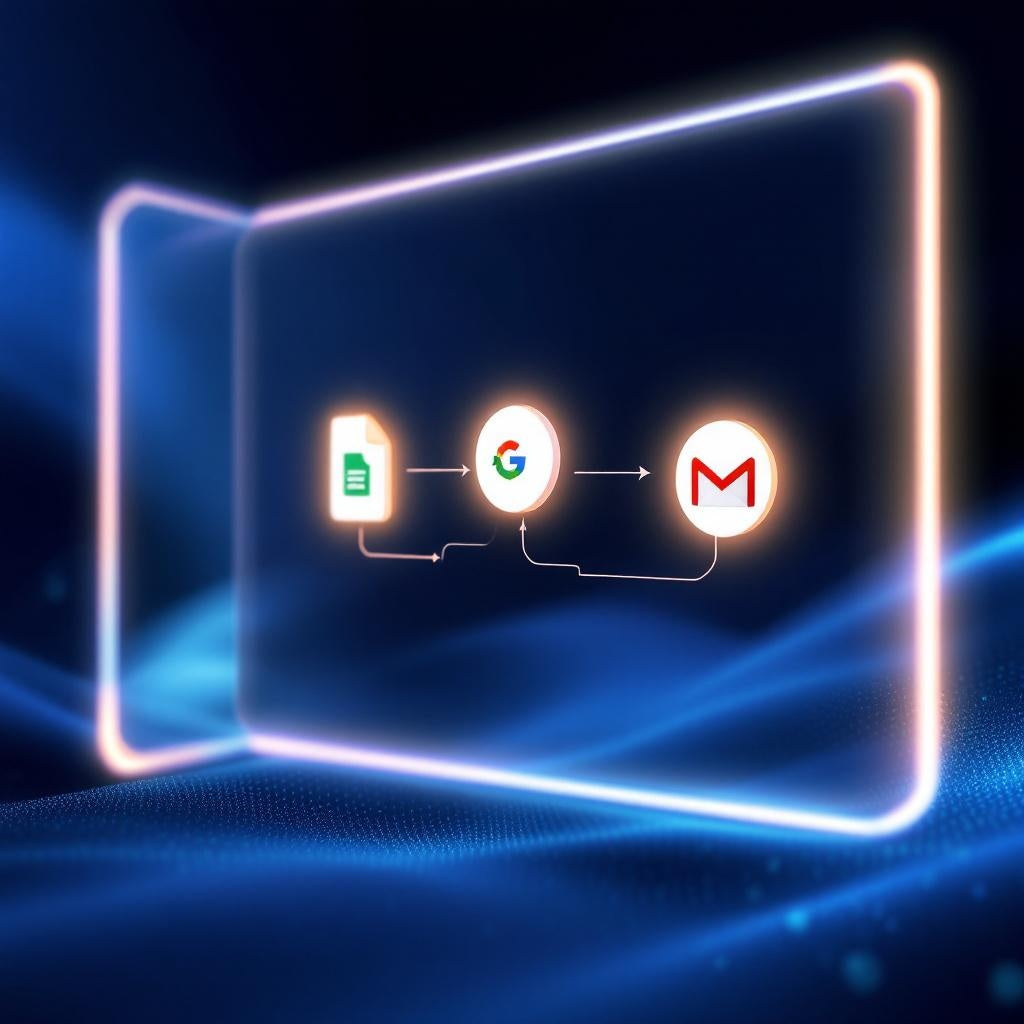
This n8n automation acts as your AI assistant for wealth management communications. The workflow continuously monitors a Google Sheet containing portfolio changes and client trade data. When it detects new trades marked with the appropriate trigger status, it automatically passes the raw financial data to Google Gemini AI, which crafts a personalized, risk-aware explanation email tailored to each client's specific portfolio changes.
The AI-generated draft is then sent to designated advisors via Slack for manual review and approval, ensuring human oversight remains part of the process. Once approved, the workflow automatically dispatches the polished email through Gmail and updates the source Google Sheet status to "Completed," creating a complete audit trail.
Use cases
- Wealth management firms automating client portfolio update communications
- Financial advisors scaling personalized client outreach without sacrificing quality
- Investment firms streamlining trade notification workflows
- Advisory practices maintaining compliance while improving response times
- Portfolio managers handling high-volume client communication efficiently
Technical details
This workflow leverages key n8n nodes including Set, Code, Wait, Gmail, Slack, and Switch nodes to create a robust automation pipeline. The integration connects Google Sheets for data monitoring, Google Gemini AI for intelligent content generation, Slack for approval workflows, and Gmail for email delivery.
Setup requires OAuth2 credentials for Google Sheets, Gmail, Slack, and Google Gemini. Your spreadsheet must include columns for Client_ID, Client_Name, Trades_Made, and Trigger_Status. The workflow includes configurable Slack notifications using specific Member ID or Channel ID settings for seamless team collaboration and approval processes.