AI Email Triage n8n Workflow: IMAP Inbound, SMTP Reply & HTTP APIs
AI Email Triage n8n Workflow: IMAP Inbound, SMTP Reply & HTTP APIs
Regular price
£60.99
Regular price
£60.99
Sale price
Unit price
per
⬇
Instant Digital Download
∞
Unlimited Downloads
★
Lifetime Access in Your Account
Couldn't load pickup availability
🔥
128+ Sold
Popular with n8n builders
⚡
23 people viewing
High interest right now
✅
9 added today
Fast-moving digital product

AI Email Triage n8n Workflow: IMAP Inbound, SMTP Reply & HTTP APIs
Regular price
£60.99
Regular price
£60.99
Sale price
Unit price
per
Automatically triage inbound emails with AI, draft replies, and send or route for approval—inside n8n
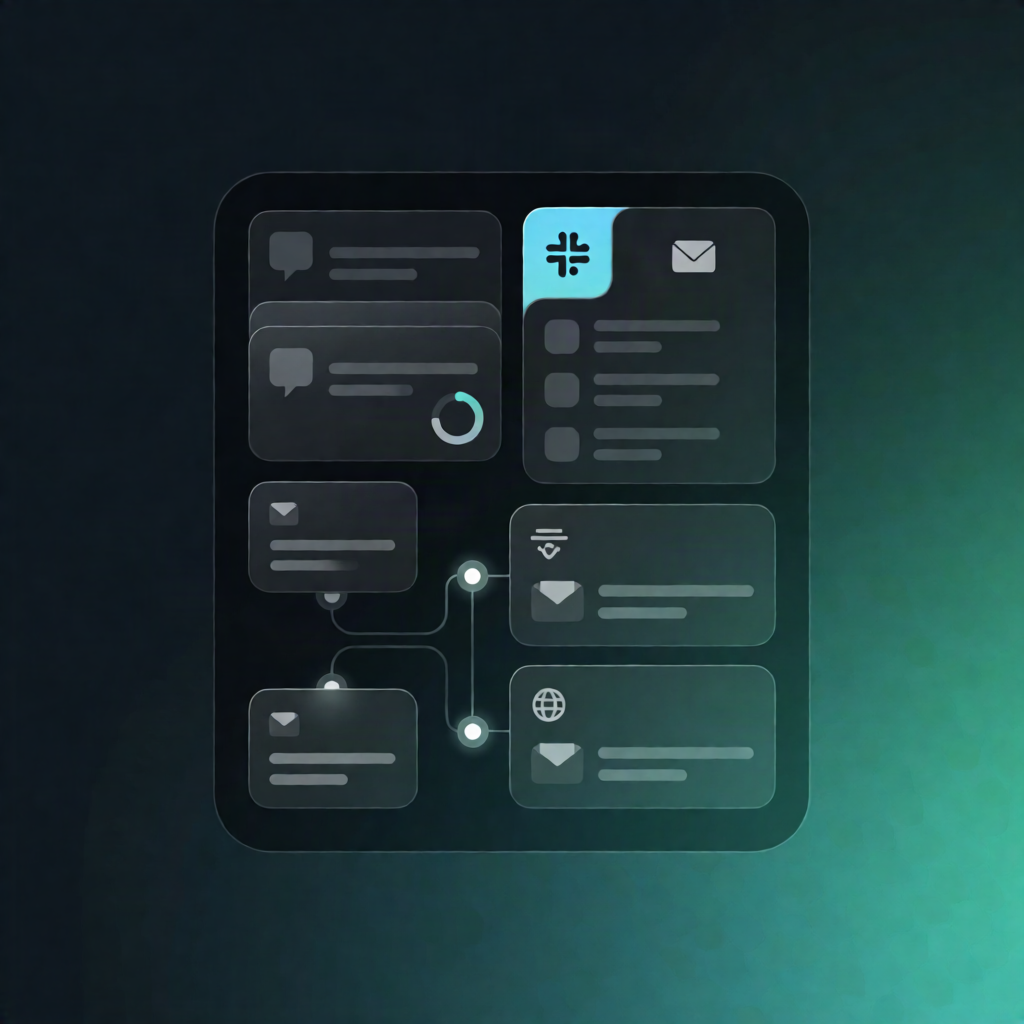
This AI Email Triage n8n workflow pulls new inbound messages from an IMAP inbox (or accepts them via webhook), uses external HTTP AI endpoints to classify and draft responses, then either auto-replies via SMTP or sends the draft to a human review queue with logging.
What this workflow does
- Ingests inbound email: runs on a schedule to poll IMAP for unseen messages, or receives inbound messages as JSON via a webhook.
- Normalizes message data: standardizes each message into a consistent structure (message ID, sender, subject, body, received time).
- AI classification (HTTP API): sends normalized content to a classification endpoint that returns strict JSON labels (e.g., category and confidence).
- AI drafting (HTTP API): sends the message plus classification results to a drafting endpoint to generate a reply draft in your chosen tone.
- Routing rules: applies rules to decide whether the draft can be auto-sent or must be reviewed.
- Auto-send + logging: if enabled, replies via SMTP in the same email thread and logs the outcome to a database endpoint.
- Human review queue + notification: if review is required, creates a queue item, notifies an approver via a webhook (e.g., Slack or email), and logs the pending-review status to the database endpoint.
Use cases
- Route support and sales inbox messages by category/confidence and only auto-respond when safe.
- Send drafts for approval when an email needs human context (billing, legal, sensitive requests).
- Unify inbound handling by using IMAP polling or a webhook entry point for other systems.
Technical details
-
Nodes/technologies:
if,code,webhook,email send,http request(plus asticky notefor workflow guidance). - Integrations: IMAP (read), SMTP (reply), external HTTP AI endpoints, database endpoint for logging, and approver notifications via webhook (e.g., Slack or email).
- Setup: configure IMAP + SMTP credentials and the SMTP “from” address, then choose one entry point (scheduled IMAP polling or inbound webhook) to avoid double processing.