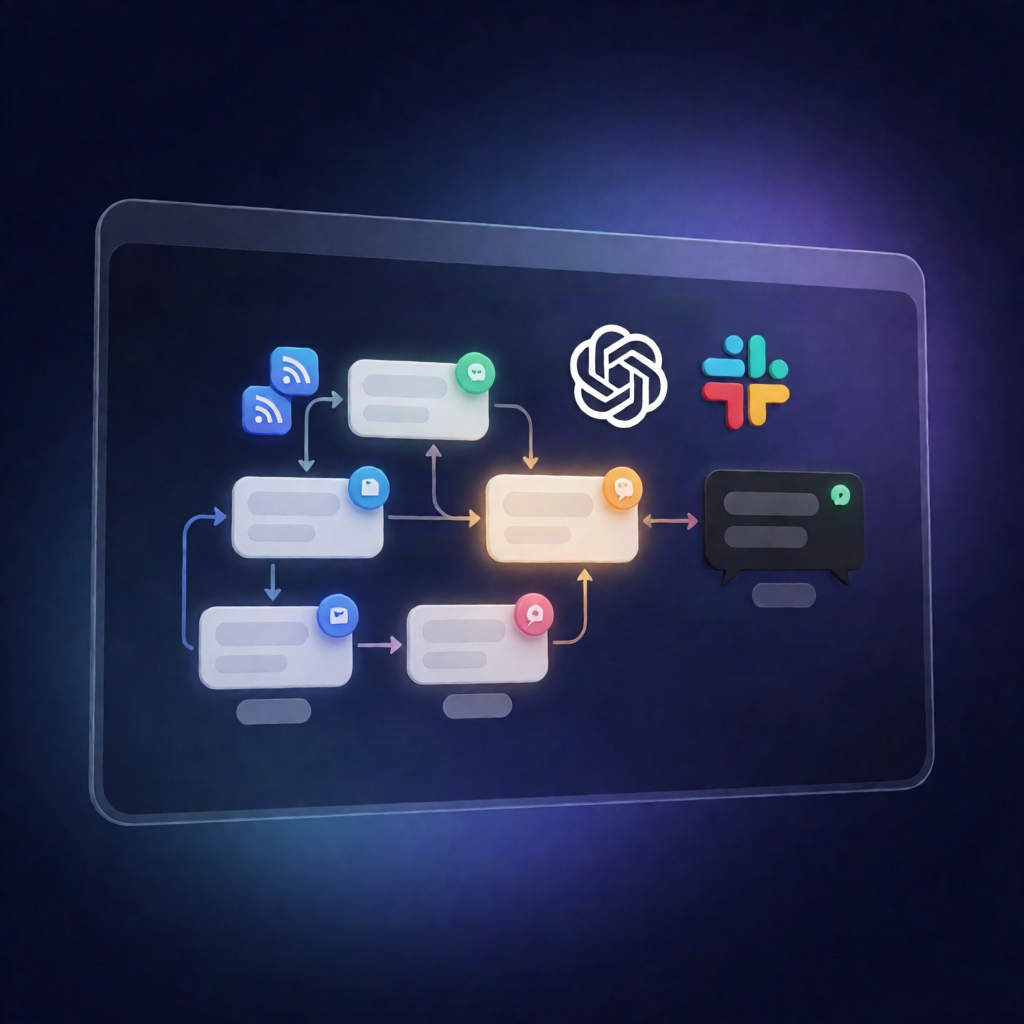
AI Music Weekly Digest Workflow (RSS→OpenAI→Slack) in n8n
AI Music Weekly Digest Workflow (RSS→OpenAI→Slack) in n8n
Regular price
£51.99
Regular price
£51.99
Sale price
Unit price
per
⬇
Instant Digital Download
∞
Unlimited Downloads
★
Lifetime Access in Your Account
Couldn't load pickup availability
🔥
128+ Sold
Popular with n8n builders
⚡
23 people viewing
High interest right now
✅
9 added today
Fast-moving digital product

AI Music Weekly Digest Workflow (RSS→OpenAI→Slack) in n8n
Regular price
£51.99
Regular price
£51.99
Sale price
Unit price
per
Get an AI-music weekly digest in Slack—automatically
This AI Music Weekly Digest Workflow (RSS→OpenAI→Slack) in n8n runs every Monday, pulls fresh AI-music articles from multiple RSS feeds, summarizes them with OpenAI into a clean Markdown digest, and posts the result directly to your Slack channel.
What this workflow does
Designed for n8n automation, this workflow streamlines your weekly AI-music reading into one message:
- Schedules it: triggers every Monday at 9:00 AM via a schedule trigger.
- Collects articles from 4 RSS feeds: MuseGen Blog, Synthtopia, CDM, and Bedroom Producers Blog.
- Deduplicates & filters: merges feed items, removes duplicates, and selects up to 25 of the most recent articles from the last 7 days (with a fallback to the latest items).
- Generates a weekly digest with OpenAI: sends the curated sources to an OpenAI chat model to write a Markdown digest including an intro and 5–8 bullet highlights with links to the original sources.
- Posts to Slack: publishes the generated digest text to your configured Slack destination channel (default: #ai-music-weekly).
Use cases
- SaaS operators and teams who want a consistent “what’s new in AI music” summary without manual curation.
- Automation engineers building content aggregation + summarization pipelines using n8n, RSS, and OpenAI.
- Creators and producers who track new developments across multiple AI-music communities and blogs.
Technical details
- Nodes / building blocks: schedule trigger, RSS Feed Read, merge, code, OpenAI Chat Model, slack, plus supporting nodes like sticky note.
- Setup: add an OpenAI API credential in the OpenAI Chat Model node (or swap to another supported chat model), then add Slack credentials and set the destination channel.
- Optional customization: review and update the RSS feed URLs to add, remove, or change sources.