AI Natural Language DB Queries with Dual Agents + PostgreSQL (n8n)
AI Natural Language DB Queries with Dual Agents + PostgreSQL (n8n)
Regular price
£41.99
Regular price
£41.99
Sale price
Unit price
per
⬇
Instant Digital Download
∞
Unlimited Downloads
★
Lifetime Access in Your Account
Couldn't load pickup availability
🔥
128+ Sold
Popular with n8n builders
⚡
23 people viewing
High interest right now
✅
9 added today
Fast-moving digital product

AI Natural Language DB Queries with Dual Agents + PostgreSQL (n8n)
Regular price
£41.99
Regular price
£41.99
Sale price
Unit price
per
Turn Natural Language into Safe PostgreSQL Results with Dual AI Agents (n8n)
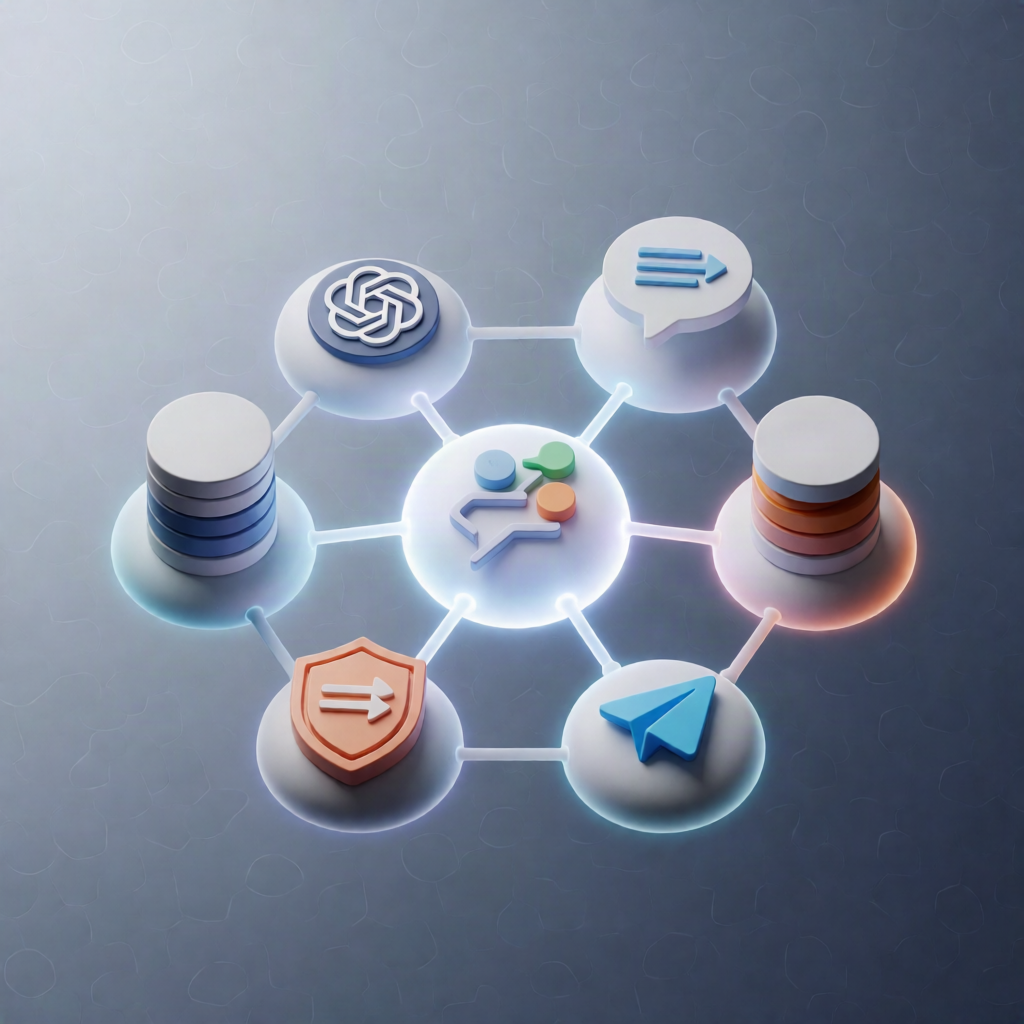
This n8n workflow acts as an AI database assistant: users ask questions in plain English, and it generates and executes PostgreSQL queries—while using a dual-agent architecture to keep responses safe and limited so your system doesn’t crash.
What this workflow does
- User request: A user asks something like “Show me top 10 popular products.”
- Main AI Agent: Interprets the request and applies built-in safety/query limits.
- SQL Sub-Agent: Converts the intent into a precise PostgreSQL query.
- Database execution: n8n runs the query against your PostgreSQL database and returns formatted results.
- Safe operation: Templates include important LIMIT clauses that you should keep intact during setup.
Use cases
- SaaS developers building a database search feature where users query data like they’re chatting with an assistant.
- Database administrators enabling controlled AI access to PostgreSQL without exposing risky unrestricted queries.
- Business teams who want user-friendly, ChatGPT-like database interaction for reporting and exploration.
Technical details
- AI database assistant with dual agents (Main Agent + SQL Sub-Agent).
- PostgreSQL integration to execute generated SQL and return limited results.
- n8n nodes mentioned in the workflow: set, merge, switch, postgres, telegram, sticky note.
Setup highlights
- Ensure PostgreSQL is reachable from n8n and provide connection credentials.
- Customize templates by replacing [YOUR_TABLE_NAME] and [YOUR_FIELDS].
- Copy the Main Agent system message to the primary AI node and the Sub-Agent system message to the SQL generator node.
- Keep all LIMIT clauses intact to preserve safe query behavior.