Airtable to PDF Invoices: n8n Workflow + Gmail Emailing
Airtable to PDF Invoices: n8n Workflow + Gmail Emailing
Regular price
£58.99
Regular price
£58.99
Sale price
Unit price
per
⬇
Instant Digital Download
∞
Unlimited Downloads
★
Lifetime Access in Your Account
Couldn't load pickup availability
🔥
128+ Sold
Popular with n8n builders
⚡
23 people viewing
High interest right now
✅
9 added today
Fast-moving digital product

Airtable to PDF Invoices: n8n Workflow + Gmail Emailing
Regular price
£58.99
Regular price
£58.99
Sale price
Unit price
per
Automatically generate PDF invoices from Airtable and email them via Gmail—every day
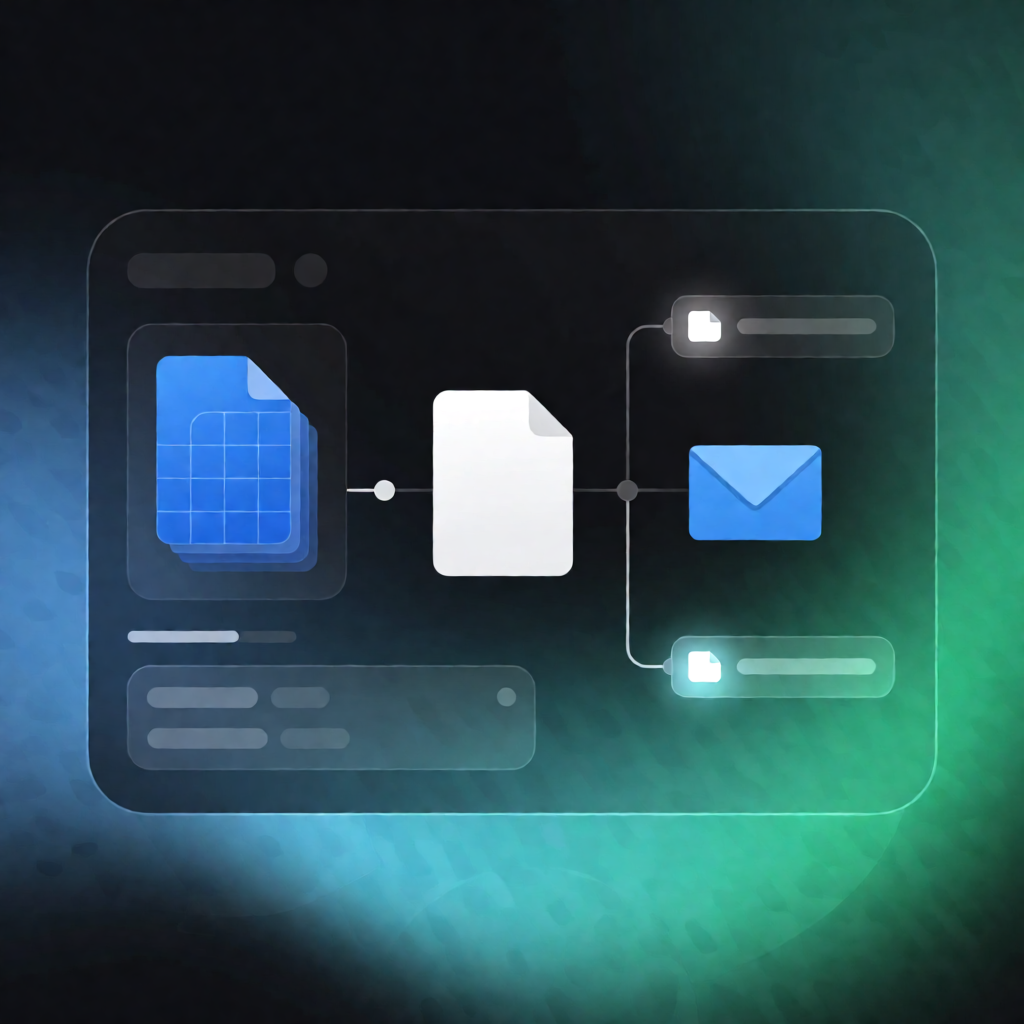
This n8n automation workflow finds Airtable projects ready to invoice, validates the required invoice fields, generates a PDF invoice using an HTML-to-PDF API, then emails the PDF to the client with Gmail. It also updates Airtable to mark items as invoiced—or flags them as needing information.
What this workflow does
- Runs daily at your configured time.
-
Queries Airtable for projects where status is
ready_to_invoiceand invoiced is false. -
Validates required fields for each project:
-
client_emailandproject_name - either
fixed_feeor bothhourly_rateandbillable_hours
-
- If details are missing, updates the Airtable record status to
needs_info. - If details are complete, calculates subtotal, tax, and total and sets an invoice date.
- Builds an HTML invoice using project and configuration data.
- Sends the HTML to an external HTML-to-PDF API and receives the PDF.
- Emails the PDF invoice to the client using Gmail, then updates Airtable with the invoice date and invoice amount and marks the project as invoiced.
Use cases
- Send invoices automatically for service projects stored in Airtable—no manual PDF creation.
- Ensure billing accuracy by preventing sends when client email or fee/hour fields are missing (set to
needs_info). - For SaaS ops and automation engineers: standardize invoice delivery with a repeatable n8n workflow.
Technical details
- n8n nodes/logic: if, set, code, gmail, airtable, sticky note
- Airtable: uses an Airtable Personal Access Token plus your base ID and table name
- Gmail: Gmail OAuth2 to email the generated PDF from the configured sender mailbox
- PDF generation: external HTML-to-PDF API (HTML invoice → PDF response)
Setup note: ensure your Airtable table includes fields like status, invoiced, client_email, client_name, project_name, hourly_rate, billable_hours, and fixed_fee.