Analyze Pinterest Keyword Shelves with Bright Data, GPT & Docs
Analyze Pinterest Keyword Shelves with Bright Data, GPT & Docs
Regular price
£15.99
Regular price
£15.99
Sale price
Unit price
per
⬇
Instant Digital Download
∞
Unlimited Downloads
★
Lifetime Access in Your Account
Couldn't load pickup availability
🔥
128+ Sold
Popular with n8n builders
⚡
23 people viewing
High interest right now
✅
9 added today
Fast-moving digital product

Analyze Pinterest Keyword Shelves with Bright Data, GPT & Docs
Regular price
£15.99
Regular price
£15.99
Sale price
Unit price
per
Find out what Pinterest “keyword shelves” look like—then document them automatically
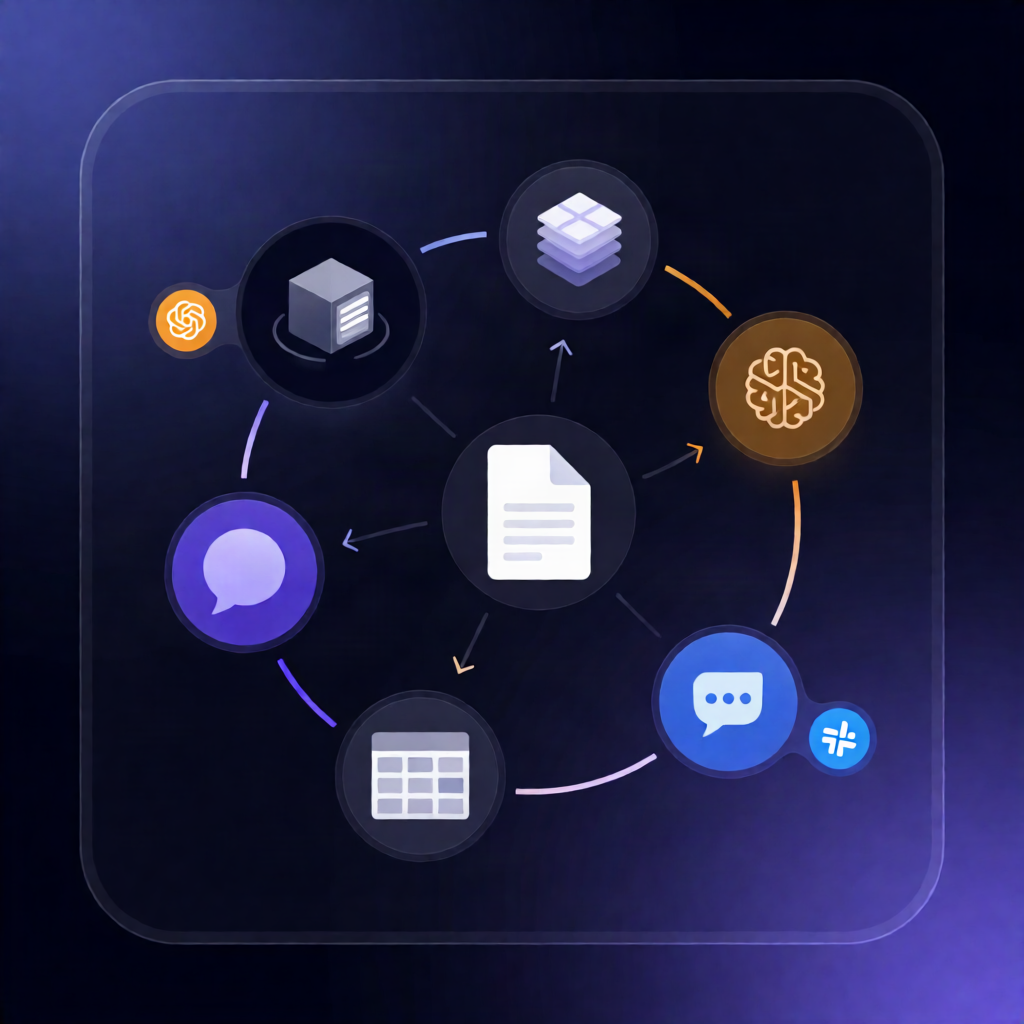
This n8n workflow analyzes Pinterest keyword shelves using Bright Data, identifies which accounts own each shelf and what hashtags they share, uses OpenAI to summarize what the pins have in common, and publishes a per-keyword editorial brief to Google Docs—plus a digest in Slack.
What this workflow does
- Runs on schedule (and on demand): By default it executes every Monday at 10:00, or you can start it manually.
- Loads keywords + history: It reads your keyword list and previous results from an n8n Data Table.
- Runs a Bright Data Pinterest crawl: It submits all keywords in one request to the Bright Data dataset, then polls until the snapshot is ready (or fails/times out).
- Aggregates shelf metrics per keyword: For each keyword, it downloads the snapshot JSON and compiles top accounts, shared hashtag vocabulary across accounts, categories, freshness, and whether your account appears.
- Summarizes shelf themes with OpenAI: For keywords with results, it sends a sample of ranking pins to OpenAI to generate a short, concrete summary of what the shelf has in common.
- Creates Google Docs briefs + updates metrics: It creates and fills a Google Doc per keyword and upserts keyword metrics back into the n8n Data Table.
- Shares results in Slack: Posts a digest summarizing each keyword’s shelf, and warns if a keyword returns no pins or looks off-topic (separate alert if the run fails).
Use cases
- Competitive research: see which accounts dominate a Pinterest keyword shelf and which hashtags repeat.
- Content planning: generate editorial briefs per keyword directly in Google Docs.
- Reporting for SaaS/marketing teams: one Slack digest with actionable shelf insights.
Technical details
- Auth: Create an HTTP Header Auth credential named Authorization with Bearer YOUR_BRIGHT_DATA_KEY.
- Integrations: Bright Data (Pinterest dataset crawl), OpenAI (Chat model summaries), Google Docs (per-keyword briefs), Slack (digest + failure alerts).
- n8n nodes: if, set, code, wait, slack, data table.