Analyze Supabase Data with Claude Sonnet via REST API
Analyze Supabase Data with Claude Sonnet via REST API
Regular price
£16.99
Regular price
£16.99
Sale price
Unit price
per
⬇
Instant Digital Download
∞
Unlimited Downloads
★
Lifetime Access in Your Account
Couldn't load pickup availability
🔥
128+ Sold
Popular with n8n builders
⚡
23 people viewing
High interest right now
✅
9 added today
Fast-moving digital product

Analyze Supabase Data with Claude Sonnet via REST API
Regular price
£16.99
Regular price
£16.99
Sale price
Unit price
per
Ask Claude questions—and get answers powered by live Supabase data via REST API
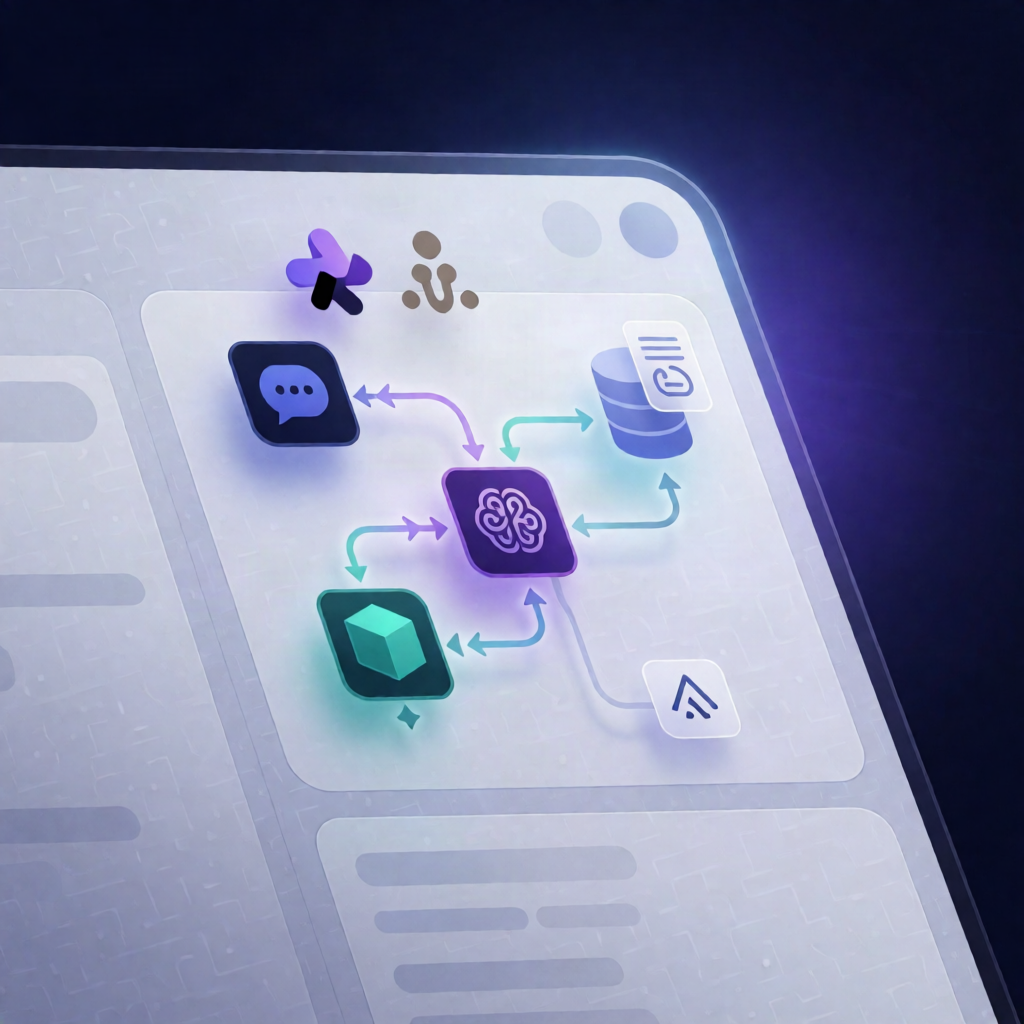
This n8n workflow lets you chat with Claude (Anthropic), where every question is answered by reading your Supabase database through its PostgREST REST API. Instead of static reports, Claude queries your tables in real time, using the Supabase OpenAPI schema to discover what’s available.
What this workflow does
- Receives a chat message through an n8n chat trigger.
- Uses Claude (Anthropic) with conversation memory to interpret the question and plan which data to fetch.
- When needed, fetches the Supabase OpenAPI schema to identify tables, columns, and foreign-key relationships.
- Queries Supabase tables using the PostgREST REST API, including filtering, sorting, pagination, and foreign-key joins.
- Uses exact row counts from response headers when required, and computes totals/summaries client-side (since Supabase REST aggregates are not used).
- Returns a plain-language answer, using a small markdown table for multi-row results.
Use cases
- Answer business questions like “How many active users did we have last week?” using live Supabase metrics.
- Support analysts and SaaS operators with ad-hoc queries across related tables using foreign-key joins.
- Explore data confidently by letting Claude discover schema details from the Supabase OpenAPI specification.
- Create an internal “data chat” experience without building a separate BI layer.
Technical details
-
n8n Chat Trigger:
n8nn8n-nodes-langchainchat trigger -
LLM:
n8nn8n-nodes-langchainlm chat anthropicwithn8nn8n-nodes-langchainmemory buffer window -
Agent orchestration:
n8nn8n-nodes-langchainagent -
Supabase access:
HTTP Requesttool calling Supabase OpenAPI schema and PostgREST REST API
Setup note: Add an Anthropic API credential, a Supabase API credential (project URL + API key), and replace YOUR_PROJECT_REF in the Supabase request URLs so schema and table queries target your correct instance.