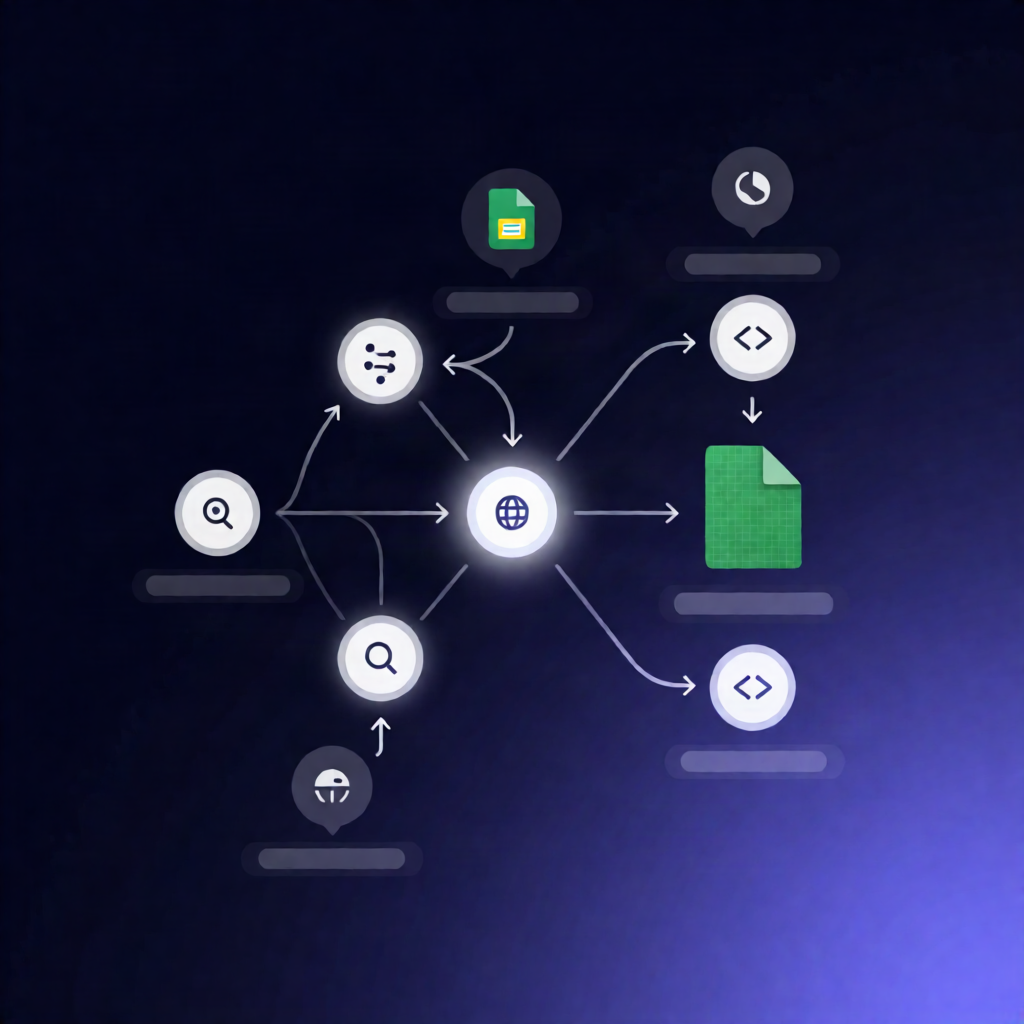
Apify Clutch Listings Scraper to Track New Agencies in Google Sheets (n8n)
Apify Clutch Listings Scraper to Track New Agencies in Google Sheets (n8n)
Regular price
£40.99
Regular price
£40.99
Sale price
Unit price
per
⬇
Instant Digital Download
∞
Unlimited Downloads
★
Lifetime Access in Your Account
Couldn't load pickup availability
🔥
128+ Sold
Popular with n8n builders
⚡
23 people viewing
High interest right now
✅
9 added today
Fast-moving digital product

Apify Clutch Listings Scraper to Track New Agencies in Google Sheets (n8n)
Regular price
£40.99
Regular price
£40.99
Sale price
Unit price
per
Track new Clutch agencies automatically in Google Sheets with Apify + n8n
This n8n workflow uses Apify’s Clutch.co Listings Scraper to crawl a single public Clutch directory, detect newly observed agency profiles, and keep your “current” and history views up to date in Google Sheets—with run checkpoints and recovery support.
What this workflow does
- Runs manually and asks for key inputs: the target Clutch directory URL, maximum items, `charge limit`, Google Spreadsheet ID, and an optional resume run ID.
- Validates configuration and checks the destination Google Sheet, including creating required tabs and using a temporary lock to prevent overlapping writes.
- Reads and validates existing rows in the Current, History, and Runs tabs to ensure headers and safe row limits for updates.
- Starts a new Apify Actor run for the Clutch.co Listings Scraper (or resumes a specified Apify run) and records the Apify run ID into the Google Sheets run log as a checkpoint.
- Polls Apify until the run succeeds, then downloads the complete bounded dataset of scraped agency listings.
- Normalizes and deduplicates agencies by Clutch profile slug, compares results to the Current tab, and prepares updates plus appended history observations and run metrics.
- Writes the updated Current view, appends to History and Runs, releases the lock, and outputs a run summary with the spreadsheet link.
Use cases
- Monitor a specific Clutch directory for new agencies and maintain an always-current CRM-like list in Google Sheets.
- Build an audit trail of discovery events by using the History and Runs tabs for ongoing monitoring.
- Use the optional resume run ID to recover long-running or interrupted scraping runs.
Technical details
- n8n nodes: if, set, code, sticky note, HTTP Request, Manual Trigger.
- Integrations: Apify API credentials and Google Sheets OAuth2 for authenticated reads/writes.