Approve Standby Staffing Recovery with Gemini, Sheets & Gmail
Approve Standby Staffing Recovery with Gemini, Sheets & Gmail
Regular price
£11.99
Regular price
£11.99
Sale price
Unit price
per
⬇
Instant Digital Download
∞
Unlimited Downloads
★
Lifetime Access in Your Account
Couldn't load pickup availability
🔥
128+ Sold
Popular with n8n builders
⚡
23 people viewing
High interest right now
✅
9 added today
Fast-moving digital product

Approve Standby Staffing Recovery with Gemini, Sheets & Gmail
Regular price
£11.99
Regular price
£11.99
Sale price
Unit price
per
Approve Standby Staffing Recovery with Gemini, Google Sheets & Gmail—automated daily
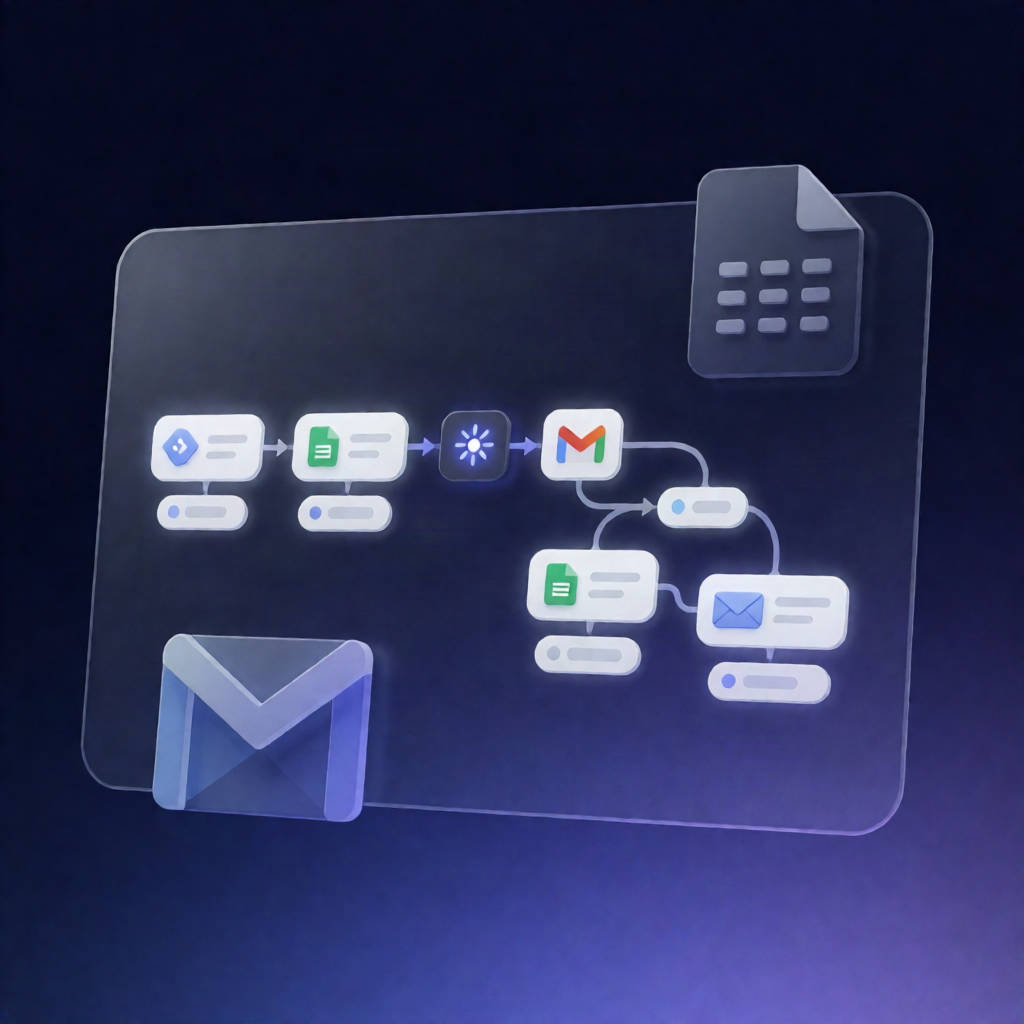
This n8n workflow automatically checks tomorrow’s staffing capacity in Google Sheets, uses Google Gemini to propose standby coverage, and sends a Gmail Approve/Reject request to the manager—only emailing selected standby staff if the plan is approved.
What this workflow does
- Runs daily at 6 PM and loads configuration values (Google Sheets document ID, target date for “tomorrow,” and notification email).
- Reads workload, scheduled shifts, and standby availability from Google Sheets, then calculates capacity gaps per time slot.
- Validates inputs including date/time ranges, break handling, and email format expectations.
- If a shortage exists, sends the computed gaps and standby availability to Google Gemini (without sending any emails yet) to generate proposed standby assignments.
- Validates the Gemini proposal against Google Sheets, ensuring availability matches, slot boundaries align, assignments don’t overlap, and the plan does not overstaff.
- If validation fails, the workflow emails the manager with the gaps/proposal outcome for corrective action.
- If validation passes and no StaffingPlans entry already exists for the target date, it saves the plan to the StaffingPlans sheet and sends a Gmail Approve/Reject message that waits up to 24 hours for a response.
- Records the manager’s decision back to the matching “Pending review” row in Google Sheets, then—upon approval and verified update—emails each selected standby staff member their invitation and updates the plan notification status in Sheets.
Use cases
- Operations teams that need standby staffing recovery when tomorrow’s coverage is at risk.
- SaaS operators managing shift planning and want approval-gated automation instead of manual back-and-forth.
- n8n users building reliable staffing workflows with Google Sheets + Gmail and an AI-assisted proposal step.
Technical details
- Integrations / nodes: if, set, code, Gmail, Google Sheets, and Sticky Note.
- AI component: Google Gemini generates proposed standby assignments based on Sheets-derived gaps and availability.
- Data tracking: decisions and notification status are written back to Google Sheets (StaffingPlans and Pending review rows).