Audit AI & Search Bot Access with Robots.txt + Gmail Reports (n8n)
Audit AI & Search Bot Access with Robots.txt + Gmail Reports (n8n)
Regular price
£61.99
Regular price
£61.99
Sale price
Unit price
per
⬇
Instant Digital Download
∞
Unlimited Downloads
★
Lifetime Access in Your Account
Couldn't load pickup availability
🔥
128+ Sold
Popular with n8n builders
⚡
23 people viewing
High interest right now
✅
9 added today
Fast-moving digital product

Audit AI & Search Bot Access with Robots.txt + Gmail Reports (n8n)
Regular price
£61.99
Regular price
£61.99
Sale price
Unit price
per
Audit AI & Search Bot Access to Your Pages—Automatically, Monthly, With Gmail Reports
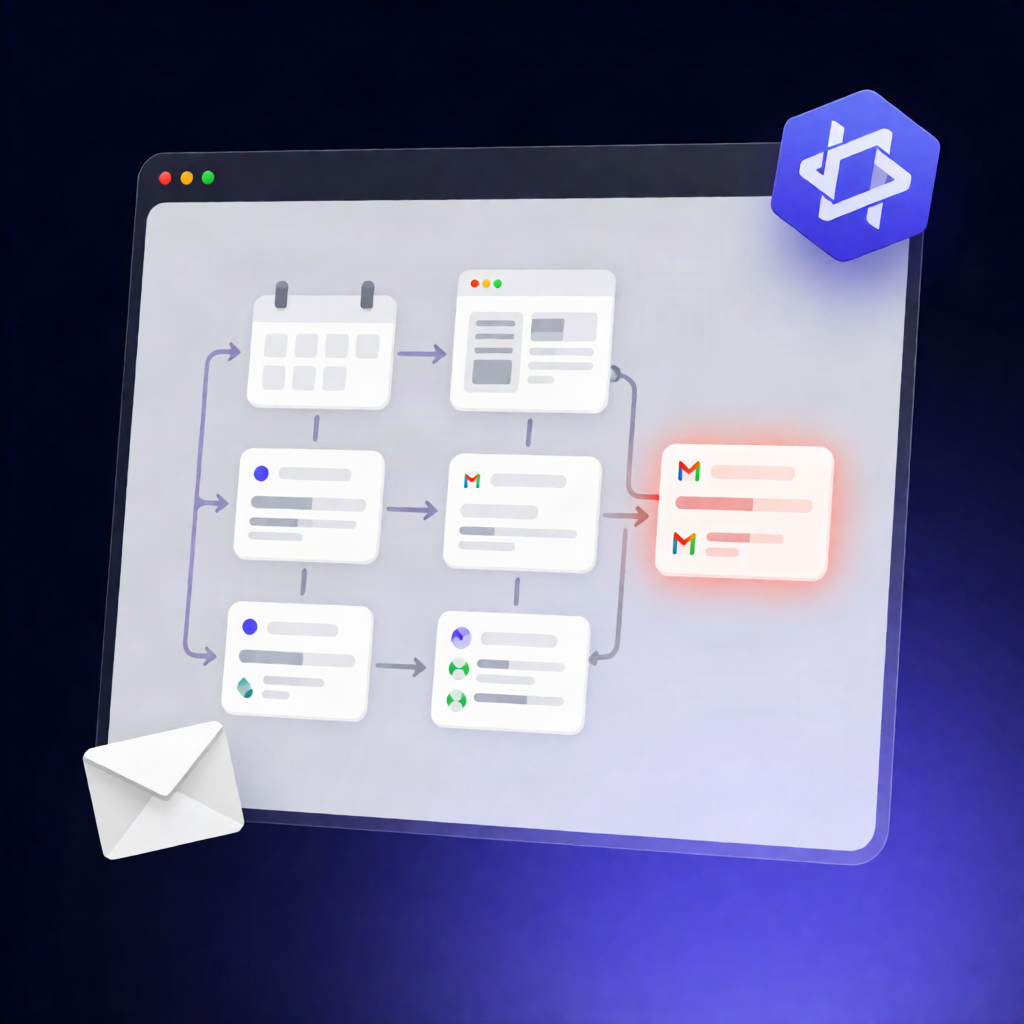
This n8n workflow checks whether popular AI and search crawlers can access a specific URL by comparing robots.txt rules against real HTTP responses, then emails you a clear verdict report using Gmail—on a monthly schedule.
What this workflow does
- Runs monthly using a scheduled trigger.
- Configures the audit by setting a testUrl, a list of bot User-Agent strings to test, a browser user-agent control, and a secondsBetweenRequests delay to reduce rate limiting.
- Fetches robots.txt from the target site and evaluates whether the page is allowed for each bot using longest-match and wildcard fallback rules.
- Performs real page requests once per bot using that bot’s User-Agent, pacing the requests according to your delay setting.
- Collects control signals by making one additional request using a normal browser User-Agent, then compares bot HTTP status and response size to the control.
- Classifies results for each bot as ALLOWED, BLOCKED, PARTIAL, CONTRADICTION, RATE_LIMITED, or UNKNOWN, and aggregates a summary.
- Sends the full audit report to your configured recipient via the Gmail node.
Use cases
- Verify that AI crawler access matches your intended robots.txt policy after site changes.
- Spot crawlers that are blocked despite robots.txt allowing (or vice versa) by catching contradictions.
- Monitor for bot-specific rate limiting by observing RATE_LIMITED classifications over time.
Technical details
- Scheduling: monthly schedule trigger
- Nodes/logic: if, set, code, gmail, merge, aggregate
- Setup: add a Gmail OAuth2 credential, set the recipient address in the email step, update testUrl, tune the request delay, and edit the bot User-Agent list as needed.