Automate Appointment Emails with Google Sheets & Gmail
Automate Appointment Emails with Google Sheets & Gmail
Couldn't load pickup availability

Automate Appointment Emails with Google Sheets & Gmail
Streamline Appointment Management with Google Sheets & Gmail Automation
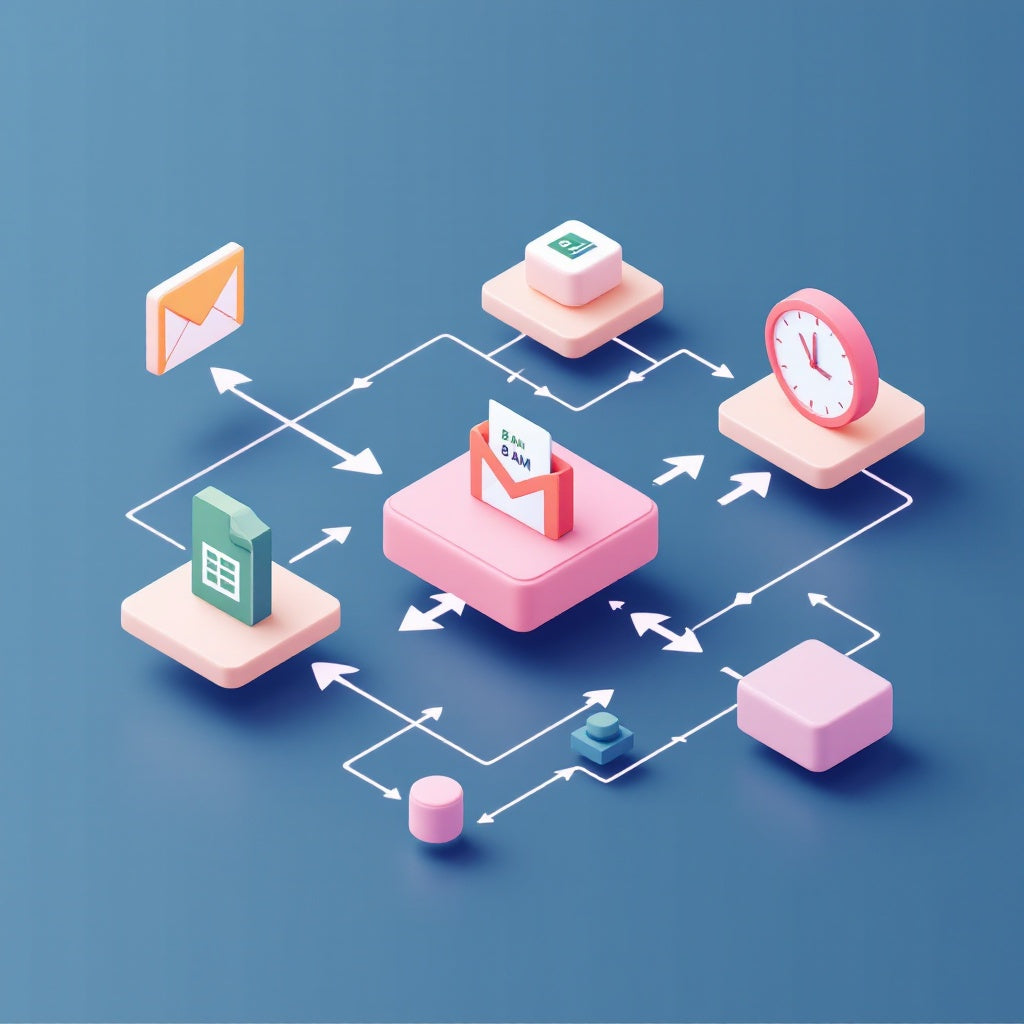
Boost your operational efficiency and keep your clients informed with our automated workflow that effortlessly manages appointment-related emails using Google Sheets and Gmail integration. Scheduled to run daily at 8 AM, this tool handles confirmations, reminders, win-back messages, and post-visit review requests, all while keeping your appointment records up-to-date. Elevate your appointment scheduling process with seamless n8n automation.
What this workflow does
- Executes every morning at 8 AM or can be triggered manually for testing purposes.
- Extracts and processes appointment entries from the “Appointments” tab in Google Sheets.
- Analyzes each appointment’s status and scheduled date against the current date to determine if a confirmation, reminder, win-back, or review request email should be sent.
- Dispatches the appropriate HTML email via Gmail using the client’s email address and your configured business links.
- Updates the corresponding appointment entry in Google Sheets, setting the new Status and LastContacted date to ensure no duplicate communications occur.
Use cases
- Ensure clients receive timely reminders for upcoming appointments, reducing no-shows and cancellations.
- Enhance customer satisfaction by promptly sending review requests after a visit, fostering feedback collection and improvement.
- Efficiently manage post-no-show follow-up emails to re-engage clients and minimize lost appointment opportunities.
Technical details
- Tech Stack: n8n Automation Workflow
- Nodes Used: Google Sheets, Gmail, Code, Switch, Sticky Note, Manual Trigger
- Prerequisites: OAuth2 credentials must be connected for both Google Sheets and Gmail accounts. Ensure your Google Sheet is properly formatted with the necessary columns (AppointmentID, Name, Email, AppointmentDate, Status, LastContacted).
Leveraging this Google Sheets and Gmail automation workflow is a game-changer for SaaS operators, automation engineers, and n8n users looking to streamline their appointment management process with ease and precision. Configure your business-specific settings, and let this workflow handle the rest.