Automate Google Drive Backup Audits with n8n & Slack Alerts
Automate Google Drive Backup Audits with n8n & Slack Alerts
Regular price
£52.99
Regular price
£52.99
Sale price
Unit price
per
⬇
Instant Digital Download
∞
Unlimited Downloads
★
Lifetime Access in Your Account
Couldn't load pickup availability
🔥
128+ Sold
Popular with n8n builders
⚡
23 people viewing
High interest right now
✅
9 added today
Fast-moving digital product

Automate Google Drive Backup Audits with n8n & Slack Alerts
Regular price
£52.99
Regular price
£52.99
Sale price
Unit price
per
Streamline Your Backup Audits: Automated Google Drive & Slack Alerts with n8n
Tired of manually auditing your Google Drive backups? Enhance your workflow with n8n’s automated solution that efficiently checks your backup folder against a defined SLA in Google Sheets and instantly alerts you via Slack if there are any discrepancies. Ensure your data integrity without the need for tedious manual checks.
What this workflow does
- Runs nightly to ensure consistent backup audits.
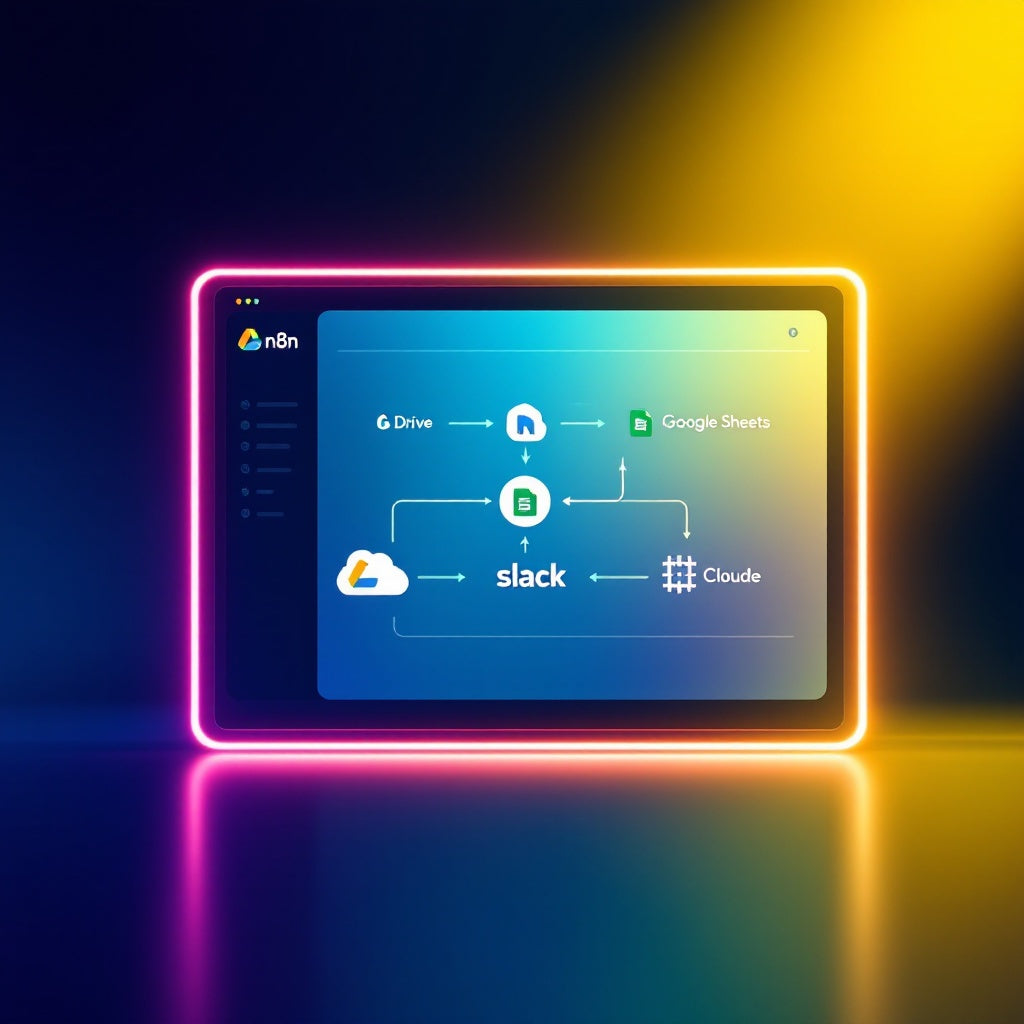
- Reads an SLA table from Google Sheets to determine expected backup sources, filename patterns, and required freshness and size criteria.
- Searches a specified Google Drive folder for file metadata.
- Compares SLA expectations to the actual Google Drive contents, classifying backups as either OK, MISSING, STALE, or SHRUNK.
- Creates an audit scorecard in Google Sheets, logging the results with details like run time and file size.
- Sends a single Slack alert when there are backup failures, listing all sources that needed attention.
Use cases
- SMEs reliant on Google Drive for data storage: Easily track backup compliance with your Service Level Agreements.
- SaaS operators: Maintain rigorous data integrity checks without adding to your team's workload.
- Automation engineers: Leverage n8n’s workflow automation to streamline IT operations and ensure error-free backup monitoring.
Technical details
- Integrations: Google Drive, Google Sheets, Slack
- Nodes used: If, Code, Slack, Sticky Note, Google Drive, Google Sheets
- Setup: Configure OAuth2 credentials for Google Sheets and Google Drive. Replace placeholder folder IDs with your backup folder paths. Specify Slack channel for alerts.
With this n8n workflow, you'll not only save time but also secure your data audit process with ease. Get started now and never worry about backup discrepancies again!