Automate Google Drive Image Organization with n8n Workflow
Automate Google Drive Image Organization with n8n Workflow
Couldn't load pickup availability

Automate Google Drive Image Organization with n8n Workflow
Effortlessly Organize Google Drive Images with n8n Workflow Automation
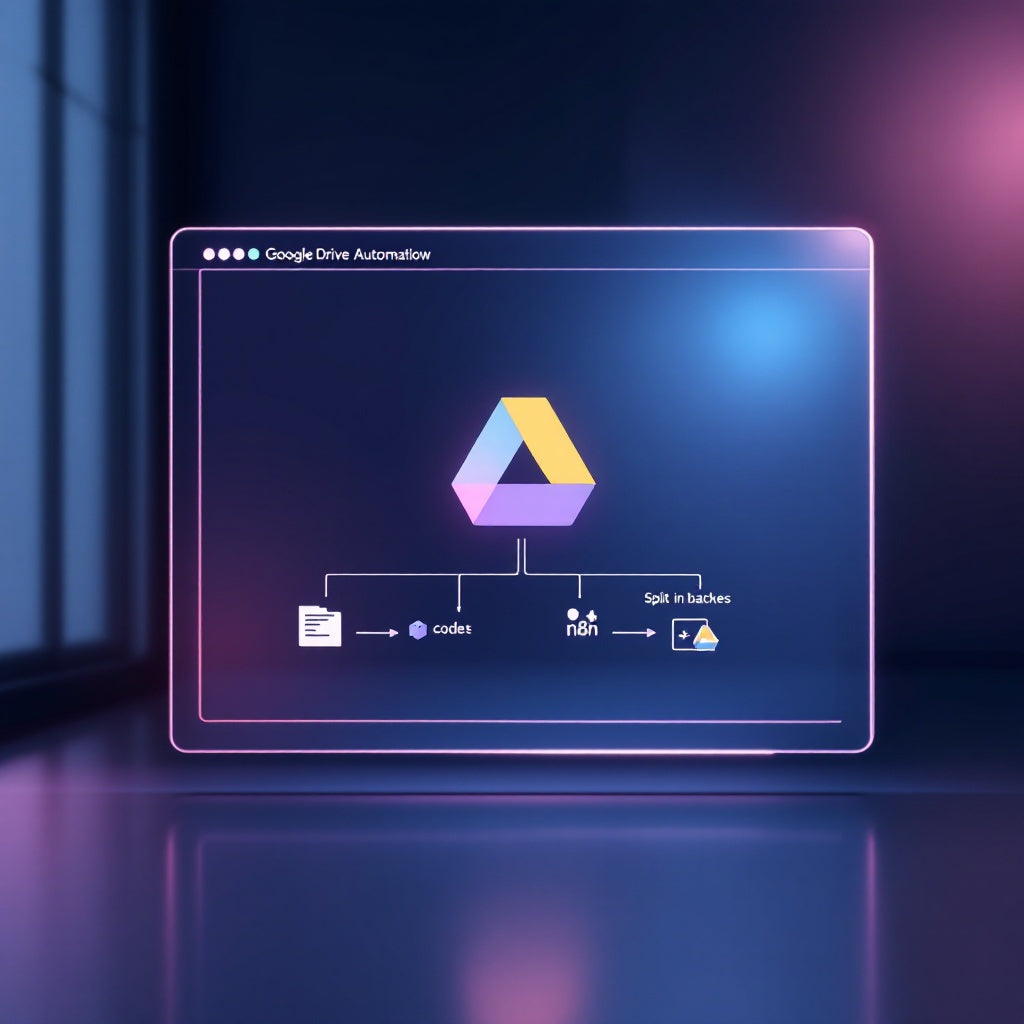
Streamline your image management on Google Drive with our robust Automate Google Drive Image Organization with n8n Workflow. Designed for precision and ease, this workflow simplifies the task of transferring images from a specified source folder into neatly arranged, numbered batch subfolders, enhancing your Google Drive organization in just a few clicks.
What this workflow does
This workflow empowers users to systematically organize images on Google Drive by:
- Executing the workflow manually using n8n for ultimate control and flexibility.
- Configuring values such as source folder name, destination parent folder ID, batch name prefix, and batch size.
- Searching and retrieving image files from a specified Google Drive source folder.
- Grouping images into uniform batches, skipping any remaining files that do not complete a batch size.
- Creating new subfolders for each batch, applying a configurable prefix followed by a zero-padded sequence number for orderly storage under the destination parent folder.
- Copying each image file into its designated subfolder, ensuring your Google Drive stays organized and accessible.
Use cases
- Photographers and Designers who need to archive client photos into orderly, easily accessible batches on Google Drive.
- Marketing Teams organizing campaign assets, ensuring all images are sorted and ready for dissemination.
- Project Managers who want to structure project image assets into distinct folders for better workflow oversight.
Technical details
This n8n automation workflow leverages the following nodes:
- Manual Trigger: Initiates the process upon manual command.
- Set: Establishes configuration values for tailored operation.
- Google Drive: Interfaces with Google Drive for file search, folder creation, and file copying.
- Split in Batches: Distributes images into defined batch sizes for organized distribution.
- Sticky Note: Utilized for visual annotation and workflow documentation.
- Code: Executes any necessary custom scripts for advanced operations.
Connect seamlessly with your Google Drive using OAuth2 credentials, define your source folder, destination ID, desired batch size, and prefix names for a tailored and efficient image organization solution. Simplify your digital asset management with n8n’s automation today!