Automate Instagram Carousel Posting with n8n, Sheets & Drive
Automate Instagram Carousel Posting with n8n, Sheets & Drive
Regular price
£36.99
Regular price
£36.99
Sale price
Unit price
per
⬇
Instant Digital Download
∞
Unlimited Downloads
★
Lifetime Access in Your Account
Couldn't load pickup availability
🔥
128+ Sold
Popular with n8n builders
⚡
23 people viewing
High interest right now
✅
9 added today
Fast-moving digital product

Automate Instagram Carousel Posting with n8n, Sheets & Drive
Regular price
£36.99
Regular price
£36.99
Sale price
Unit price
per
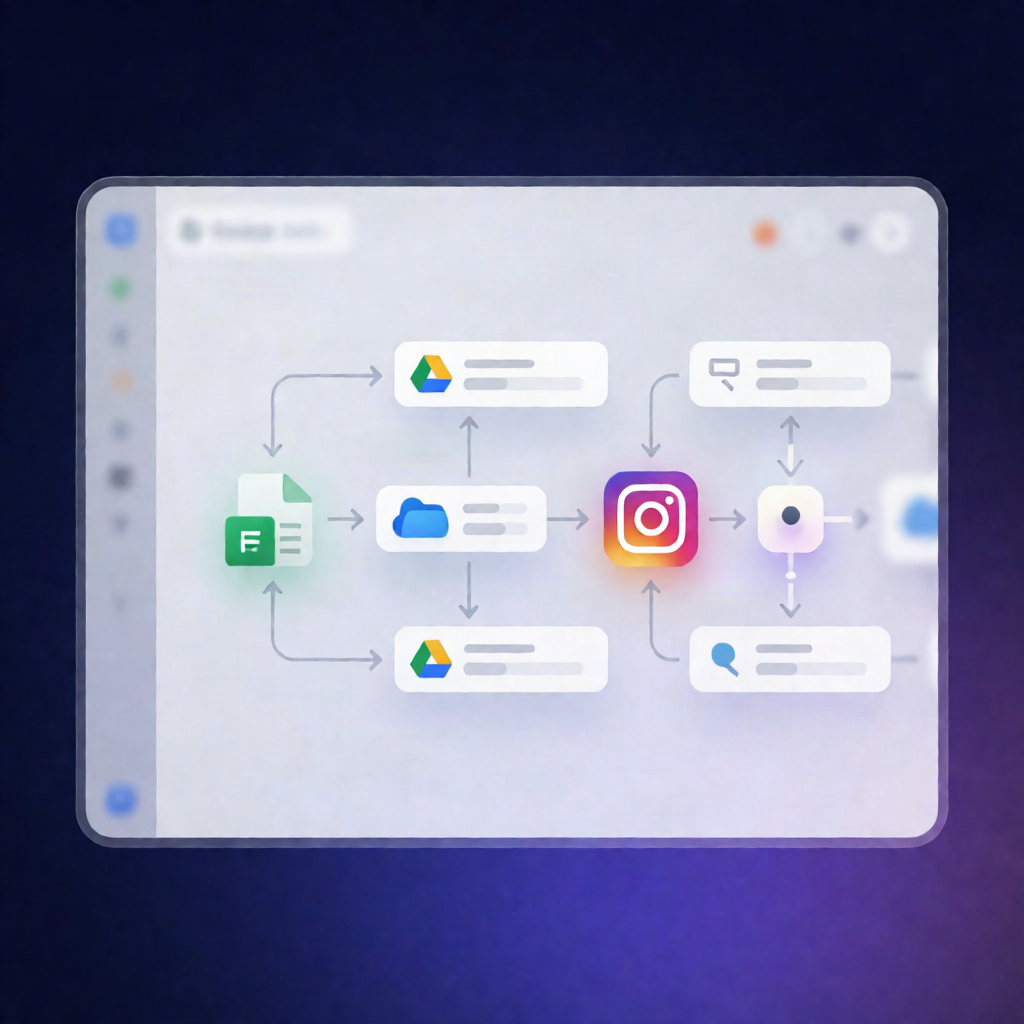
Automate Instagram Carousel posting from Google Sheets & Google Drive using n8n
This n8n workflow automatically turns scheduled Instagram Carousel entries in Google Sheets into live posts—by pulling the images from a Google Drive folder, uploading them to Cloudinary, and publishing via the Instagram Graph API. Say goodbye to manual carousel uploads and reduce publishing errors across campaigns.
What this workflow does
- Monitors your Google Sheet every 5 minutes for new Carousel posts marked as “ToDo”.
- Uploads images from a specified Google Drive folder to Cloudinary.
-
Prepares the Instagram media using the Instagram Graph API (with your required
access_tokenandig_business_id). - Publishes the Carousel post using the caption stored in your sheet.
- Saves time and improves consistency by handling repetitive publishing steps automatically.
Use cases
- Social media managers scheduling carousel content for multiple clients or campaigns without logging into Instagram repeatedly.
- Content creators marking a post as “ToDo” and letting n8n handle the upload → carousel setup → publishing flow.
- Small businesses maintaining one simple workflow for routine promotional carousels driven by Google Sheets updates.
Technical details
- n8n automation workflow that checks Google Sheets on a regular schedule (every 5 minutes).
- Integrations / nodes: Google Sheets, Google Drive, Cloudinary, HTTP Request, plus workflow logic nodes like Set, Aggregate, and Sticky Note.
-
Instagram publishing: HTTP-based publishing using the Instagram Graph API with your
access_tokenandig_business_id.
Setup overview
- Create/prepare a Google Sheet to track post status and image folder URLs (example provided in the source).
- Upload carousel images into a dedicated Google Drive folder.
- Set up Cloudinary and collect API credentials.
- Provide the Instagram Graph API credentials in n8n.