Automate Lead Management with Google Sheets & Gmail Alerts
Automate Lead Management with Google Sheets & Gmail Alerts
Regular price
£3.99
Regular price
£3.99
Sale price
Unit price
per
⬇
Instant Digital Download
∞
Unlimited Downloads
★
Lifetime Access in Your Account
Couldn't load pickup availability
🔥
128+ Sold
Popular with n8n builders
⚡
23 people viewing
High interest right now
✅
9 added today
Fast-moving digital product

Automate Lead Management with Google Sheets & Gmail Alerts
Regular price
£3.99
Regular price
£3.99
Sale price
Unit price
per
Streamline Your Lead Management with Google Sheets & Gmail Alerts
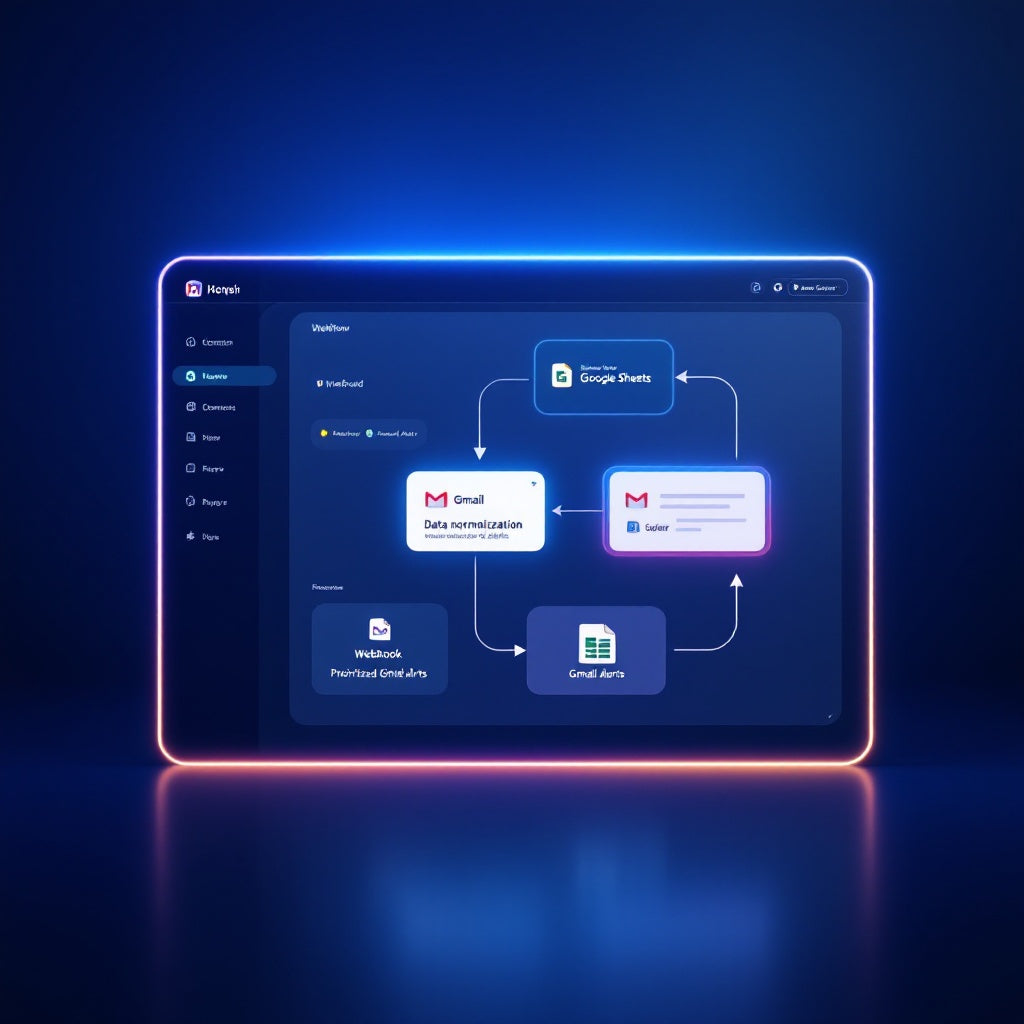
Experience seamless lead management with our n8n workflow designed to optimize and automate your sales process. By integrating with Google Sheets and Gmail, this workflow ensures that every valuable lead is captured, prioritized, and addressed with immediate alerts and efficient data logging.
What This Workflow Does
This workflow revolutionizes the way you handle web leads by automating critical tasks:
- Receives lead submissions via a webhook POST request, capturing all relevant details.
- Normalizes these details into consistent fields such as name, email, company, source, and message, and adds a timestamp for when the lead was received.
- Analyzes the lead message content for high-intent keywords like "pricing," "demo," or "urgent" to assign priority and a high-intent flag.
- Logs every lead with its priority and timestamp into a designated Google Sheets spreadsheet for easy tracking and management.
- Sends immediate Gmail alerts for high-intent leads to ensure your sales team can respond swiftly and effectively.
- Provides a JSON response to the original webhook caller, indicating the priority and intent status of the lead.
Use Cases
This workflow is ideal for:
- SaaS operators looking to streamline the lead qualification and response process.
- Automation engineers seeking to enhance sales team responsiveness through quick alerts.
- n8n users who need to ensure consistent and precise data logging in Google Sheets for all incoming leads.
Technical Details
This workflow utilizes the following n8n nodes and integrations:
- Webhook: To receive lead submission data.
- Google Sheets: For logging leads with fields like name, email, priority, and timestamp.
- Gmail: For sending alert emails for high-intent leads.
- If/Set/Sticky Note: For data processing and workflow management.
Transform your lead management with this powerful n8n automation workflow, ensuring your sales team is always on top of high-priority inquiries.