Automate Meeting Notes: AI-Powered Google Docs Workflow
Automate Meeting Notes: AI-Powered Google Docs Workflow
Couldn't load pickup availability

Automate Meeting Notes: AI-Powered Google Docs Workflow
Transform Meeting Chaos into Professional Documentation with AI-Powered Automation
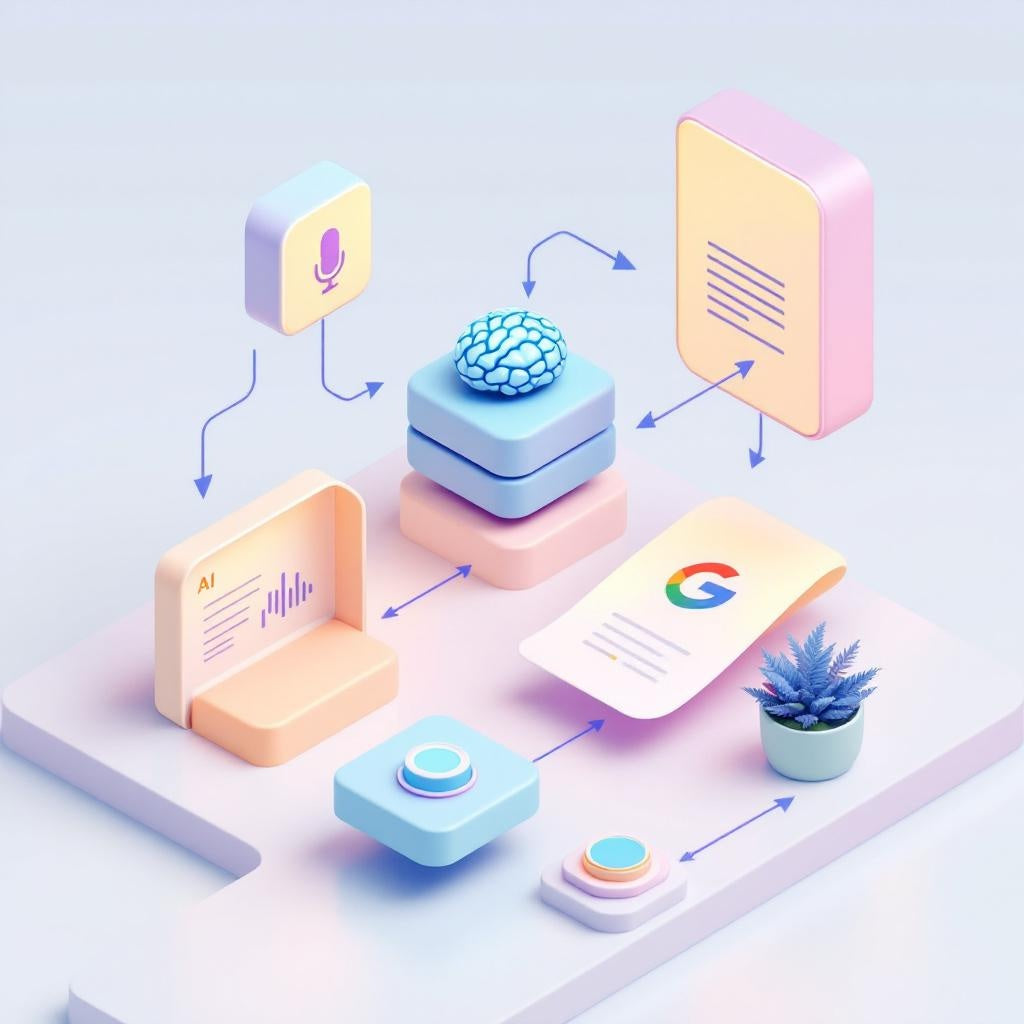
Stop wasting hours manually transcribing meetings and writing follow-up notes. This n8n workflow automatically converts meeting transcripts or audio recordings into polished, structured Google Docs with professional formatting and AI-extracted insights. Simply send your content via webhook and receive a shareable document link instantly.
What This Workflow Does
This intelligent automation workflow processes meeting content through a streamlined 6-step process:
- Smart Input Detection - Automatically identifies whether you've sent text transcript or audio file (.mp3, .mp4, .wav, .m4a)
- Audio Transcription - Uses Groq Whisper API to convert audio recordings to text (28,800 seconds daily free tier)
- AI Content Analysis - OpenRouter with GPT-4o-mini extracts key information and structures it into JSON format
- Professional Formatting - Creates a well-organized Google Doc with four essential sections: Executive Summary, Key Decisions Made, Action Items with Owner & Deadline assignments, and Suggested Next Meeting Agenda
- Instant Delivery - Returns the Google Doc link immediately via webhook response for immediate access and sharing
Use Cases
- Team Managers - Automatically generate meeting minutes for weekly standups, project reviews, and client calls without manual note-taking
- Operations Teams - Track decisions and action items across multiple meetings with consistent formatting and clear accountability
- Project Managers - Convert recorded stakeholder meetings into structured documentation with automated next-step planning
- Remote Teams - Process recorded video calls into shareable meeting summaries for team members across different time zones
Technical Details
This workflow leverages key n8n nodes including Webhook for input handling, IF node for content routing, HTTP Request for API integrations with Groq Whisper and OpenRouter, Code node for document formatting, and Google Docs integration for document creation. The automation supports both direct transcript input and audio file processing, making it flexible for various meeting recording scenarios.