Automate Notion Deduplication & Archiving with n8n
Automate Notion Deduplication & Archiving with n8n
Couldn't load pickup availability

Automate Notion Deduplication & Archiving with n8n
Streamline Your Notion Database with Automated Deduplication and Archiving
Enhance your productivity and ensure data integrity with the "Automate Notion Deduplication & Archiving with n8n" workflow. This powerful tool automatically deduplicates and archives redundant pages in your Notion databases, making data management efficient and hassle-free. Say goodbye to clutter and hello to a more organized workspace with a solution specifically designed for precision and ease of use.
What this workflow does
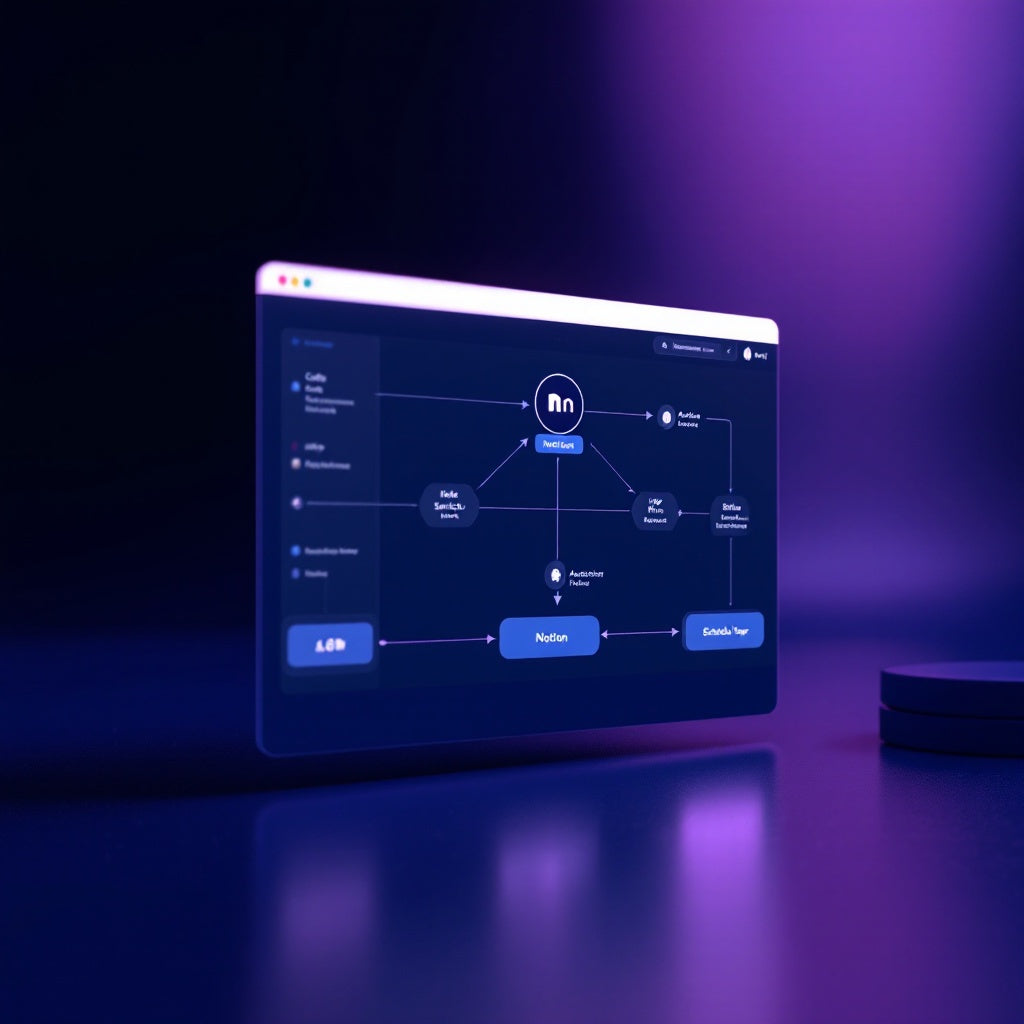
Our n8n workflow operates seamlessly to maintain your Notion database in peak condition. Here's how it works:
- Daily Routine: The workflow triggers every day at 2 am, ensuring continuous maintenance without manual oversight.
- Comprehensive Data Fetch: It retrieves all pages from your chosen Notion database, capturing full property data for intelligent sorting.
- Dynamic Grouping: Pages are grouped according to a specified Notion property of your choice, such as "Name," highlighting any duplicates.
- Strategic Selection: Within each duplicate group, the workflow selects the optimal page to keep based on your chosen criterion—newest, oldest, or most filled.
- Efficient Archiving: The remaining duplicate pages are updated to 'archived: true' in Notion, keeping your database clean and concise.
- Audit Logging: A recap line is appended to a designated Notion page, detailing the number of pages scanned, duplicates found, and those archived, offering you transparency at a glance.
Use cases
- Content Creators: Streamline project tracking in content databases by automatically consolidating duplicate entries.
- Project Managers: Maintain clear and actionable project dashboards by removing redundant tasks and logs.
- SaaS Teams: Regularly clean up client interaction logs to ensure seamless client history access.
Technical details
This workflow utilizes a carefully selected stack of n8n nodes to perform its tasks efficiently:
- Code Node: For custom logic and configurations.
- Notion Node: Manages data interactions with your Notion database.
- Switch Node: Helps manage decision pathways.
- Sticky Note Node: Notes down important data for quick reference during runs.
- HTTP Request Node: Facilitates data fetches and updates with Notion's API.
- Schedule Trigger: Ensures the workflow initiates at your preferred time.
Designed specifically for automation engineers, SaaS operators, and dedicated n8n users, this workflow simplifies Notion data management with precision and reliability.