Automate Sound Effects Creation with n8n & ElevenLabs
Automate Sound Effects Creation with n8n & ElevenLabs
Regular price
£66.99
Regular price
£66.99
Sale price
Unit price
per
⬇
Instant Digital Download
∞
Unlimited Downloads
★
Lifetime Access in Your Account
Couldn't load pickup availability
🔥
128+ Sold
Popular with n8n builders
⚡
23 people viewing
High interest right now
✅
9 added today
Fast-moving digital product

Automate Sound Effects Creation with n8n & ElevenLabs
Regular price
£66.99
Regular price
£66.99
Sale price
Unit price
per
Revolutionize Your Sound Design with Automated Sound Effects Creation
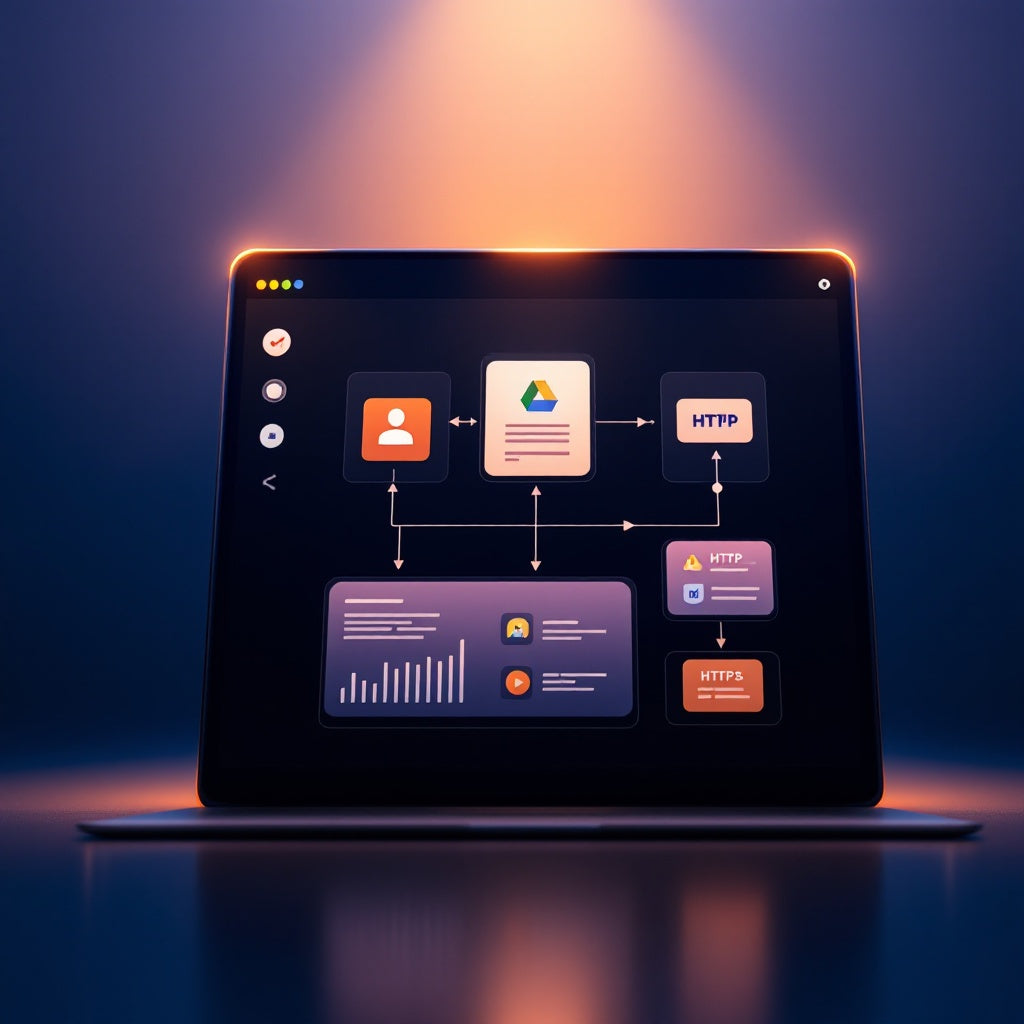
Transform the way you create sound effects by leveraging the power of n8n and ElevenLabs for seamless automation. This innovative workflow effortlessly turns sound-effect briefs into polished audio variations, organizes them in Google Drive, and delivers a comprehensive results page—all with just a few clicks.
What This Workflow Does
- Starts by receiving a sound-effect brief through an n8n form, where you can specify parameters like take count, duration, and prompt influence.
- Ensures the input data is valid, adjusts the prompt influence, and organizes the takes with a unique timestamped identifier.
- Creates a specific subfolder in your designated Google Drive parent folder to store the output.
- Generates sound variations by sending requests to the ElevenLabs sound-generation API, creating an MP3 for each specified take.
- Saves each generated MP3 file in the corresponding Google Drive subfolder and records the success or failure of each take.
- Presents an HTML results page with direct links to the Google Drive folder and status indications for each take.
Use Cases
- For sound designers, quickly produce and explore different sound-effect variations to enhance multimedia projects.
- Automation engineers can streamline sound-effect production as part of a larger workflow automation initiative.
- SaaS operators looking to integrate sound-design capabilities into their applications with minimal manual intervention.
Technical Details
- Integrations and Nodes Used: n8n form, code, sticky note, form trigger, Google Drive, HTTP request.
- Set up involves creating an ElevenLabs HTTP Header Auth credential and a Google Drive OAuth2 credential.
- Customize by setting the `PARENT_FOLDER_ID` to control the folder structure in Google Drive for storing sound variations.
Unlock a new level of efficiency in sound design with the Automate Sound Effects Creation workflow—perfect for n8n users, automation engineers, and SaaS operators seeking cutting-edge audio automation.