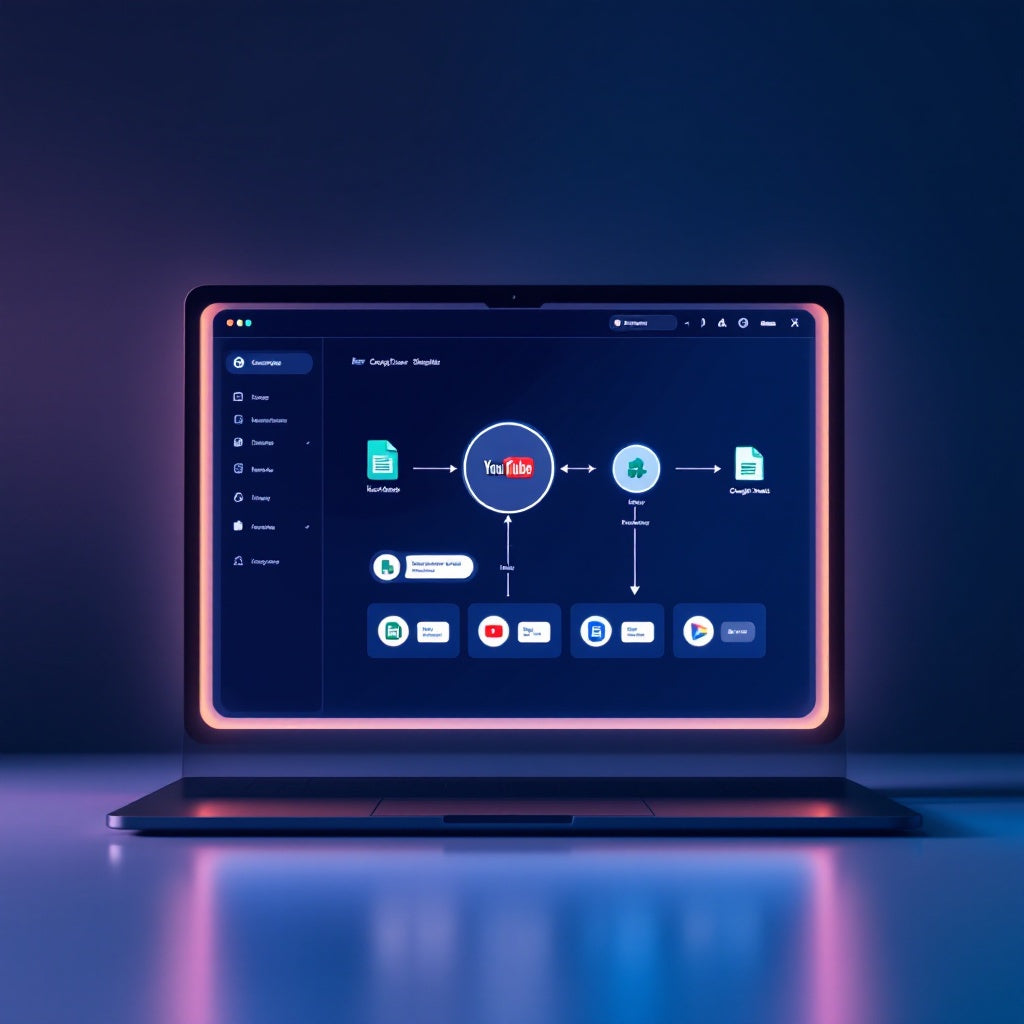
Automate YouTube Summaries in Google Sheets with Apify & Gemini
Automate YouTube Summaries in Google Sheets with Apify & Gemini
Regular price
£32.99
Regular price
£32.99
Sale price
Unit price
per
⬇
Instant Digital Download
∞
Unlimited Downloads
★
Lifetime Access in Your Account
Couldn't load pickup availability
🔥
128+ Sold
Popular with n8n builders
⚡
23 people viewing
High interest right now
✅
9 added today
Fast-moving digital product

Automate YouTube Summaries in Google Sheets with Apify & Gemini
Regular price
£32.99
Regular price
£32.99
Sale price
Unit price
per
Streamline YouTube Content Summaries in Google Sheets with Apify & Google Gemini
Transform your YouTube video analysis process by seamlessly integrating subtitle scraping and summarization into Google Sheets with this powerful n8n workflow. Say goodbye to manual data entry and endless video watching—automate your YouTube content summaries in just a few simple steps using Apify and Google Gemini.
What this Workflow Does
- Monitoring new or updated YouTube video URLs in a specified Google Sheets worksheet every minute.
- Sending the video link to Apify’s YouTube Scraper to fetch and clean subtitles into a plain-text transcript.
- Utilizing Google Gemini to transform the transcript into a concise, 5-bullet-point summary.
- Updating the original Google Sheets with the summary and marking the task as “Done”.
Use Cases
- Content Creators: Quickly summarize and analyze competitor videos to enhance your own strategy.
- Digital Marketing Teams: Efficiently track and summarize video content for seamless integration into marketing reports.
- Research Analysts: Automate the process of extracting insights from educational YouTube content without manual subtitling.
Technical Details
- Tech Stack/Nodes: Google Sheets, Apify (YouTube Scraper - streamers/youtube-scraper), Google Gemini (PaLM), n8n automation nodes.
- Ensure unique "Video URL" values in Google Sheets for accurate row matching.
- Requires Google Sheets OAuth2 connection, Apify API token, and Google Gemini API key/credentials.
With this expertly crafted automation workflow, n8n users, automation engineers, and SaaS operators can easily manage large volumes of YouTube content, automatically updating their records and accelerating their content strategy processes.