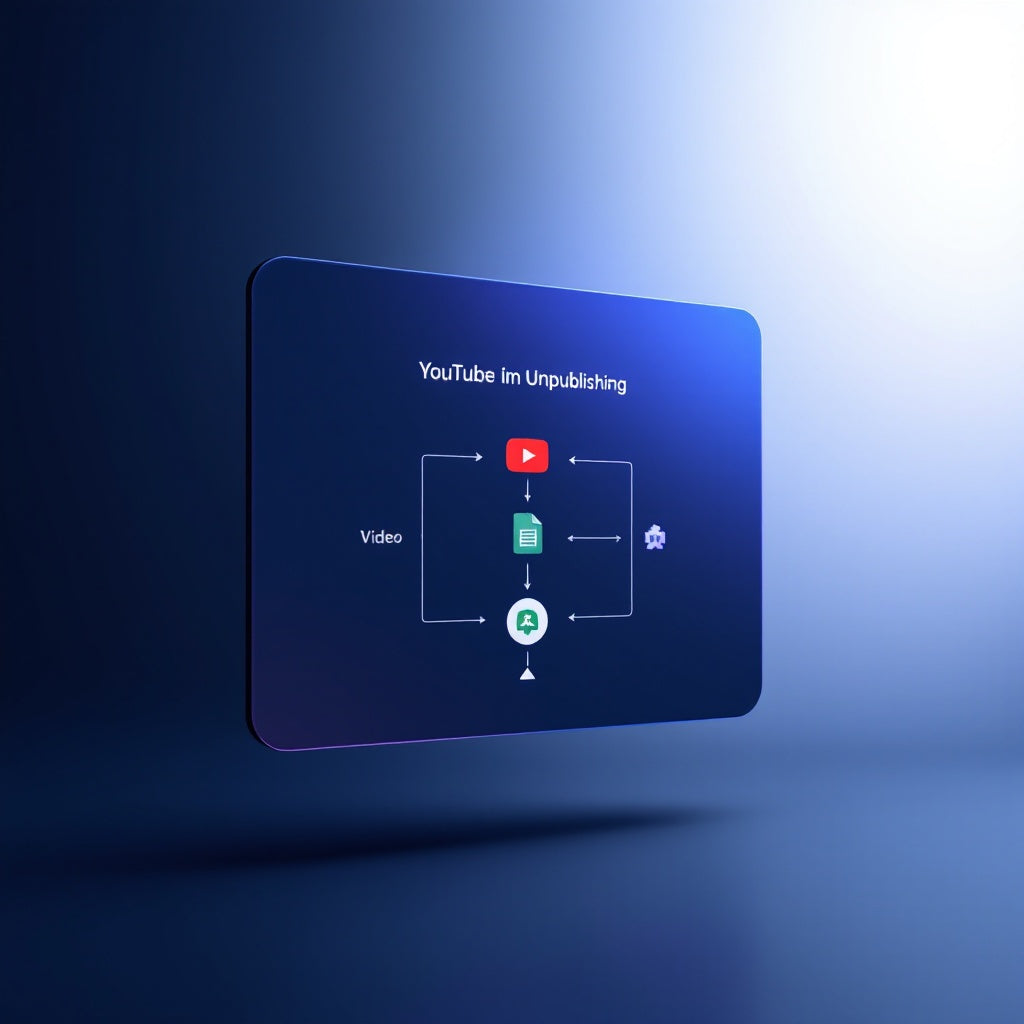
Automate YouTube Video Unpublishing via Google Sheets & Slack
Automate YouTube Video Unpublishing via Google Sheets & Slack
Regular price
£55.99
Regular price
£55.99
Sale price
Unit price
per
⬇
Instant Digital Download
∞
Unlimited Downloads
★
Lifetime Access in Your Account
Couldn't load pickup availability
🔥
128+ Sold
Popular with n8n builders
⚡
23 people viewing
High interest right now
✅
9 added today
Fast-moving digital product

Automate YouTube Video Unpublishing via Google Sheets & Slack
Regular price
£55.99
Regular price
£55.99
Sale price
Unit price
per
Streamline Video Management: Automate YouTube Video Unpublishing via Google Sheets & Slack
Effortlessly manage your YouTube content with precision using our dynamic n8n workflow, specifically designed to automate the unpublishing process of videos based on your Google Sheets schedule. Keep your video privacy settings automatically up-to-date and receive real-time updates on Slack, all without lifting a finger!
What this workflow does
- Runs every day at 6am, ensuring your video management tasks are handled promptly.
- Checks your Google Sheets for any videos whose “Unpublish Date” has passed, and targets those due for status update.
- Automatically fetches each video's details from YouTube and modifies its privacy status to private or unlisted, if it hasn’t been already.
- Updates your Google Sheets with the new status, marking videos as Expired and logging an “Unpublished At” timestamp for your records.
- Sends a comprehensive recap to your Slack channel, or a “nothing due” message if no videos need processing, keeping your team informed at all times.
Use cases
- Content Managers: Easily manage video content on a large scale without manual intervention, ensuring content complies with privacy requirements.
- Marketing Teams: Maintain control over campaign content visibility by automatically adhering to preset publishing schedules.
- SaaS Operators: Enhance workflow efficiency by seamlessly integrating video management with your existing digital stack.
Technical details
- Tech Stack: n8n automation workflow
- Nodes Used: if, code, slack, YouTube, split out, sticky note
- Integrations: Google Sheets, YouTube, Slack
This powerful workflow ensures your YouTube content management is efficient and consistent. By integrating Google Sheets and Slack, you can trust your video privacy needs are handled automatically according to your schedule. Ideal for n8n users, automation engineers, and SaaS operators looking to optimize their processes with precision.