Automate Zoom Recordings Upload to YouTube & Google Drive
Automate Zoom Recordings Upload to YouTube & Google Drive
Couldn't load pickup availability

Automate Zoom Recordings Upload to YouTube & Google Drive
Effortlessly Automate Your Zoom Recordings with Seamless Uploads to YouTube & Google Drive
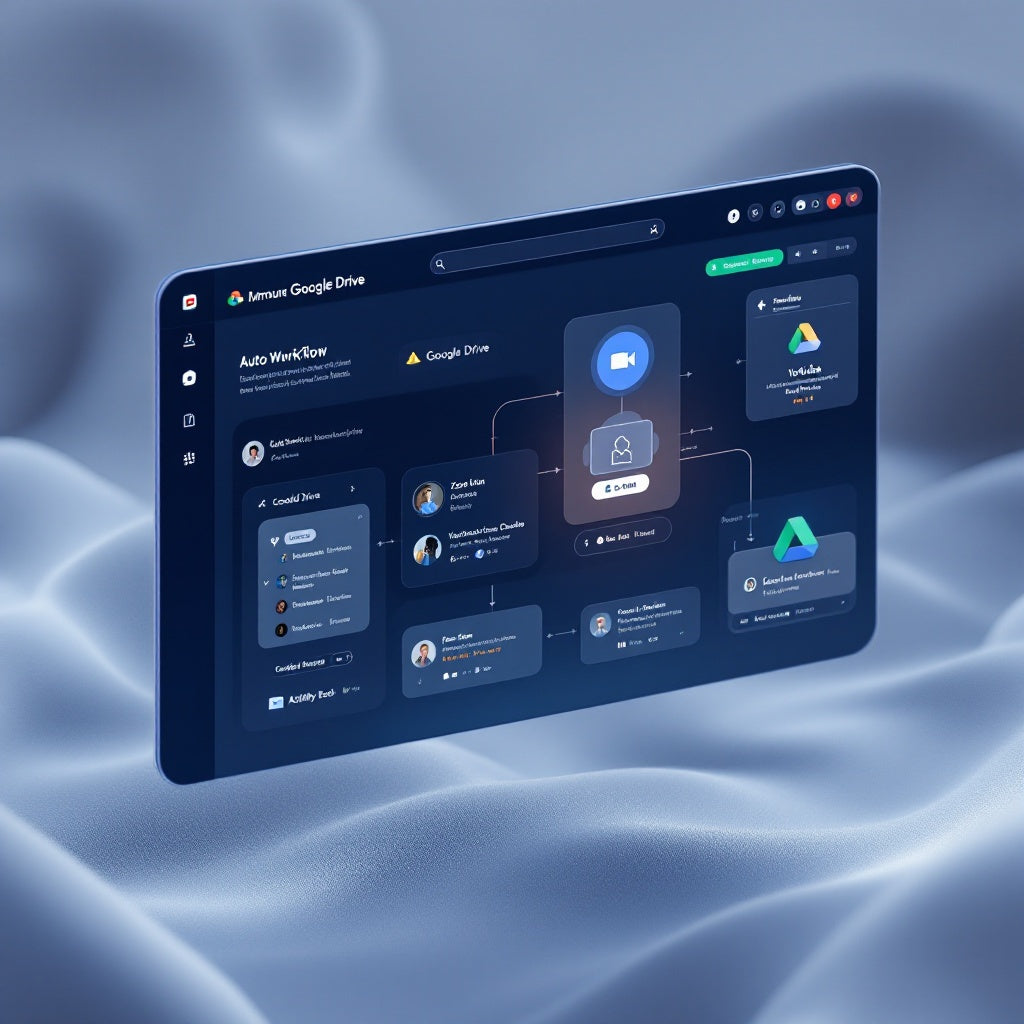
Maximize your efficiency with the Automate Zoom Recordings Upload to YouTube & Google Drive n8n workflow. This powerful automation process intelligently handles Zoom cloud recording webhooks, ensuring that all your meeting recordings are instantly downloaded and securely uploaded to both Google Drive and YouTube as unlisted videos. Say goodbye to manual uploads and let this workflow handle the heavy lifting for you.
What This Workflow Does
- Receives a POST webhook from Zoom for recording events, specifically focusing on the
recording.completedandendpoint.url_validationevents. - Quickly responds to Zoom’s URL validation challenge using HMAC-SHA256 authentication.
- Downloads MP4 recording files directly from Zoom utilizing the event download token for authenticity and security.
- Effortlessly uploads these recordings to your chosen Google Drive folder, ensuring accessibility and organization.
- Mirrors the upload to YouTube as unlisted videos, providing a private yet shareable video link with a basic description.
Use Cases
- Educators: Instantly upload class lectures or seminar recordings to a centralized repository for student access and review.
- Corporate Trainers: Seamlessly distribute training videos to team members via Google Drive links or unlisted YouTube videos.
- SaaS Operators: Easily maintain a library of client meetings or webinars, accessible only to those with the shared link.
Technical Details
This n8n workflow utilizes a range of powerful nodes to achieve seamless automation:
- Webhook Node: Facilitates the receipt of Zoom event webhooks.
- Code Node: Processes HMAC-SHA256 and handles event response logic.
- If Node: Determines the nature of the Zoom event (e.g., validation or recording completed).
- Google Drive and YouTube Nodes: Manage the secure upload of recordings to the respective platforms with OAuth authentication.
- Sticky Note Node: For notes and reminders within the workflow set-up.
Empower your workflow automation with this specialized n8n solution designed for efficient, hands-free management of Zoom recordings. Begin your setup by integrating your Zoom, Google Drive, and YouTube credentials to unlock a more streamlined content management experience.