Automated Agent Onboarding: Gmail Checklists from Google Sheets (n8n)
Automated Agent Onboarding: Gmail Checklists from Google Sheets (n8n)
Regular price
£59.99
Regular price
£59.99
Sale price
Unit price
per
⬇
Instant Digital Download
∞
Unlimited Downloads
★
Lifetime Access in Your Account
Couldn't load pickup availability
🔥
128+ Sold
Popular with n8n builders
⚡
23 people viewing
High interest right now
✅
9 added today
Fast-moving digital product

Automated Agent Onboarding: Gmail Checklists from Google Sheets (n8n)
Regular price
£59.99
Regular price
£59.99
Sale price
Unit price
per
Automatically onboard new agents every morning with Gmail checklists from your Google Sheet
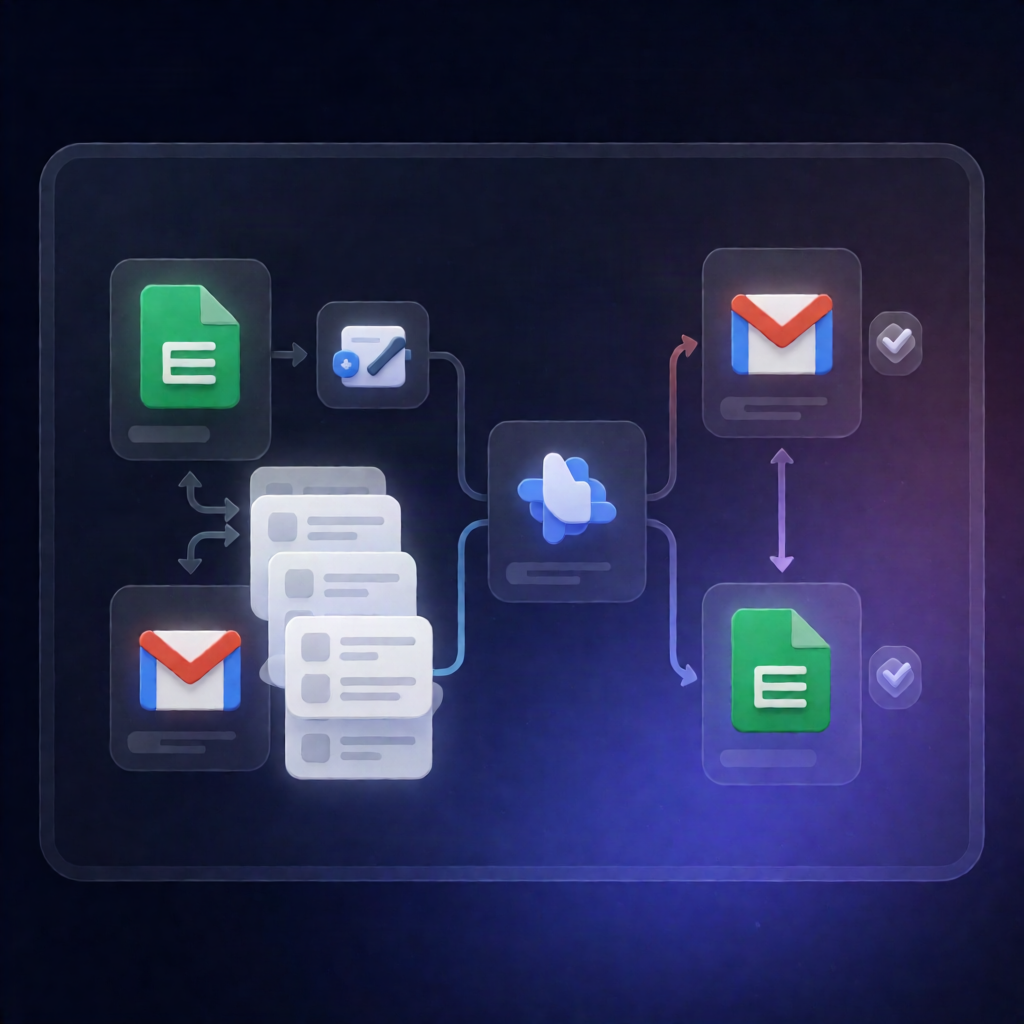
This n8n workflow reads your agent roster in Google Sheets, finds every row marked Status = New, and emails each new agent a personalized HTML onboarding checklist via Gmail. After sending, it updates the same Google Sheet to set their status to Onboarding.
What this workflow does
- Scheduled run: The workflow executes daily at 09:00 using a schedule trigger.
- Loads configuration: It pulls the Google Sheets URL, your company name, and an HR email address used in the email content.
- Reads and indexes the roster: It loads all agent rows from Google Sheets and computes each row’s sheet row number so it can update the correct entry later.
- Filters new agents: Only agents with Status set to New are selected.
- Sends onboarding emails: For each new agent, it sends a personalized HTML onboarding checklist through the Gmail node.
- Updates status in Google Sheets: Once processed, the workflow updates the corresponding row to set Status = Onboarding.
Use cases
- Growing support teams where new agents must receive the same onboarding checklist without manual emailing.
- SaaS operations that track agent onboarding stages in a single Google Sheet and need daily automated follow-through.
- Automation engineers standardizing onboarding comms while keeping roster management in Google Sheets.
Technical details
- Schedule Trigger: Runs every day at 09:00.
- Google Sheets: Reads the agent roster and updates rows to reflect onboarding status.
- Gmail: Sends onboarding checklist emails (HTML format) to each agent’s Email.
- Filter: Selects only rows where Status = New.
- Nodes used: set, gmail, filter, sticky note, google sheets, schedule trigger.
Setup requirements
Connect Google Sheets OAuth2 and Gmail OAuth2, update the configuration (sheet URL, company name, HR email), and ensure your sheet includes columns: Agent_Name, Email, Status, and Start_Date—with new agents marked as Status = New.