Automated AI-Driven WhatsApp Campaigns via Business API
Automated AI-Driven WhatsApp Campaigns via Business API
Couldn't load pickup availability

Automated AI-Driven WhatsApp Campaigns via Business API
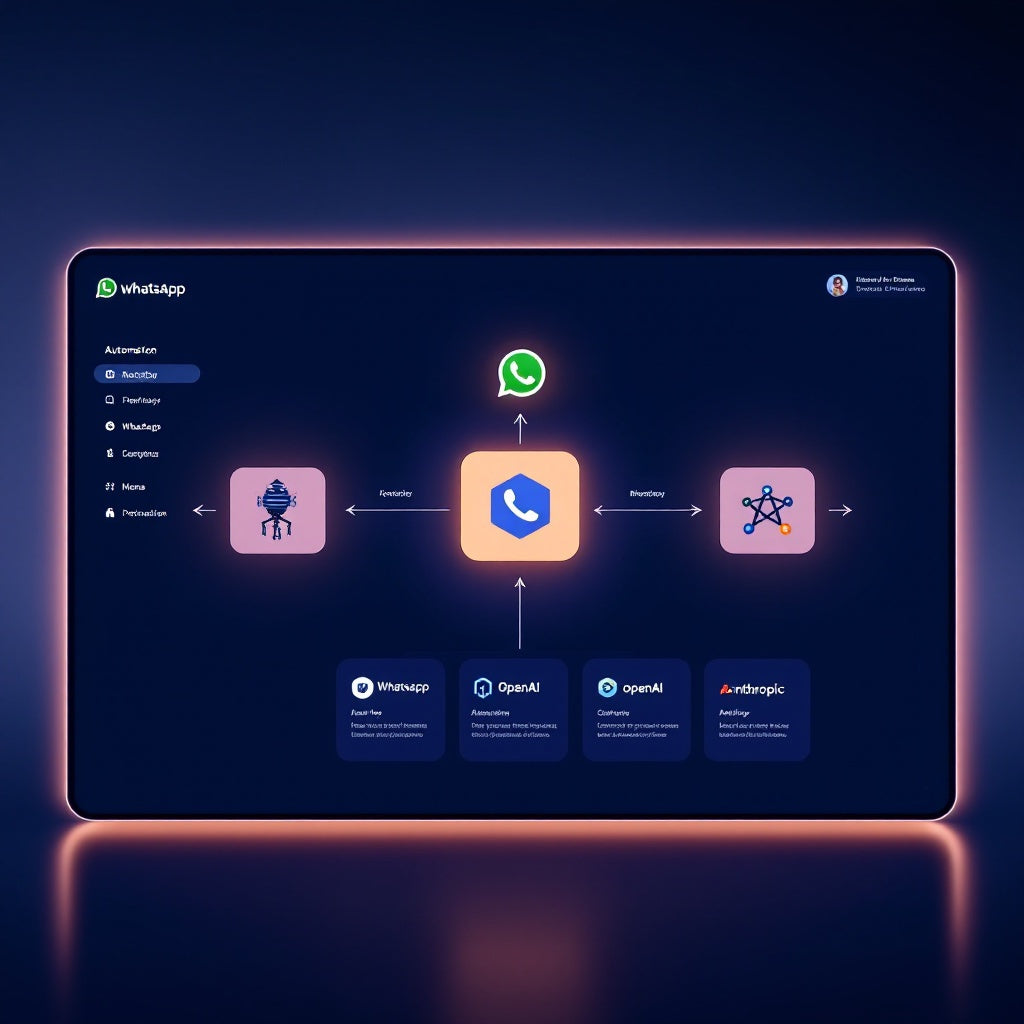
Transform your WhatsApp marketing with this powerful n8n workflow that automatically launches AI-driven, personalized promotional campaigns at scale. Built for businesses running high-volume WhatsApp campaigns, this automation handles everything from audience segmentation to performance tracking via the WhatsApp Business API.
What this workflow does
This comprehensive automation streamlines your entire WhatsApp campaign process:
- Triggers campaigns via webhook or schedule for flexible launch timing
- Loads your audience data and performs intelligent AI-powered segmentation
- Generates highly personalized messages using OpenAI, Anthropic, or Grok APIs based on user behavior and demographics
- Delivers messages through WhatsApp Business API with reliable delivery
- Tracks delivery rates, engagement metrics, and conversion data in real-time
- Automatically logs all campaign data and performance metrics in Google Sheets
Use cases
Perfect for digital marketers and growth teams managing large-scale WhatsApp campaigns, e-commerce businesses with opt-in customer lists, and SaaS companies promoting feature updates or subscription upgrades. Ideal for businesses using WhatsApp as a primary marketing and sales channel who need automated, compliant campaign management.
Technical details
This workflow leverages essential n8n nodes including set, code, wait, filter, webhook, and sticky note components. Requires WhatsApp Business Account with API access through Meta, Google Sheets for audience management and tracking, and your choice of AI provider (OpenAI, Anthropic, or Grok). All user data must be opt-in compliant.
Customization options
Easily customize the workflow by modifying AI tone and offer messaging in the AI node, updating Python segmentation rules for precise targeting, adjusting Google Sheets columns to match your data structure, and adding A/B testing capabilities or additional conditional logic. Simple setup process includes importing the workflow, configuring API credentials, setting up audience sources and campaign templates, and updating AI prompts to match your brand voice.