Budget-Capped AI Agents in n8n: OpenAI Client Runs via Webhook
Budget-Capped AI Agents in n8n: OpenAI Client Runs via Webhook
Regular price
£38.99
Regular price
£38.99
Sale price
Unit price
per
⬇
Instant Digital Download
∞
Unlimited Downloads
★
Lifetime Access in Your Account
Couldn't load pickup availability
🔥
128+ Sold
Popular with n8n builders
⚡
23 people viewing
High interest right now
✅
9 added today
Fast-moving digital product

Budget-Capped AI Agents in n8n: OpenAI Client Runs via Webhook
Regular price
£38.99
Regular price
£38.99
Sale price
Unit price
per
Run budget-capped AI agents for multiple clients in n8n—via a secure webhook
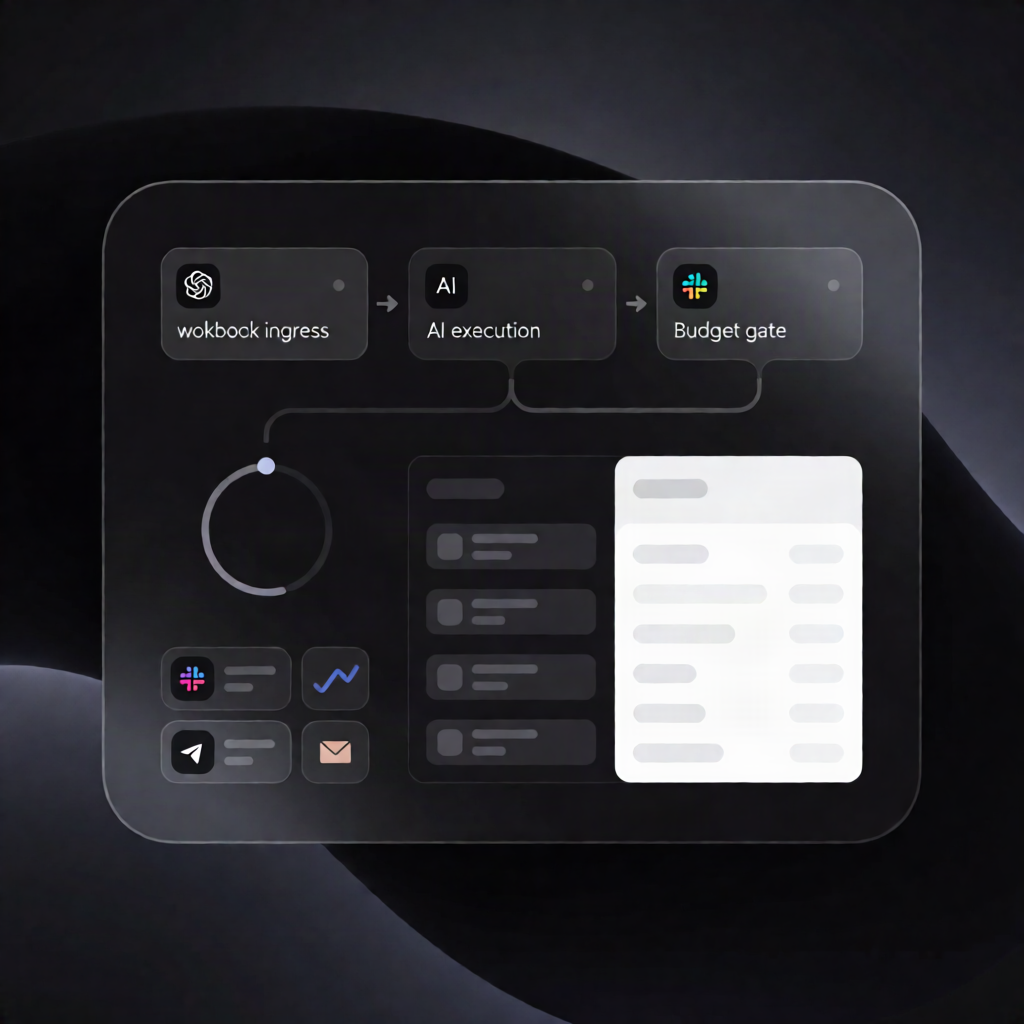
This n8n automation lets your app trigger an OpenAI-powered AI agent for multiple paying clients while enforcing per-client monthly token budgets, pause controls, and safe concurrency using an AI usage ledger.
What this workflow does
- Your app POSTs
client_idand apromptto the workflow’s webhook. - If the client is unknown or paused, the webhook returns 403. If the client has no budget left, it returns 429.
- To prevent overspending, the workflow writes a worst-case token reservation to a run-specific ledger row in ai_usage_ledger.
- Before executing, the ledger is read again; if other parallel runs already consumed budget, the run backs off.
- The AI Agent runs with Max Iterations and a token limit taken from the workflow’s Settings nodes.
- After each model call, the workflow uses the n8n API to read recorded prompt/completion token usage, then books tokens to the correct client and returns the answer along with a usage summary.
- You receive an email alert at the configured threshold and when a client can’t afford another run.
- Hourly stuck reservations expire; monthly totals are calculated per client and old ledger rows are deleted. A GET endpoint returns usage per client.
- If the workflow can’t read/write the Data tables, it refuses the run with 503.
Use cases
- SaaS agencies running one n8n AI agent for multiple customers with monthly token limits.
- Freelancers offering AI automation retainers where each client’s usage is tracked and capped.
- Multi-tenant internal tools that need webhook-based AI execution and auditable usage reporting.
Technical details
-
Data tables:
ai_clients,ai_usage_ledger - Nodes/integrations: webhook, Data table, if, set, code, n8n API (read token usage), OpenAI (chat model), SMTP (email alerts)
- Security: Header Auth on both webhooks
- Setup: configure Settings nodes (keep Save execution progress enabled), add client rows, and publish the workflow.