Classify Apify Dataset with OpenAI & Sync to Google Sheets (n8n)
Classify Apify Dataset with OpenAI & Sync to Google Sheets (n8n)
Regular price
£70.99
Regular price
£70.99
Sale price
Unit price
per
⬇
Instant Digital Download
∞
Unlimited Downloads
★
Lifetime Access in Your Account
Couldn't load pickup availability
🔥
128+ Sold
Popular with n8n builders
⚡
23 people viewing
High interest right now
✅
9 added today
Fast-moving digital product

Classify Apify Dataset with OpenAI & Sync to Google Sheets (n8n)
Regular price
£70.99
Regular price
£70.99
Sale price
Unit price
per
Classify Apify dataset items with OpenAI and sync results to Google Sheets—on demand
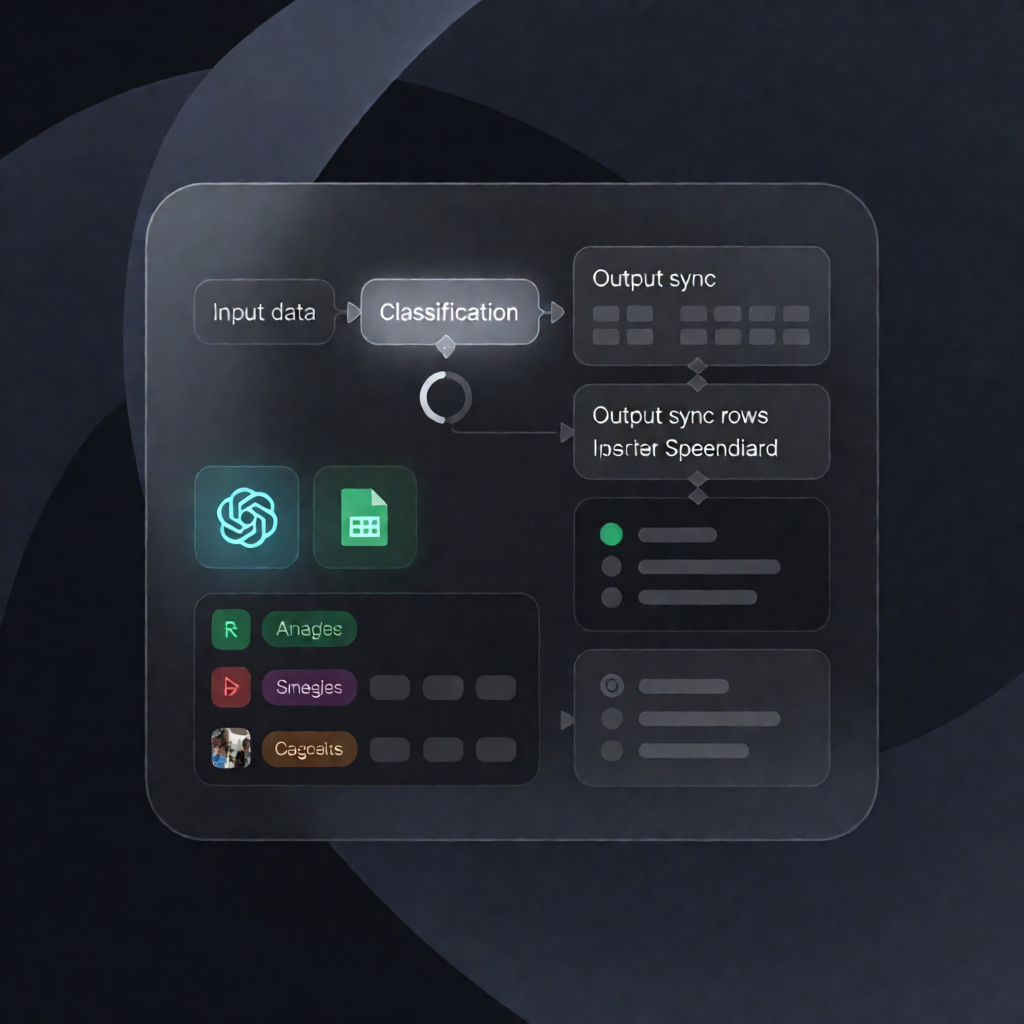
This n8n workflow processes up to 1,000 items from an Apify dataset, classifies each item using OpenAI (via the glueworks/llm-dataset-processor Actor), and then upserts id, title, url, and category into Google Sheets—ready for analysis, triage, and reporting.
What this workflow does
- Run on demand: Start the workflow manually in n8n (Manual Trigger).
- Load configuration: Read the Apify dataset ID, Google Sheet ID, and the OpenAI model name from a configuration step.
- Classify with Apify + OpenAI: Executes the glueworks/llm-dataset-processor Actor in classify mode to label each dataset item as LEAD, SPAM, or NEUTRAL, writing the label to a category field.
- Fetch processed results: Retrieves the labeled items from the Actor’s output Apify dataset.
- Sync to Google Sheets: Appends or updates rows in Google Sheets by matching on id, storing id, title, url, and category.
Use cases
- Lead vs. spam triage: Classify inbound items and maintain a clean Google Sheets pipeline.
- Dataset enrichment workflow: Periodically re-run classification on an Apify dataset and keep a single source of truth in Sheets.
- Ops-friendly reporting: Provide SaaS operators with categorized URLs and titles for dashboards or follow-up actions.
Technical details
- n8n nodes: set, sticky note, google sheets, apifyn8n-nodes-apify, manual trigger
- Integrations: Apify (Actor: glueworks/llm-dataset-processor) and Google Sheets
- Authentication: Apify API token credential + Google Sheets OAuth2 credential
- Key output columns: id, title, url, category
Set your Apify dataset ID, your target Google Sheet document ID, and the OpenAI model name—then run this workflow whenever you need fresh OpenAI-powered classification.