Claude Sonnet Sales Research Agent for n8n + Google Sheets
Claude Sonnet Sales Research Agent for n8n + Google Sheets
Regular price
£12.99
Regular price
£12.99
Sale price
Unit price
per
⬇
Instant Digital Download
∞
Unlimited Downloads
★
Lifetime Access in Your Account
Couldn't load pickup availability
🔥
128+ Sold
Popular with n8n builders
⚡
23 people viewing
High interest right now
✅
9 added today
Fast-moving digital product

Claude Sonnet Sales Research Agent for n8n + Google Sheets
Regular price
£12.99
Regular price
£12.99
Sale price
Unit price
per
Turn sales research into a chat-driven workflow—find contacts, verify emails, and save them to Google Sheets
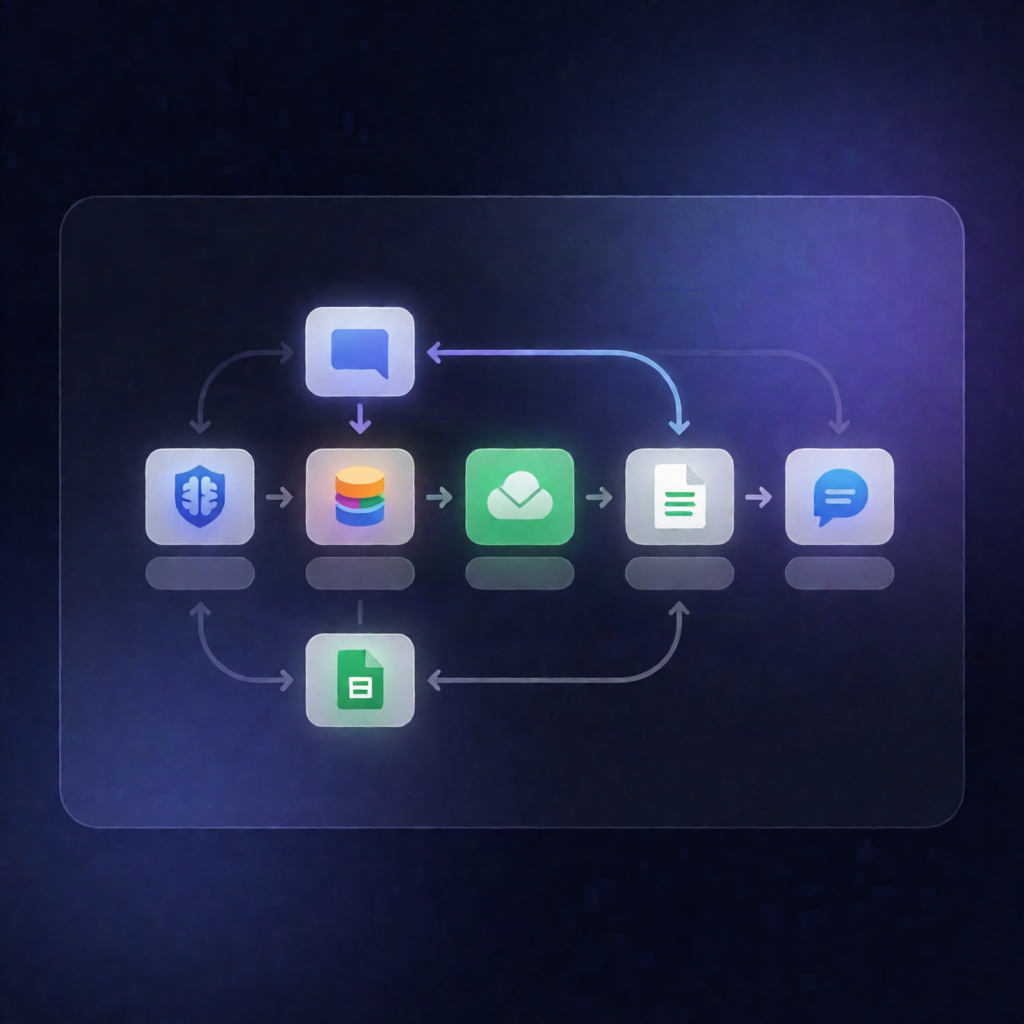
This n8n workflow gives you a Claude-powered sales research agent. In an interactive chat, it uses Anthropic Claude plus Glasser to discover relevant company contacts by domain and job title, enrich profiles with web results when needed, then append approved contacts to your Google Sheets “Contacts” tab.
What this workflow does
- Receives your request in the built-in n8n chat session.
- Interprets the goal with Claude (short-term chat memory) to decide which research actions to run.
- Finds people at a target company using Glasser by company domain and target job titles.
- Looks up work emails for selected people via Glasser.
- Enriches company/profile info, using Glasser web search when required.
- Saves contacts only when you approve: when you say “save it,” the workflow appends Name, Title, Company, Email, Source, and Notes to the Google Sheets sheet named “Contacts”.
Use cases
- Generate a targeted lead list for a SaaS outreach campaign (e.g., “Find CTOs at companies in my niche and grab work emails”).
- Speed up prospect research for sales reps by consolidating contact discovery + email lookup + logging into one process.
- Maintain an auditable CRM-style sheet with sources and notes for each contact you choose to save.
Technical details
- Anthropic Claude: configure your Anthropic API credential in the Claude chat model.
- Glasser: install the Glasser community node, add a Glasser API key, and provide it as a Glasser API credential (tool calls are typically low-cost).
- Google Sheets: add OAuth2 credentials, set the spreadsheet ID, and ensure a sheet named Contacts with columns: Name, Title, Company, Email, Source, Notes.
- Workflow logic uses standard n8n nodes such as if, set, code, and merges with other tool steps; the provided stack also references gmail and slack.
Best for: n8n users, automation engineers, and SaaS operators who want a practical sales research agent that logs results to Google Sheets.