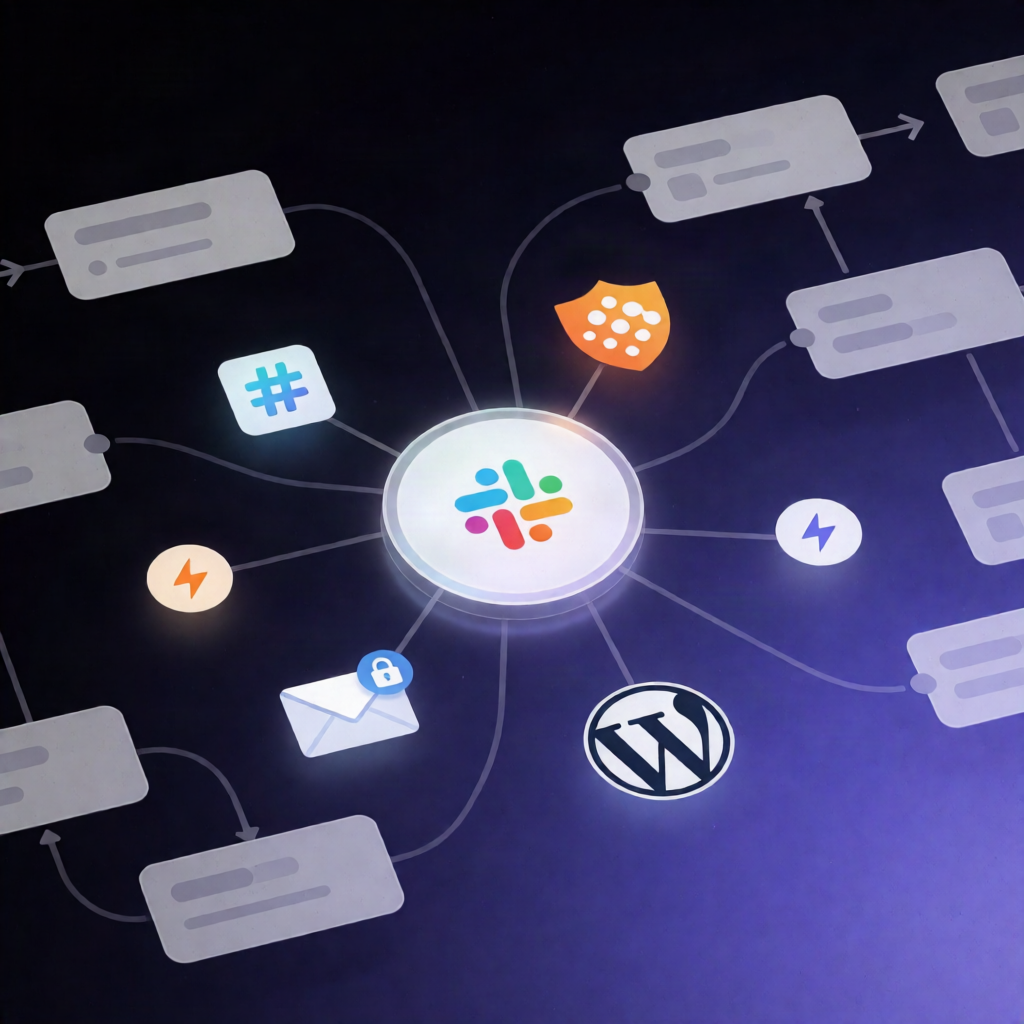
Contact Form 7 to HubSpot + Slack Alerts with n8n
Contact Form 7 to HubSpot + Slack Alerts with n8n
Regular price
£2.99
Regular price
£2.99
Sale price
Unit price
per
⬇
Instant Digital Download
∞
Unlimited Downloads
★
Lifetime Access in Your Account
Couldn't load pickup availability
🔥
128+ Sold
Popular with n8n builders
⚡
23 people viewing
High interest right now
✅
9 added today
Fast-moving digital product

Contact Form 7 to HubSpot + Slack Alerts with n8n
Regular price
£2.99
Regular price
£2.99
Sale price
Unit price
per
Turn every Contact Form 7 submission into a HubSpot contact—plus an instant Slack alert
With this n8n automation workflow, every Contact Form 7 lead is captured by a private webhook, saved to HubSpot (create or update), and immediately sent to Slack—so your team gets notified even if the notification email never arrives.
What this workflow does
The workflow is triggered once per submission by WordPress right after spam checking, ensuring lead delivery reliability.
-
New Lead Webhook receives your form fields as JSON (for example:
{"your-name":"Ada Lovelace","your-email":"ada@example.com","your-message":"..."}) and uses Header Auth to keep the endpoint private. - Settings maps the field names from your Contact Form 7 form (name, email, message). Defaults match the standard CF7 fields.
- Lead Fields (Code) reads the incoming fields, splits the name into first and last name for HubSpot, and collects all other fields for the Slack alert (e.g., phone, subject, consent boxes).
- Has Email (if) routes submissions with no email directly to Slack because HubSpot requires an email to locate contacts.
- Save to HubSpot creates a new contact or updates an existing one when the email is already in your CRM. The form message is stored in HubSpot’s Message property.
- Notify Slack posts a lead notification with a link to the HubSpot record and explicitly states whether it’s a new or returning contact. If HubSpot rejects the lead (e.g., invalid email or token issues), the alert includes the reason and still carries the full submission.
Use cases
- Capture demo requests or contact inquiries from Contact Form 7 and automatically sync them into HubSpot.
- Ensure sales/support teams receive real-time Slack lead alerts after each successful form submission.
- Prevent duplicate HubSpot contacts by updating records for returning visitors instead of creating new ones.
Technical details
- n8n nodes: webhook, if, set, code, hubspot, slack
- Auth: Header Auth for the webhook endpoint
- Data handling: name splitting for HubSpot + full submission included in Slack alerts (including error cases)
Setup tip: Open Settings and update field names if your Contact Form 7 form uses custom labels.