Create AI Images & Upload to WordPress with Gemini Workflow
Create AI Images & Upload to WordPress with Gemini Workflow
Couldn't load pickup availability

Create AI Images & Upload to WordPress with Gemini Workflow
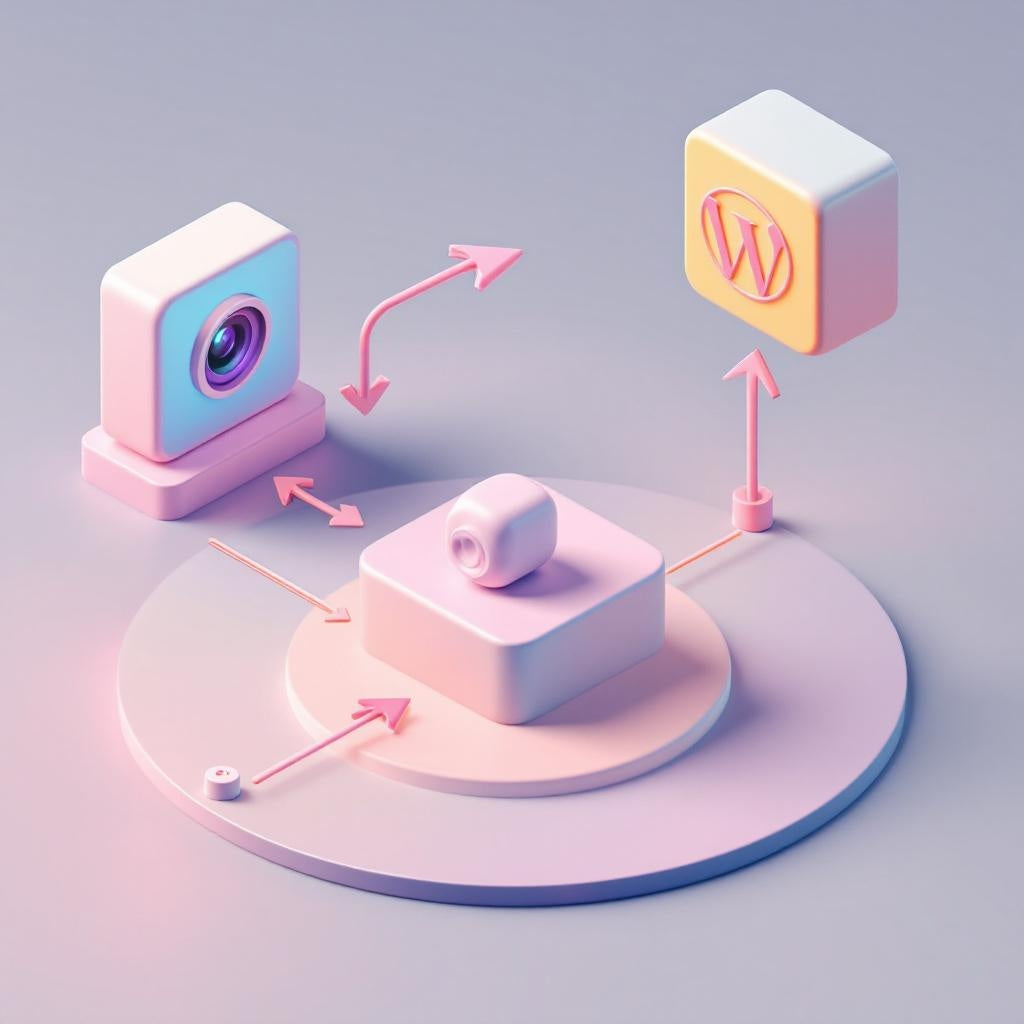
Transform your content creation process with this powerful n8n sub-workflow that automatically generates professional AI images using Google Gemini and uploads them directly to your WordPress Media Library. Perfect for bloggers, content creators, and SaaS operators who need high-quality visuals on demand.
What this workflow does
This streamlined automation workflow acts as a sub-workflow component that seamlessly integrates AI image generation with WordPress content management:
- Receives text prompts through the Execute Workflow Trigger in passthrough mode
- Sends your query to Google Gemini to generate photorealistic, professional images
- Automatically uploads the generated binary image to your WordPress Media Library via WP REST API
- Returns essential data (URL, media ID, and alt text) to your parent workflow for further automation
Use cases
- Automated blog publishing: Generate featured images for blog posts based on article titles or content themes
- Social media automation: Create custom visuals for automated social media posting workflows
- Product content generation: Generate product imagery for e-commerce sites and catalogs
- Content marketing campaigns: Produce branded visuals for marketing materials and landing pages
Technical details
This n8n workflow utilizes key integrations and nodes:
- Google Gemini (PaLM) API for AI image generation with customizable models and prompts
- WordPress REST API integration for seamless media library uploads
- Execute Workflow Trigger for sub-workflow functionality
- HTTP Request nodes for API communication
- LangChain community node (@n8n/n8n-nodes-langchain.googleGemini)
Requirements: Self-hosted n8n instance with LangChain add-on installed, Google Gemini API credentials, and WordPress API access.
The workflow includes customization options for Gemini model selection, prompt modification, and filename formatting. Setup involves connecting your API credentials and updating the WordPress endpoint URL to match your site configuration.