Daily Twilio SMS Owner Brief (n8n) from Message Logs
Daily Twilio SMS Owner Brief (n8n) from Message Logs
Regular price
£68.99
Regular price
£68.99
Sale price
Unit price
per
⬇
Instant Digital Download
∞
Unlimited Downloads
★
Lifetime Access in Your Account
Couldn't load pickup availability
🔥
128+ Sold
Popular with n8n builders
⚡
23 people viewing
High interest right now
✅
9 added today
Fast-moving digital product

Daily Twilio SMS Owner Brief (n8n) from Message Logs
Regular price
£68.99
Regular price
£68.99
Sale price
Unit price
per
Get a Daily Twilio SMS Owner Brief—Automatically, From Your Message Logs
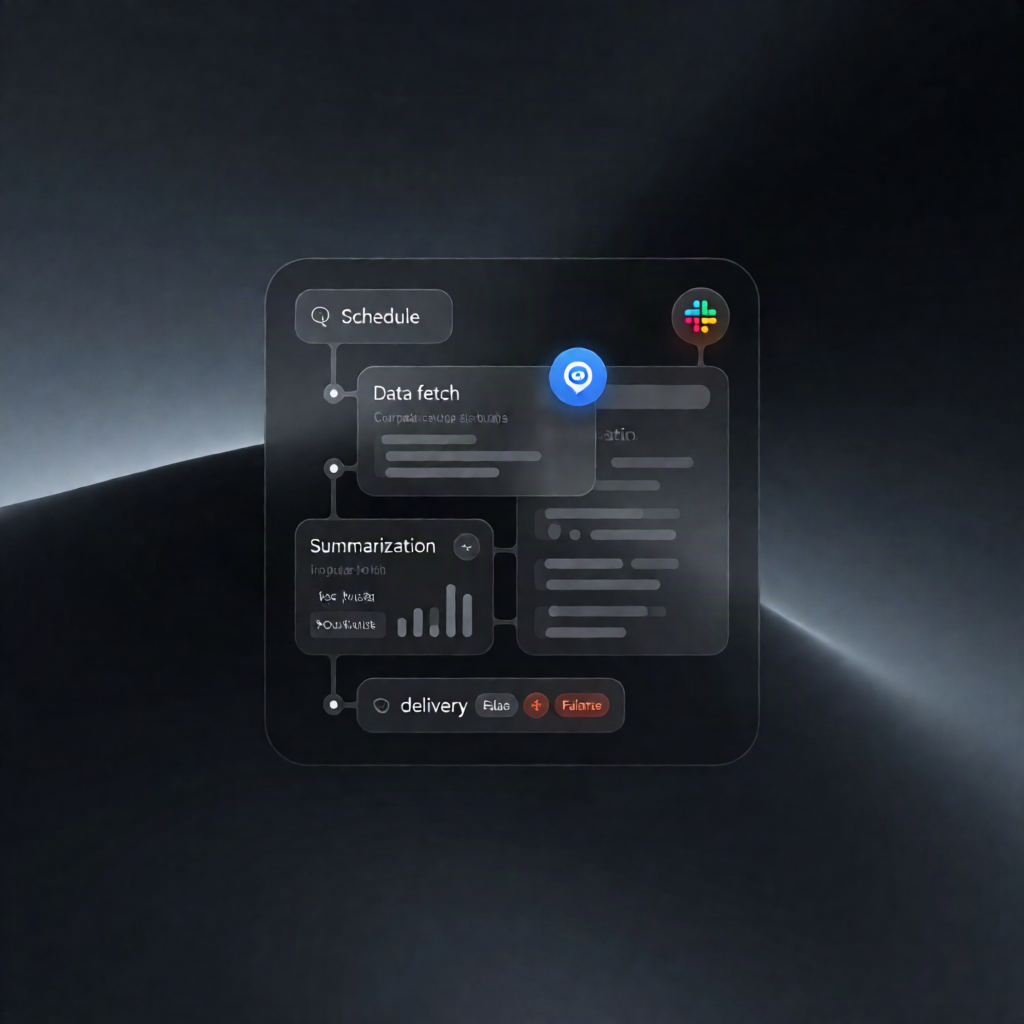
This n8n workflow pulls your most recent Twilio SMS activity every morning at 7:00am, summarizes inbound/outbound counts, highlights delivery failures, and sends the owner an owner-friendly SMS brief—so you always know what’s happening without manually checking logs.
What this workflow does
- Runs daily at 7am using an n8n schedule trigger.
- Loads your configured settings: business_number, owner_phone, timezone, lookback window, and skip_if_quiet.
- Uses the Twilio API to identify the active account (via Account SID) and fetches up to 8 days of messages sent to and from your Twilio business number.
- Aggregates and de-duplicates message log entries, then counts inbound and outbound customer traffic within the selected lookback window.
- Flags failed/undelivered outbound messages for visibility.
- Finds “unanswered” conversations where the most recent message came from a customer (excluding your own numbers and STOP/unsubscribe-style replies), and lists the newest waiting numbers up to your configured limit.
- Optionally skips sending on quiet days (unless skipping is disabled) and otherwise sends the brief to the owner via Twilio SMS.
Use cases
- SaaS or service teams that want a daily SMS performance check for Twilio without logging in.
- Small business owners who need quick visibility into unanswered inbound conversations and delivery issues.
- Automation engineers deploying n8n workflows for Twilio message monitoring and operational reporting.
Technical details
- Nodes/steps: if, set, code, twilio, sticky note, http request
- Integrations: n8n Schedule Trigger + Twilio API (message retrieval) + Twilio SMS (owner delivery)
- Setup highlights: add Twilio credentials (Account SID + Auth Token) and update “Your settings” values (business_number, owner_cell, timezone, lookback_hours, max_waiting_listed, skip_if_quiet).