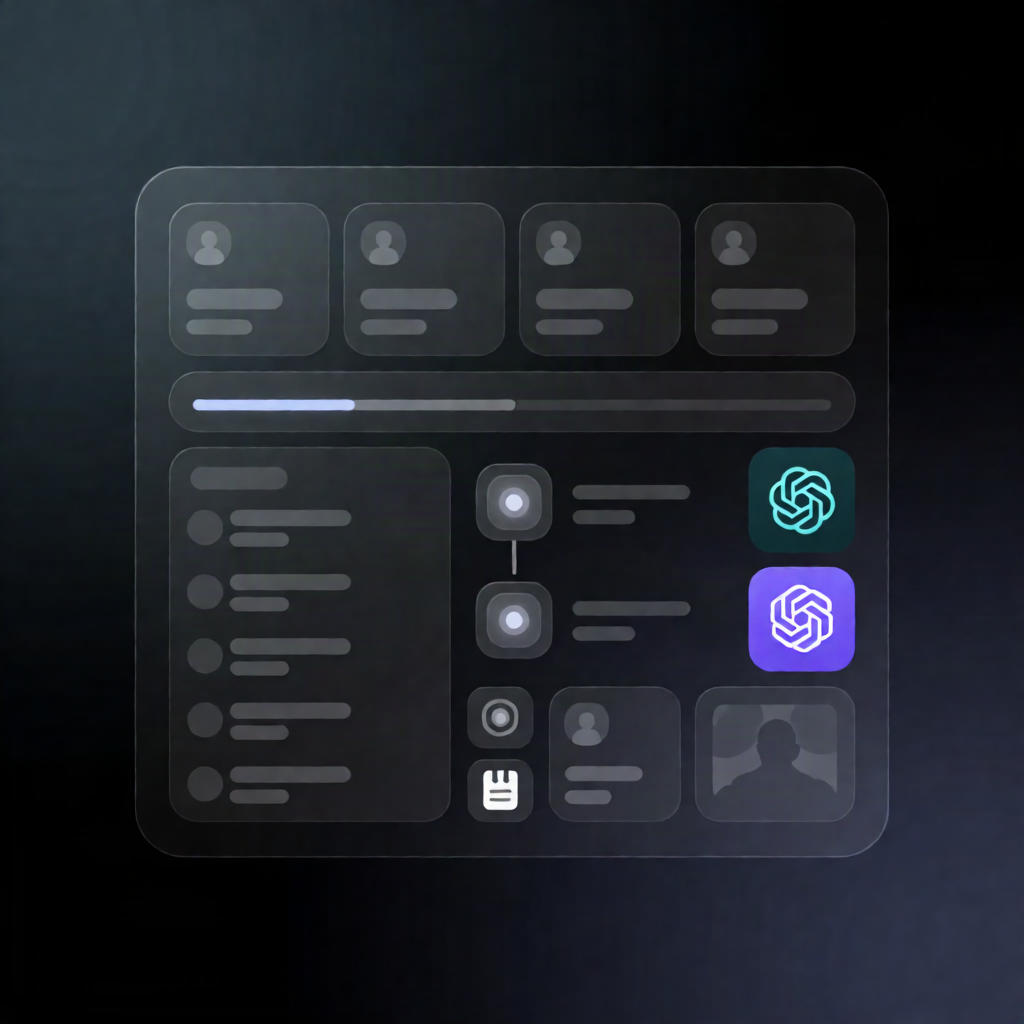
Daycare Photo Newsletter Workflow: GPT-4o Approval Dashboard
Daycare Photo Newsletter Workflow: GPT-4o Approval Dashboard
Regular price
£40.99
Regular price
£40.99
Sale price
Unit price
per
⬇
Instant Digital Download
∞
Unlimited Downloads
★
Lifetime Access in Your Account
Couldn't load pickup availability
🔥
128+ Sold
Popular with n8n builders
⚡
23 people viewing
High interest right now
✅
9 added today
Fast-moving digital product

Daycare Photo Newsletter Workflow: GPT-4o Approval Dashboard
Regular price
£40.99
Regular price
£40.99
Sale price
Unit price
per
Generate, rewrite, and approve daycare photo newsletters from one mobile-friendly dashboard
This n8n workflow builds a GPT-4o approval dashboard that turns uploaded daycare photos and staff notes into short daily newsletter drafts—then lets staff edit and formally approve each child’s message before it’s finalized.
What this workflow does
-
Loads today’s dashboard: A
GETrequest to the/newsletter-appwebhook renders an HTML page for daycare staff. It merges active children with any existing “today” newsletter records stored in n8n Data Tables. -
Creates a draft from photos: When staff uploads 1–3 photos and an optional memo, the dashboard sends a
POSTrequest to/newsletter-app/generate. The workflow validates the request and sends the photos + memo to OpenRouter (OpenAI GPT-4o-mini) to generate a single newsletter text capped at 100 characters. -
Saves drafts: The draft is stored in the
newslettersData Table with status “下書き”, including the AI text, final text field, memo, photo count, and photo data. -
Regenerates on request: A rewrite triggers
/newsletter-app/regenerate. The workflow reloads the stored memo/photos, generates a refreshed draft via OpenRouter, updates the newsletter record, and returns the new text. -
Approval workflow: Staff approval sends
/newsletter-app/approve, updating status to “承認済み” and saving the final text and an approval timestamp.
Use cases
- Daycare staff draft daily child updates quickly using photos from the classroom.
- Supervisors review and approve edited newsletter text for each child.
- SaaS operators want a clear approval flow using Data Tables and webhooks instead of manual copy/paste.
Technical details
-
Webhooks:
/newsletter-app,/newsletter-app/generate,/newsletter-app/regenerate,/newsletter-app/approve - AI generation: OpenRouter using OpenAI GPT-4o-mini (via HTTP Request steps to OpenRouter)
-
Storage: n8n Data Tables (the
newsletterstable with status tracking) - Nodes mentioned in the workflow: if, code, no op, gmail, webhook, data table
Setup note: Add an OpenRouter API credential and select it in the HTTP Request steps that call OpenRouter.