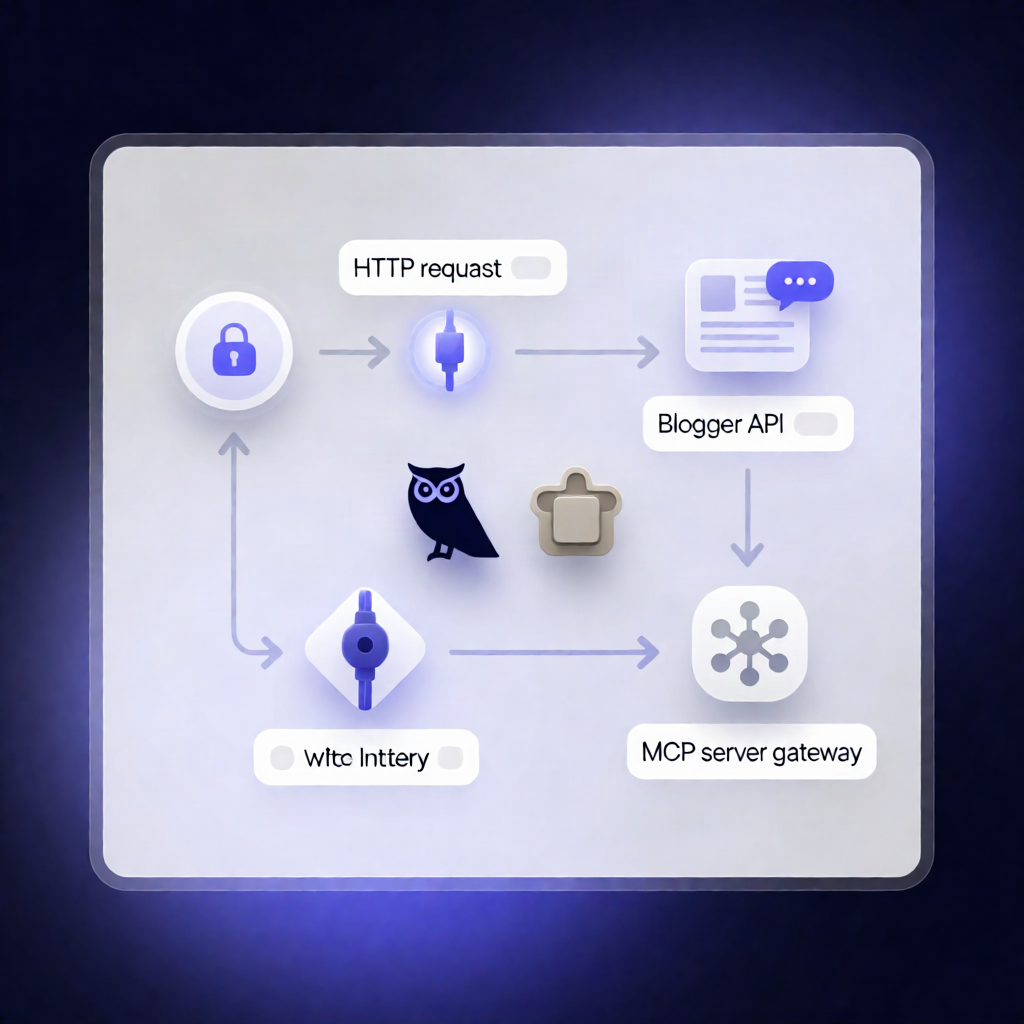
Expose Google Blogger API as MCP Server for Claude in n8n
Expose Google Blogger API as MCP Server for Claude in n8n
Regular price
£77.99
Regular price
£77.99
Sale price
Unit price
per
⬇
Instant Digital Download
∞
Unlimited Downloads
★
Lifetime Access in Your Account
Couldn't load pickup availability
🔥
128+ Sold
Popular with n8n builders
⚡
23 people viewing
High interest right now
✅
9 added today
Fast-moving digital product

Expose Google Blogger API as MCP Server for Claude in n8n
Regular price
£77.99
Regular price
£77.99
Sale price
Unit price
per
Publish and manage Google Blogger posts from Claude—inside n8n via MCP
This n8n workflow exposes the Google Blogger API as an MCP (Model Context Protocol) server endpoint, enabling an AI agent like Claude to create, update, publish, search, and delete Blogger content—plus manage pages, comments, and fetch blog metadata and pageview stats.
What this workflow does
- Receives authenticated MCP requests through an n8n webhook secured with Bearer token authentication.
-
Retrieves Blogger data using the Google Blogger API, including:
- Blog metadata and a list of blogs
- Post listings, searching posts, or fetching a specific post by ID or URL path
-
Writes to Blogger based on the requested action and provided fields:
- Create, update, patch, publish, revert, or delete Blogger posts
-
Manages comments for a specific Blogger post:
- List, approve, flag as spam, or delete comments
-
Manages static pages:
- List, create, update, or delete Blogger static pages (e.g., About/Contact)
- Returns results back to the AI agent, including created/updated resources and any stats payload (e.g., pageviews).
Use cases
- Let Claude draft and publish new posts in Google Blogger after reviewing an outline.
- Search and update older posts automatically (patch content, publish changes, or revert when needed).
- Moderate comment streams by approving legitimate replies and flagging spam.
- Keep “About” or “Contact” static pages in sync with your site content.
Technical details
-
Google Cloud: Create a project, enable Blogger API v3, and configure OAuth2 scope:
https://www.googleapis.com/auth/blogger -
n8n Variables: set
google_blogger_api_keyandgoogle_blogger_blog_id - Security: MCP webhook protected via an HTTP Bearer Auth credential
-
n8n components / nodes: HTTP Request, MCP Server Trigger (
n8nn8n-nodes-langchainmcp trigger), and supporting workflow elements (including a sticky note)