File to JSON Extraction Workflow with Groq & Gemini
File to JSON Extraction Workflow with Groq & Gemini
Regular price
£42.99
Regular price
£42.99
Sale price
Unit price
per
⬇
Instant Digital Download
∞
Unlimited Downloads
★
Lifetime Access in Your Account
Couldn't load pickup availability
🔥
128+ Sold
Popular with n8n builders
⚡
23 people viewing
High interest right now
✅
9 added today
Fast-moving digital product

File to JSON Extraction Workflow with Groq & Gemini
Regular price
£42.99
Regular price
£42.99
Sale price
Unit price
per
Extract text (and structured JSON) from files or URLs with Groq + Gemini in n8n
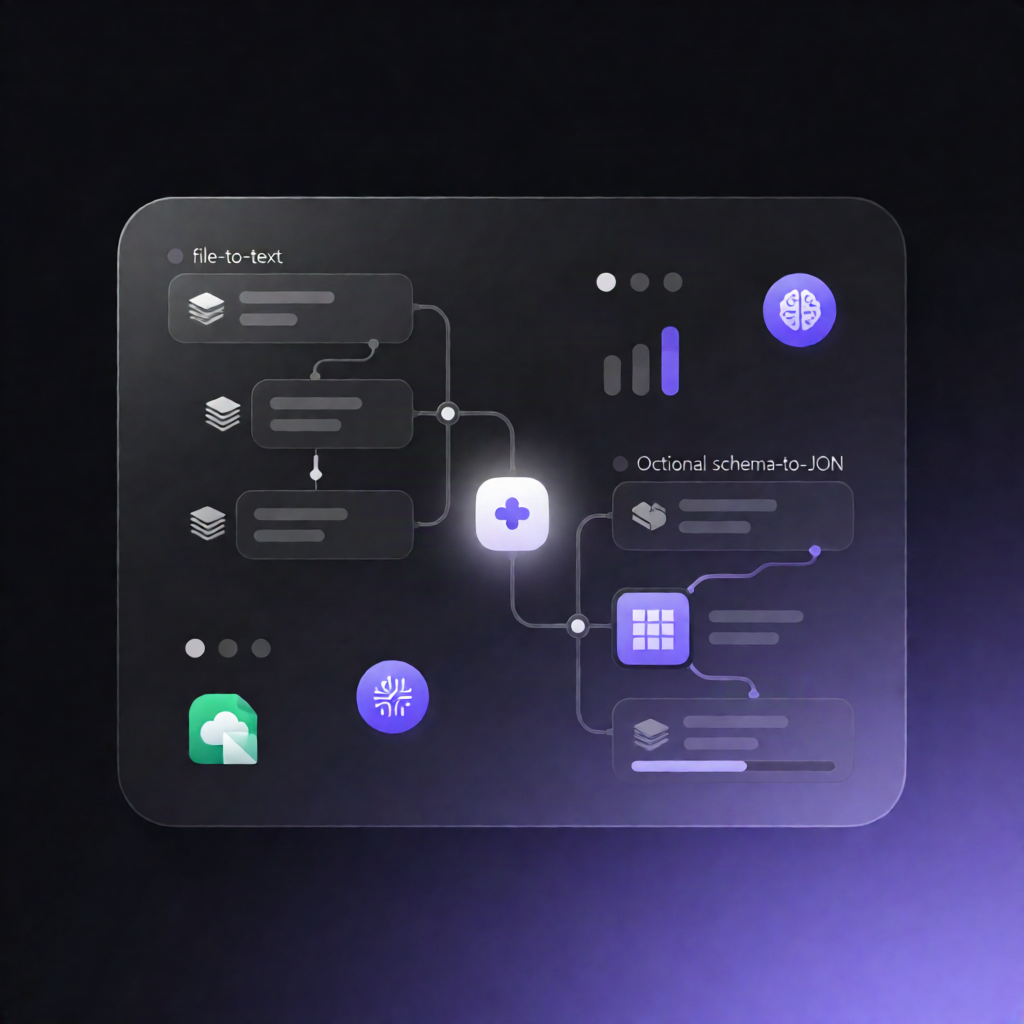
This n8n workflow sub-workflow turns incoming attachments (or a provided URL) into readable text—and, when you supply a schema, converts that text into structured JSON using Groq and Google Gemini (vision for images).
What this workflow does
-
Accepts inputs from a parent workflow including binary attachments and an optional
extractionobject (withfield_schemasto define required fields). -
Creates one item per file (or fetches web page text when a URL is provided), then builds a JSON Schema from
extraction.field_schemas. - Routes by MIME type and extracts readable content using native n8n extractors for supported formats such as PDF, JSON, CSV/XLSX, and text.
-
Processes images with Gemini (vision) by converting images into a compatible format and extracting visible information into JSON, including
content_classandclass_confidence. - Structures extracted text with Groq: if a schema is provided, the workflow sends the extracted text to a Groq-hosted chat model to produce structured JSON that matches your requested fields.
-
Returns a normalized result per input, including
status, and—when applicable—data: { text, content_class, class_confidence }. - For unsupported file types, it returns a standardized unsupported status with an error payload.
Use cases
- Turn uploaded documents into JSON-ready data for downstream automation.
- Extract structured fields from PDFs, spreadsheets, and text files without manual parsing.
- Use Gemini vision to capture information from images (e.g., screenshots) and classify confidence scores.
- Fetch a web page via URL and convert the extracted text into structured JSON.
Technical details
- Integrations/Credentials: Google Gemini (PaLM) for vision; Groq API for schema-driven JSON output.
-
Node behavior:
if,set,code,switch,aggregate, andedit imageto orchestrate routing, extraction, and image handling.