Foundry API DocuStruct Extract: JSON from Documents in n8n
Foundry API DocuStruct Extract: JSON from Documents in n8n
Regular price
£32.99
Regular price
£32.99
Sale price
Unit price
per
⬇
Instant Digital Download
∞
Unlimited Downloads
★
Lifetime Access in Your Account
Couldn't load pickup availability
🔥
128+ Sold
Popular with n8n builders
⚡
23 people viewing
High interest right now
✅
9 added today
Fast-moving digital product

Foundry API DocuStruct Extract: JSON from Documents in n8n
Regular price
£32.99
Regular price
£32.99
Sale price
Unit price
per
Extract structured JSON from documents with Foundry—directly inside n8n
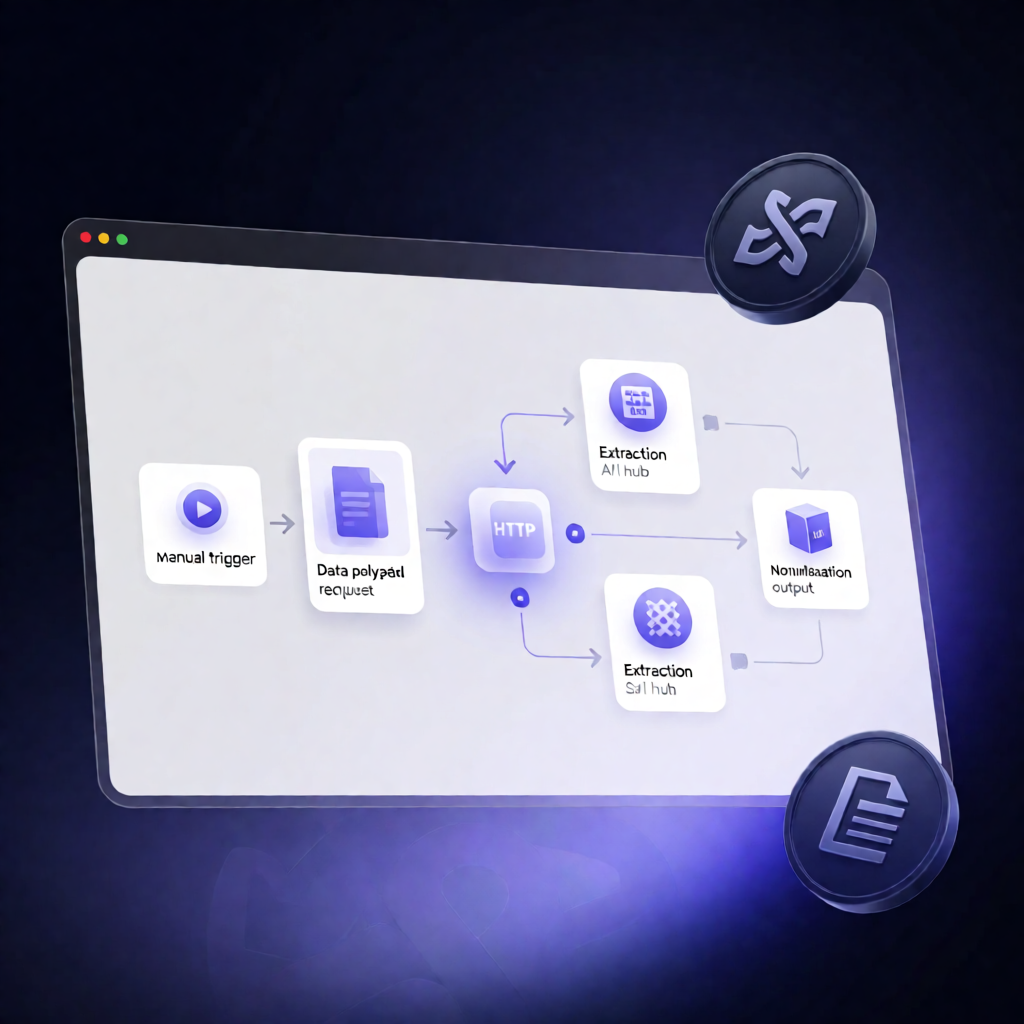
This n8n workflow runs manually to send a Base64-encoded document plus a text snippet to Foundry’s DocuStruct Extract and JSON Forge endpoints—then returns normalized, schema-aligned JSON for fast downstream automation.
What this workflow does
Designed for n8n users, automation engineers, and SaaS operators, it performs two coordinated extraction/normalization steps:
- Manual trigger: The workflow starts when you run it manually in n8n.
- Set your input payload: You provide filename, mimeType, the document as Base64 file content, a target JSON schema, and an optional text string.
- Foundry DocuStruct Extract API call: The workflow sends your Base64 document and the schema to extract structured JSON from the document.
- Foundry JSON Forge API call: It then normalizes the provided text into structured JSON that matches the same schema.
Use cases
- Document-to-JSON ingestion: Convert uploaded documents into consistent, schema-ready JSON for indexing, review, or storage.
- Hybrid extraction & normalization: Use document extraction (DocuStruct Extract) alongside text normalization (JSON Forge) to standardize outputs.
- Schema-driven workflows: Apply a custom schema to ensure extracted/normalized data stays compatible with your existing systems.
Technical details
-
Authentication: Create an n8n HTTP Header Auth credential that sends your Foundry API key as
X-API-Key, and select it in both Foundry HTTP Request steps. -
Nodes used:
Manual Trigger,Set,Sticky Note, andHTTP Request. -
Setup: Replace
REPLACE_WITH_AUTHORIZED_BASE64_FILEwith your document’s Base64 content and set correct filename and mimeType. Update the schema (and optional text) to match the structure you want Foundry to extract/normalize.