Generate Kling 3.0 Videos via Pollo API in n8n Workflow
Generate Kling 3.0 Videos via Pollo API in n8n Workflow
Regular price
£21.99
Regular price
£21.99
Sale price
Unit price
per
⬇
Instant Digital Download
∞
Unlimited Downloads
★
Lifetime Access in Your Account
Couldn't load pickup availability
🔥
128+ Sold
Popular with n8n builders
⚡
23 people viewing
High interest right now
✅
9 added today
Fast-moving digital product

Generate Kling 3.0 Videos via Pollo API in n8n Workflow
Regular price
£21.99
Regular price
£21.99
Sale price
Unit price
per
Generate Kling 3.0 videos in n8n with the Pollo API—automatically
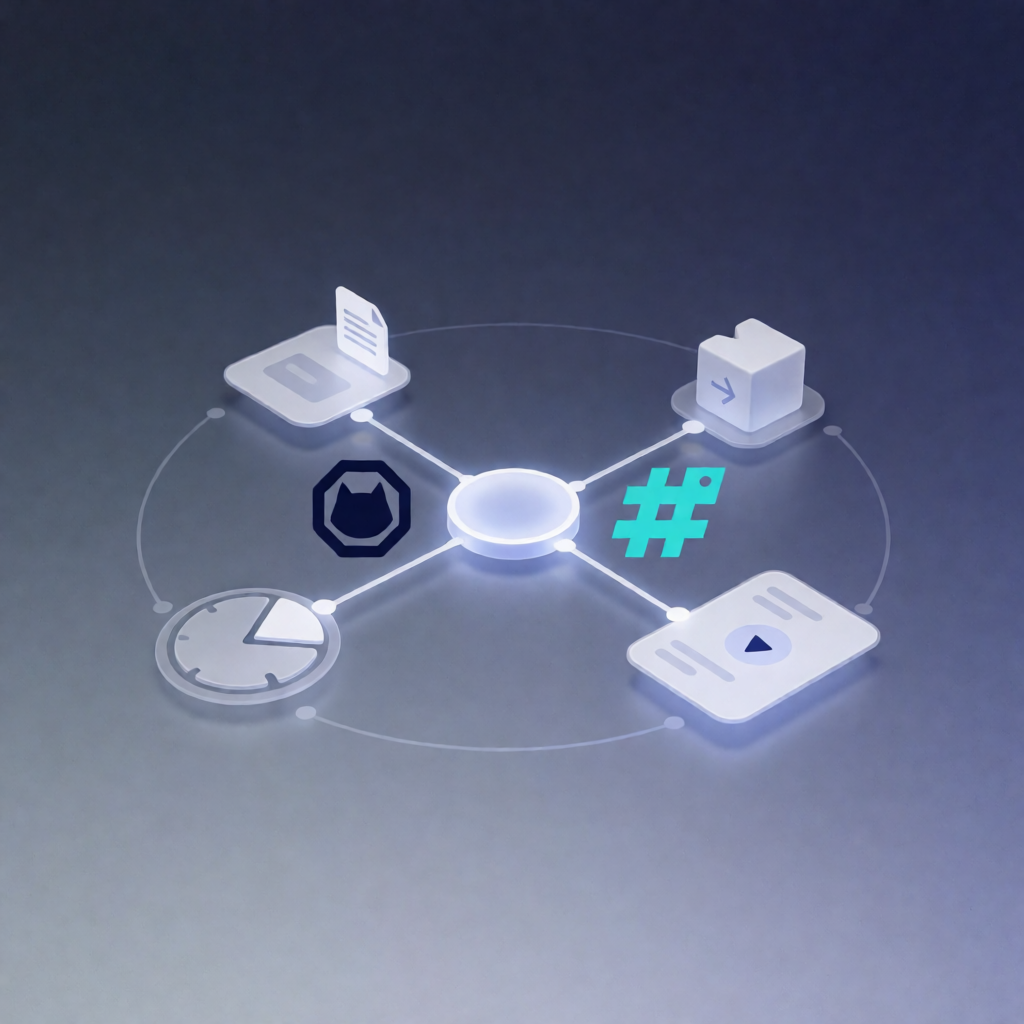
This n8n workflow lets users submit a video prompt (and an optional image URL) via an n8n form, then generates a Kling 3.0 video using the Pollo API. It polls until the job finishes and returns the final status and generated video URL.
What this workflow does
- Receives prompt input from an n8n form trigger, including: prompt, optional image_url, model_path, and a Pollo API key.
-
Starts a video generation task by sending a POST request to the Pollo API generation endpoint using the provided model_path (e.g.,
kling-ai/kling-v3-0). - Waits and polls for completion: the workflow waits 10 seconds, then checks task status using the task ID.
- Repeats until done by looping until the task status becomes succeed or failed.
- Outputs final results, including the task ID, final status, video URL, media type, and remaining credits (credits are set to 0 if the response indicates they were refunded).
Use cases
- On-demand marketing creatives: users submit a prompt to generate short Kling 3.0 video assets.
- Content team automation: build a lightweight form-based pipeline to generate variations from a reference image.
- SaaS operator workflows: integrate Pollo-powered video generation into your internal tooling with n8n.
- Prototype creative tools: quickly offer video generation in a dashboard or embedded form experience.
Technical details
- n8n Form Trigger
- HTTP HTTP Request to Pollo API (start job + fetch status)
- Wait (10s) for polling
- If logic to detect succeed vs failed
- Set to shape outputs (task ID, status, video URL, media type, credits handling)
- Sticky note(s) for guidance and workflow readability
Tip: If you include an image_url, it must be a publicly accessible direct link. Create the Pollo API key, run once to retrieve the form URL, then share or embed it for users.