Gmail AI Email Classifier with Google Gemini Labels (n8n)
Gmail AI Email Classifier with Google Gemini Labels (n8n)
Regular price
£73.99
Regular price
£73.99
Sale price
Unit price
per
⬇
Instant Digital Download
∞
Unlimited Downloads
★
Lifetime Access in Your Account
Couldn't load pickup availability
🔥
128+ Sold
Popular with n8n builders
⚡
23 people viewing
High interest right now
✅
9 added today
Fast-moving digital product

Gmail AI Email Classifier with Google Gemini Labels (n8n)
Regular price
£73.99
Regular price
£73.99
Sale price
Unit price
per
Stop Sorting Email Manually—Let AI Label Your Gmail Inbox
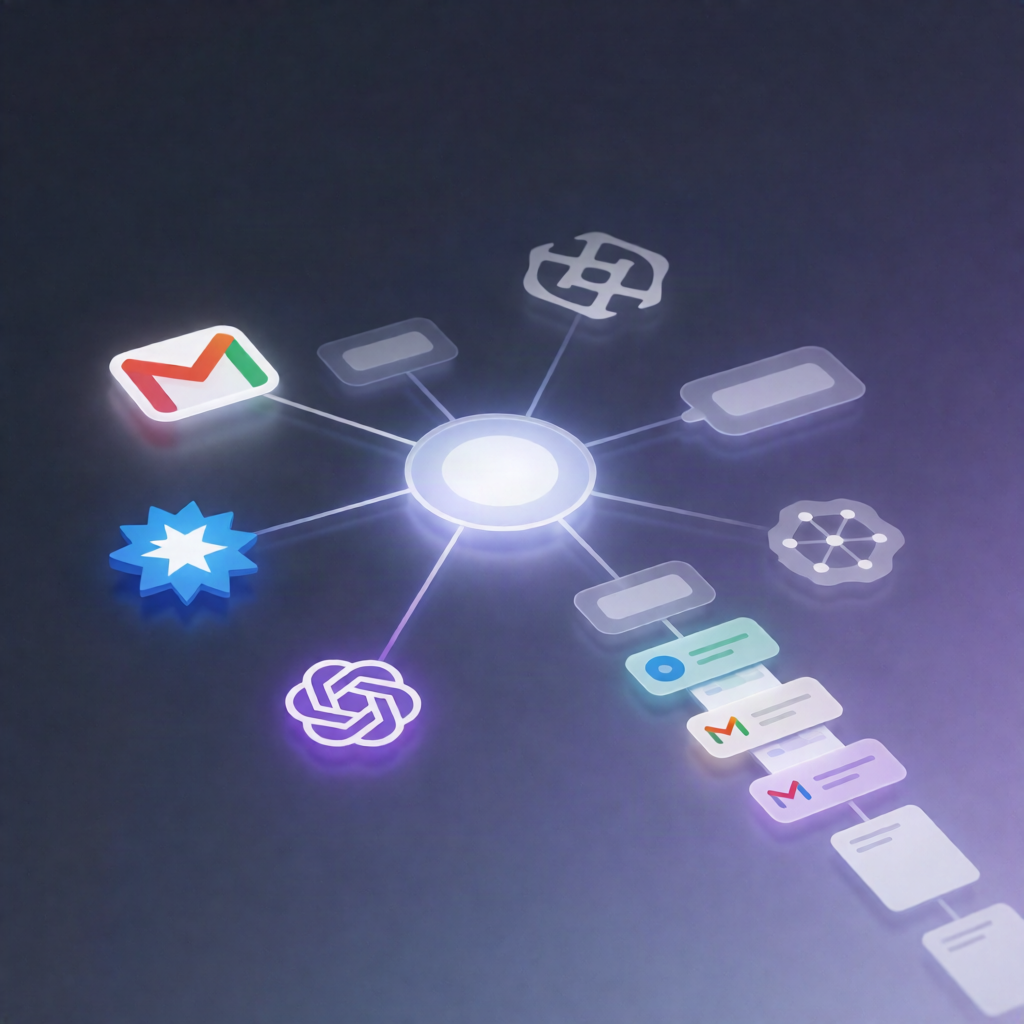
This Gmail AI Email Classifier with Google Gemini Labels (n8n) workflow automatically reads incoming emails, classifies them with Google Gemini, and applies the right Gmail labels—so your inbox stays organized with minimal effort. Setup takes under two minutes, and the workflow runs 24/7 to help you focus on what matters.
What this workflow does
- Gmail Trigger: Detects every new incoming email in your mailbox.
- Text Classification: A classifier node determines which predefined category best matches the email content (e.g., High Priority, Work Related, Promotions).
- Google Gemini understanding: Uses a Google Gemini Chat Model (or compatible LLM) to power the AI classification.
-
Conditional labeling: Applies Gmail labels based on the category:
- If High Priority, add the high priority label.
- If Work Related (e.g., internal emails), add the work label.
- If Promotion, add the promotions label.
- Gmail Labeling: Automatically updates the email with the correct label for faster scanning and routing.
Use cases
- SaaS operators who want support, internal updates, and marketing emails separated instantly.
- Automation engineers testing practical n8n automation workflows for inbox triage using LLM classification.
- Teams that need consistent labeling (priority vs. work vs. promotions) without manual sorting.
Technical details
- Integrations: Gmail (trigger + label actions), Google Gemini (LLM classification).
- n8n nodes / tech stack: Gmail, Gmail Trigger, n8n-nodes-langchaintext classifier, n8n-nodes-langchainlm chat groq (LLM chat model node), and n8n-nodes-langchainagent (for LLM-driven behavior).
- Setup: Connect Gmail, connect Gemini (or other LLM model), customize categories/labels if needed, and activate the workflow.
Want more categories? Add them (e.g., Finance, Newsletters) by adjusting the classification prompt, keeping the label set clean to reduce overlap.