Gmail Email Labeling & Triage with DeepSeek/OpenAI (n8n Workflow)
Gmail Email Labeling & Triage with DeepSeek/OpenAI (n8n Workflow)
Regular price
£13.99
Regular price
£13.99
Sale price
Unit price
per
⬇
Instant Digital Download
∞
Unlimited Downloads
★
Lifetime Access in Your Account
Couldn't load pickup availability
🔥
128+ Sold
Popular with n8n builders
⚡
23 people viewing
High interest right now
✅
9 added today
Fast-moving digital product

Gmail Email Labeling & Triage with DeepSeek/OpenAI (n8n Workflow)
Regular price
£13.99
Regular price
£13.99
Sale price
Unit price
per
Auto-triage your Gmail with AI: label every incoming email in minutes (no replies)
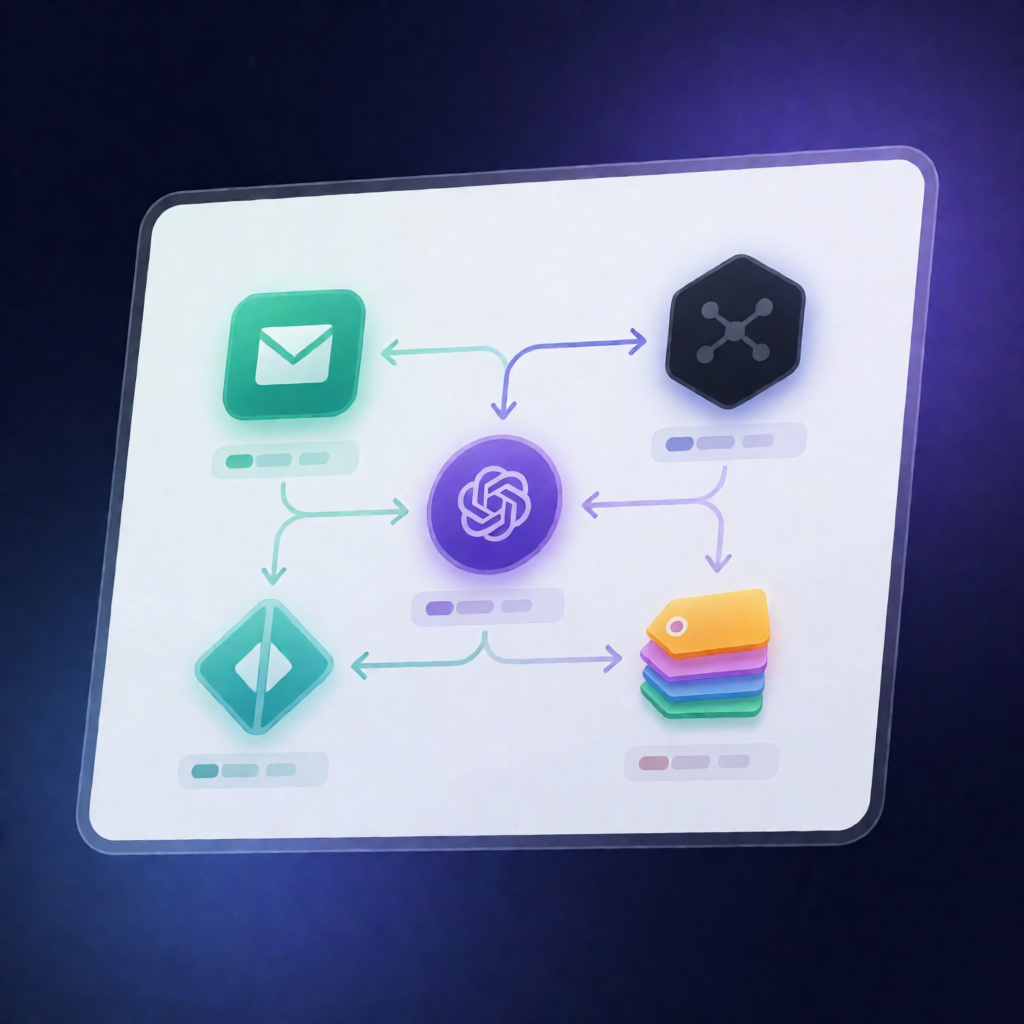
This n8n workflow monitors your Gmail inbox, uses DeepSeek (or an OpenAI-compatible API) to classify each new message, and automatically applies the right Gmail label—keeping your inbox clean and your support pipeline organized.
What this workflow does
- Triggers every 5 minutes when new messages arrive in Gmail.
- Filters noise and auto-messages by checking message headers, sender, and subject—skipping auto-replies, mailing-list traffic, and common noreply/system senders.
- Classifies email intent with DeepSeek/OpenAI by sending the email’s subject and body to the chat completions API.
- Parses the model’s JSON response and maps the returned intent to one of four categories.
- Applies Gmail labels to the original email for immediate triage (e.g., Order status, Product question, Refund/complaint, or Other).
No automatic replies are sent—the workflow is designed for labeling and routing your attention, not for messaging customers.
Use cases
- SaaS teams who want instant sorting of incoming support emails into AI/Order, AI/Product, AI/Refund, and AI/Other.
- Automation engineers building inbox workflows that reduce manual inbox review.
- Operators who want to separate order status requests from product questions and refund/complaints for faster handling.
Technical details
- Gmail Trigger to detect new messages (runs every 5 minutes).
-
HTTP Request with provider authentication (e.g.,
Authorization: Bearer <API_KEY>) for DeepSeek or OpenAI-compatible chat completions. - if / code steps to skip unwanted messages and parse JSON output.
- Gmail label action to apply the mapped label ID to each email.
- Optional provider swap: update API base URL and model name for OpenAI vs DeepSeek.
Setup requirements
- Connect a Gmail OAuth2 credential for the mailbox you want to monitor.
- Create four Gmail labels and update the intent-to-label mapping with their label IDs (after importing the workflow if needed).