Gmail + Google Drive Receipt Tracker to Google Sheets (n8n)
Gmail + Google Drive Receipt Tracker to Google Sheets (n8n)
Regular price
£73.99
Regular price
£73.99
Sale price
Unit price
per
⬇
Instant Digital Download
∞
Unlimited Downloads
★
Lifetime Access in Your Account
Couldn't load pickup availability
🔥
128+ Sold
Popular with n8n builders
⚡
23 people viewing
High interest right now
✅
9 added today
Fast-moving digital product

Gmail + Google Drive Receipt Tracker to Google Sheets (n8n)
Regular price
£73.99
Regular price
£73.99
Sale price
Unit price
per
Automatically turn Gmail + Google Drive receipts into a live Google Sheets expense log
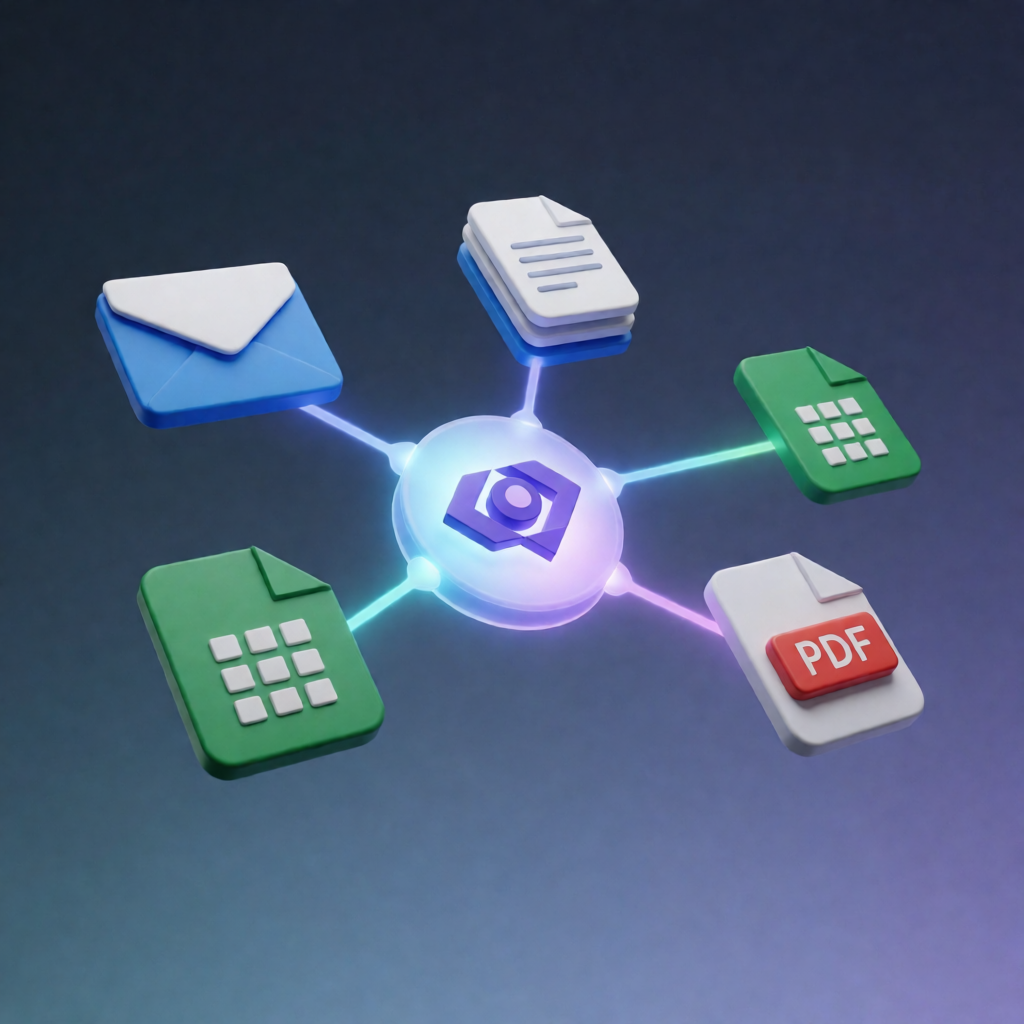
This n8n workflow watches your Gmail and a Google Drive receipts folder, extracts expense details from receipt emails and files using Anthropic Claude, archives attachments back to Drive, and appends validated expenses to Google Sheets—including a link to the original receipt.
What this workflow does
- Monitors Gmail every minute: triggers when new messages matching label:receipts arrive and downloads any attachments.
- Archives receipts to Google Drive: normalizes email content, uploads attachments to a specified Drive location, and generates a permanent Drive link.
- Monitors Google Drive every minute: triggers on new files created in your chosen Drive folder, downloads the file, and normalizes it as receipt input.
- Extracts receipt data with Claude: routes each item as PDF, image, or email-body text, extracting PDF text when needed. Uses Claude (text or vision) to extract structured fields: vendor, date, total, currency, category, and payment method.
- Validates receipts: flags whether the content is a real receipt, filters out non-receipts, and then appends expenses to Google Sheets with a timestamp and the receipt link.
Use cases
- Capture recurring receipt emails by using the Gmail receipts label and keep daily expenses automatically updated in Google Sheets.
- Centralize receipt uploads: drop PDFs/images into the Drive folder and let the workflow log structured expenses.
- Build an audit-friendly expense tracker by storing a permanent Drive link alongside each logged line item.
Technical details
- Integrations: Gmail, Google Drive, Google Sheets, Anthropic Claude
-
n8n nodes/logic:
if,set,code,switch, plus supporting notes/stages and Google Drive operations - Claude configuration: separate Claude model selection for text extraction and vision extraction
Setup: connect credentials for Gmail, Google Drive, and Google Sheets, choose the target sheet, add Anthropic credentials, label Gmail receipt emails with receipts, and configure the Drive receipts folder.