Gmail Phishing Triage with Gemini AI + Sheets Logging (n8n Workflow)
Gmail Phishing Triage with Gemini AI + Sheets Logging (n8n Workflow)
Regular price
£74.99
Regular price
£74.99
Sale price
Unit price
per
⬇
Instant Digital Download
∞
Unlimited Downloads
★
Lifetime Access in Your Account
Couldn't load pickup availability
🔥
128+ Sold
Popular with n8n builders
⚡
23 people viewing
High interest right now
✅
9 added today
Fast-moving digital product

Gmail Phishing Triage with Gemini AI + Sheets Logging (n8n Workflow)
Regular price
£74.99
Regular price
£74.99
Sale price
Unit price
per
Automatically triage Gmail messages with Gemini AI—and log every phishing check to Google Sheets
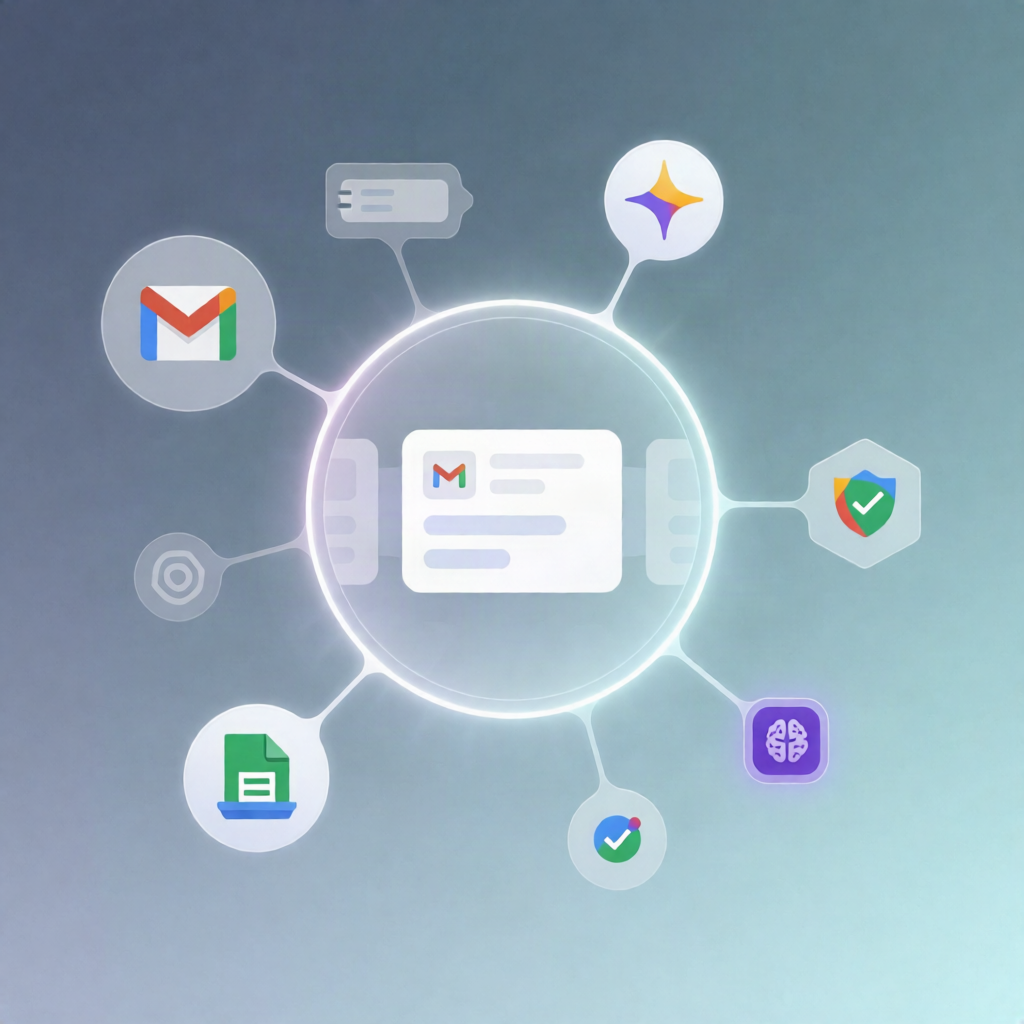
This n8n workflow monitors your Gmail inbox for new unread emails, uses a Google Gemini AI agent to categorize each message (including phishing/fraud detection), applies the correct Gmail label automatically, and appends the result to Google Sheets with sender, subject, category, and timestamp.
What this workflow does
- Checks Gmail every minute for new unread emails.
- Loads existing Gmail labels from the connected account and matches the five category label names to their Gmail label IDs.
- Sends each email’s subject, sender, and preview text to a Google Gemini-powered AI agent.
- The AI chooses exactly one category: ⚠️ Possible Fraud, 🔴 Urgent, 📢 Ads, 🔎 Review, or ⚪ Not Important.
- Applies the selected category as a Gmail label to the original email using the matching label ID.
- Logs the outcome to Google Sheets by appending a row with the email details, the AI’s category, and a timestamp (classified_at).
Use cases
- SaaS security triage: automatically label and route potentially fraudulent emails for faster review.
- Operations inbox management: separate urgent and non-urgent messages without manual sorting.
- Automation engineers: create an auditable Gmail classification pipeline with AI + logging for monitoring and iteration.
- Teams receiving marketing volume: label Ads vs. messages that need human attention (Review).
Technical details
- n8n nodes/workflow components: set, code, gmail, merge, gmail tool, sticky note.
- Integrations: Gmail (watch inbox, list labels, apply labels), Google Gemini (chat model for classification), Google Sheets (append classification rows).
- Required Gmail labels (exact names): ⚠️ Possible Fraud, 🔴 Urgent, 📢 Ads, 🔎 Review, ⚪ Not Important.
- Google Sheets setup: provide the spreadsheet ID and sheet/tab name in “Set log sheet details”, and ensure columns/headers for subject, from, category, and classified_at.