Gmail RFQ Triage in n8n: OpenAI Draft Quote Replies
Gmail RFQ Triage in n8n: OpenAI Draft Quote Replies
Regular price
£69.99
Regular price
£69.99
Sale price
Unit price
per
⬇
Instant Digital Download
∞
Unlimited Downloads
★
Lifetime Access in Your Account
Couldn't load pickup availability
🔥
128+ Sold
Popular with n8n builders
⚡
23 people viewing
High interest right now
✅
9 added today
Fast-moving digital product

Gmail RFQ Triage in n8n: OpenAI Draft Quote Replies
Regular price
£69.99
Regular price
£69.99
Sale price
Unit price
per
Turn incoming RFQ emails into complete, ready-to-send Gmail drafts—automatically
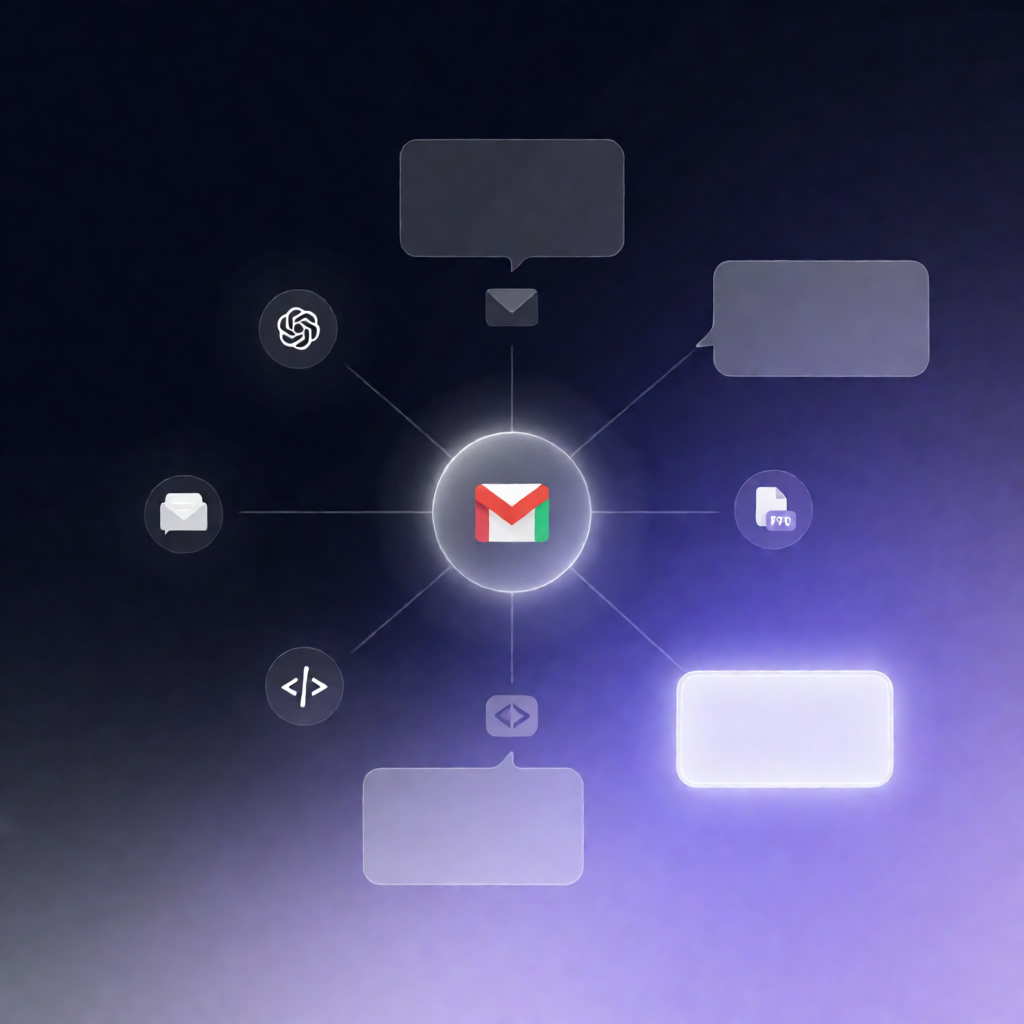
This n8n workflow monitors your Gmail for unread RFQ messages, extracts structured quote details with OpenAI (including optional PDF text), checks completeness, and then creates a Gmail draft reply with either a quote skeleton or a targeted request for missing information.
What this workflow does
- Runs every minute and triggers when an unread Gmail email matches your configured RFQ subject search query.
- Normalizes key metadata (sender, subject, thread ID, timestamp) and prepares the email body for processing.
- Optionally extracts PDF attachment text (when a PDF is present) and appends it to the RFQ payload.
- Uses OpenAI to extract structured RFQ fields, including: company, contact, line items, dates, address, packaging, incoterms, and special requirements. Any unstated fields are left as null.
- Validates completeness against a configurable required-field list, producing a missing-items summary and a complete/incomplete flag.
-
Creates a draft reply in the same Gmail thread:
- If complete: includes a quote skeleton with line items.
- If incomplete: requests only the missing details.
Use cases
- SaaS sales/ops teams handling frequent RFQs and needing faster quote preparation.
- Automation engineers building a repeatable Gmail + OpenAI workflow for structured data extraction.
- Businesses receiving RFQs with PDFs that must be summarized into quote-ready fields.
Technical details
- Gmail Trigger: polls every minute for unread emails using your RFQ subject search query.
-
Nodes/logic:
if,set,code, plus a sticky note for guidance within the workflow. - OpenAI: performs RFQ extraction into structured fields and enables completeness checks.
- Gmail: creates the draft reply in the original thread (requires permission to read unread messages and draft replies).