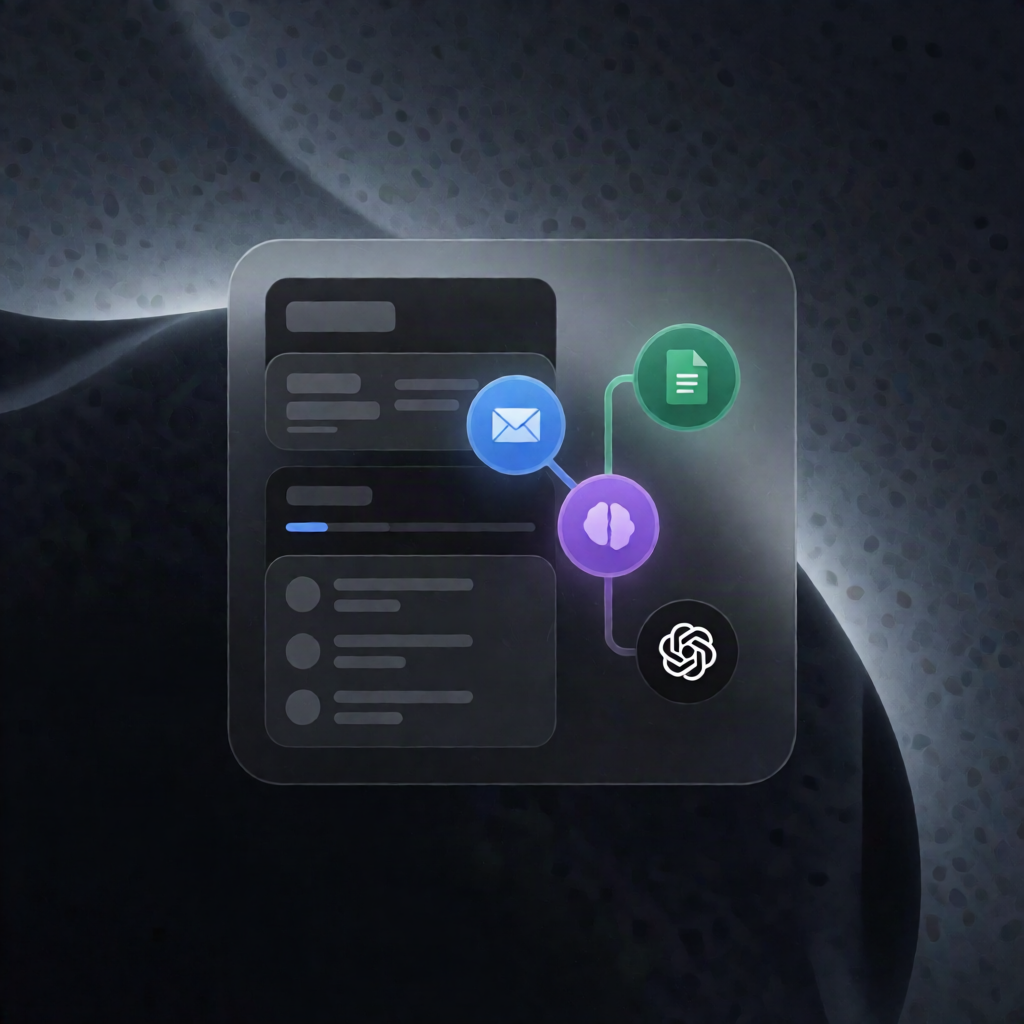
Gmail Support Email Automation with Google Docs & Gemini (n8n)
Gmail Support Email Automation with Google Docs & Gemini (n8n)
Regular price
£32.99
Regular price
£32.99
Sale price
Unit price
per
⬇
Instant Digital Download
∞
Unlimited Downloads
★
Lifetime Access in Your Account
Couldn't load pickup availability
🔥
128+ Sold
Popular with n8n builders
⚡
23 people viewing
High interest right now
✅
9 added today
Fast-moving digital product

Gmail Support Email Automation with Google Docs & Gemini (n8n)
Regular price
£32.99
Regular price
£32.99
Sale price
Unit price
per
Turn Gmail support emails into instant, knowledge-base replies—with Google Docs and Gemini
This n8n workflow automatically checks your Gmail inbox, matches customer questions against your own Google Docs knowledge base, and drafts or sends replies—using Google Gemini only when needed. If the answer isn’t in your docs, it escalates to you with context, then helps you generate a customer-ready response and suggests what to add for next time.
What this workflow does
- Monitors Gmail every minute: looks for unread emails in the Primary category, excluding your own messages and common automated senders.
- Extracts and verifies message details: captures sender, subject, body, and thread/message IDs, then uses Google Gemini to classify whether the email is a genuine customer message.
- Answers from your Google Docs knowledge base: retrieves the knowledge base from your Google Docs and asks Google Gemini to decide whether it can answer using only that content—returning a structured draft, an escalation reason (if needed), and a summary.
- Sends or drafts the reply: if it can answer, it either replies immediately or saves a draft in the same Gmail thread (based on your configured reply mode).
- Escalates when knowledge is missing: if it can’t answer, it sends you a Gmail message with context and waits for your factual response (up to three days).
- Converts your answer into a reply: uses Google Gemini to turn your response into a customer-ready draft.
- Improves future automation: optionally emails you a suggested knowledge base Q&A entry so you can paste it into your Google Doc.
Use cases
- SaaS support teams who want faster responses without leaving Gmail.
- Automation engineers managing a repeatable “support reply from KB” workflow in n8n.
- Operators keeping answers consistent by grounding responses in Google Docs.
Technical details
- Integrations/nodes: Gmail, Google Docs, Google Gemini, and core logic nodes like if, set, no op, plus Sticky Note.
-
Key configuration: connect Gmail for reading inbox, replying, creating drafts, marking as read, and sending escalation emails; connect Google Docs and set
knowledge_base_urlto your document link.