Google Drive File Categorization with OpenAI + Sheet Logs
Google Drive File Categorization with OpenAI + Sheet Logs
Regular price
£75.99
Regular price
£75.99
Sale price
Unit price
per
⬇
Instant Digital Download
∞
Unlimited Downloads
★
Lifetime Access in Your Account
Couldn't load pickup availability
🔥
128+ Sold
Popular with n8n builders
⚡
23 people viewing
High interest right now
✅
9 added today
Fast-moving digital product

Google Drive File Categorization with OpenAI + Sheet Logs
Regular price
£75.99
Regular price
£75.99
Sale price
Unit price
per
Automatically categorize Google Drive files using OpenAI—and keep a full audit trail in Google Sheets
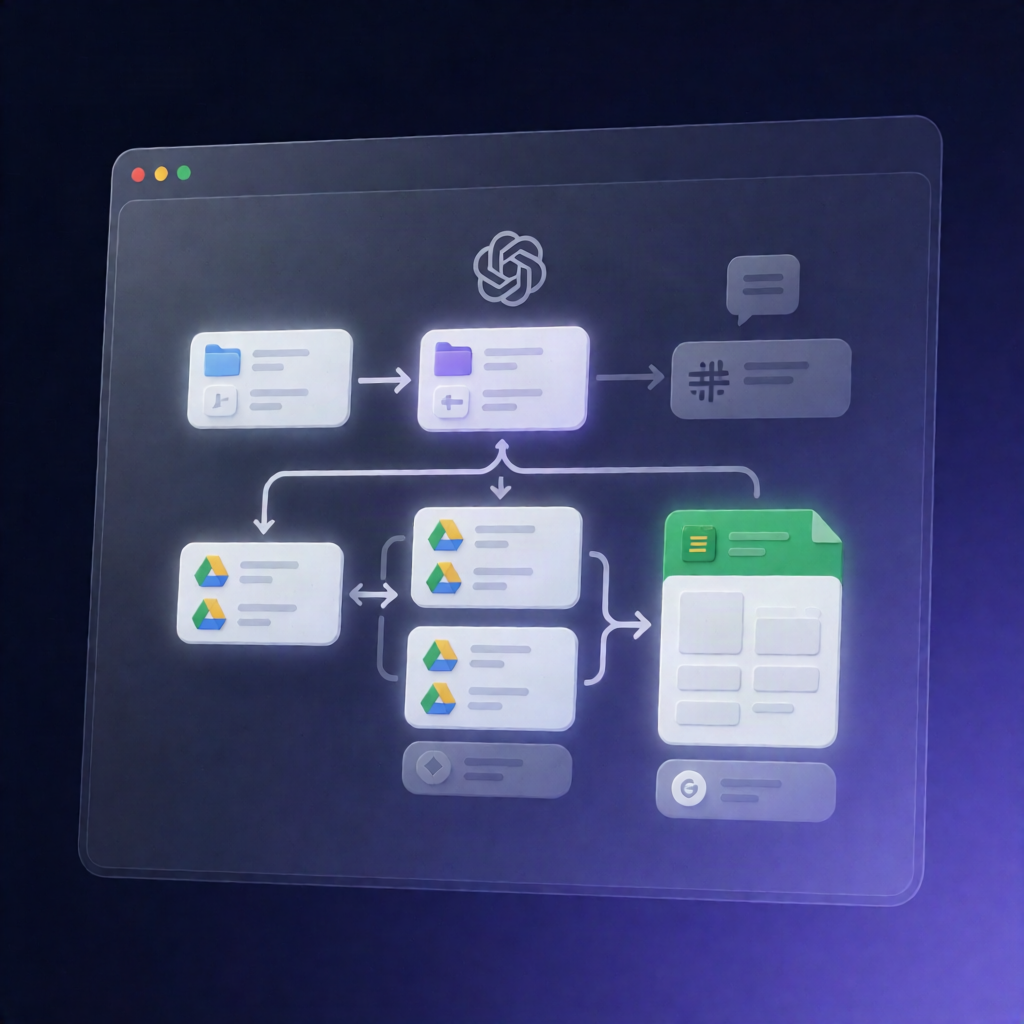
This n8n workflow monitors a Google Drive Incoming folder, uses an OpenAI-compatible /chat/completions endpoint to classify each file into your predefined categories, then moves the file into the correct subfolder under Organized. Every action is logged to Google Sheets, with optional notifications via Slack.
What this workflow does
- Schedules and reads configuration every few minutes, then checks a Google Sheets log to identify which files are new or need retrying.
- Lists and filters files from the configured Google Drive source folder (non-folder items only), ignoring already-processed entries.
- Processes files in capped batches—one file at a time—to control cost and avoid rate issues.
- Detects file type and, when enabled, downloads and extracts content from PDFs, Office files, spreadsheets, text files, or prepares images for vision; otherwise it falls back to filename + metadata only.
- Calls OpenAI-compatible Chat Completions with metadata and extracted content, then parses/repairs the model’s JSON classification.
- Validates results against an approved taxonomy, routing low-confidence or sensitive/failed outputs to the Uncategorized bucket for review.
- Moves the file into the correct category folder, with a configurable duplicate-name strategy (keep, rename, or skip) while preserving file ID and sharing.
- Appends a per-file log row to Google Sheets with statuses like SUCCESS, REVIEW, SKIPPED, or ERROR, plus optional Slack/email notifications.
Use cases
- Automate document routing for SaaS operations (contracts, compliance docs, invoices, exports).
- Classify incoming attachments from a shared Drive folder to keep teams organized.
- Reduce manual tagging by sending uncertain classifications to Uncategorized for human review.
Technical details
- n8n nodes/logic: if, set, code, no op, slack, switch
- Integrations: Google Drive (Incoming → Organized subfolders), Google Sheets logging, OpenAI-compatible /chat/completions classification