Home Assistant NASA APOD + Nearest Asteroid Sensor (n8n)
Home Assistant NASA APOD + Nearest Asteroid Sensor (n8n)
Regular price
£14.99
Regular price
£14.99
Sale price
Unit price
per
⬇
Instant Digital Download
∞
Unlimited Downloads
★
Lifetime Access in Your Account
Couldn't load pickup availability
🔥
128+ Sold
Popular with n8n builders
⚡
23 people viewing
High interest right now
✅
9 added today
Fast-moving digital product

Home Assistant NASA APOD + Nearest Asteroid Sensor (n8n)
Regular price
£14.99
Regular price
£14.99
Sale price
Unit price
per
Get NASA’s APOD and the nearest asteroid into Home Assistant—automatically
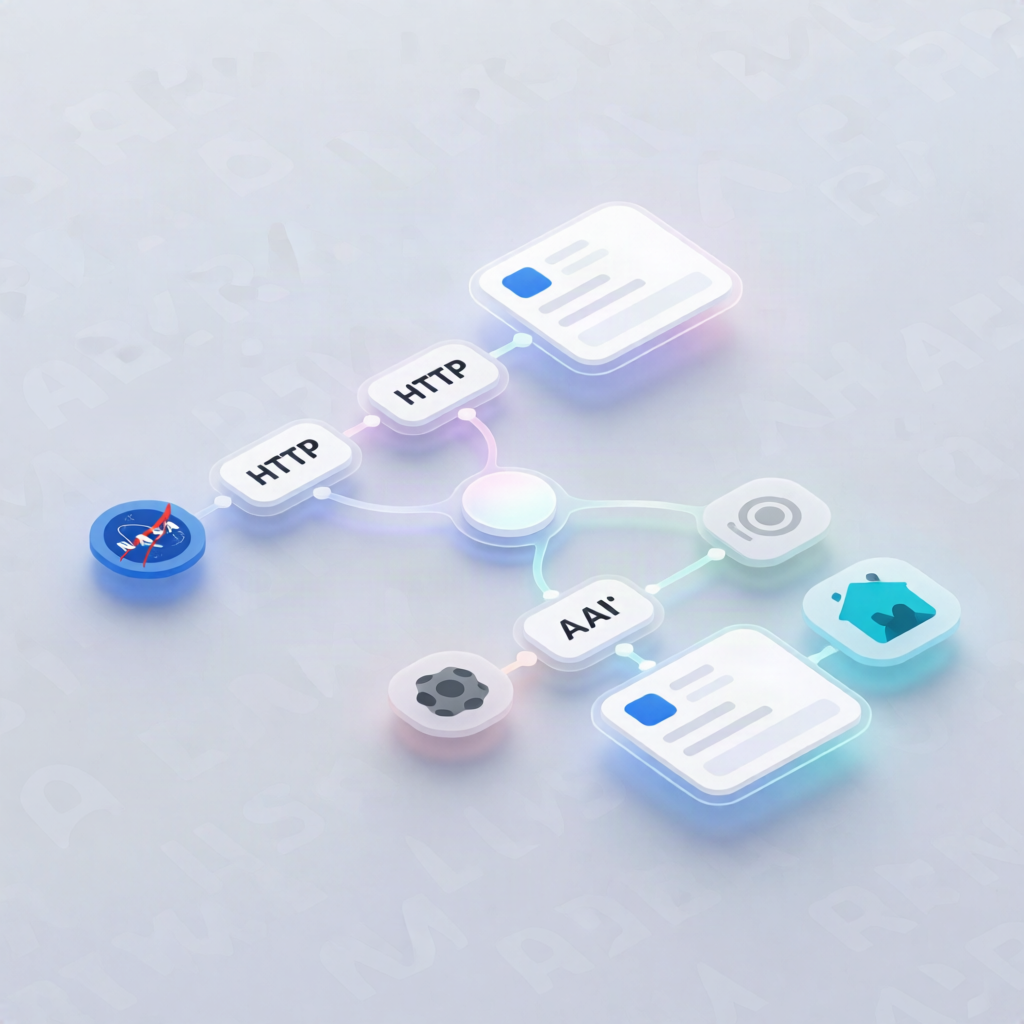
This n8n workflow fetches NASA’s Astronomy Picture of the Day (APOD) and the closest near-Earth asteroid from NASA’s feeds, then upserts both results as Home Assistant sensors for dashboards and automations.
What this workflow does
- Runs daily at 6:00 AM (and can also be triggered on-demand via a manual trigger).
-
Pulls NASA APOD using the NASA API (with thumbnail support enabled), then extracts:
- APOD title, date, media type
- Best-available image/thumbnail URL
- Trims the explanation to 280 characters
-
Upserts a Home Assistant sensor at
sensor.nasa_apodwith the APOD title as state and attributes including the image URL, explanation, media type, and date. - Pulls NASA NEO data for today through the next three days.
- Flattens returned asteroids, sorts by miss distance, and selects the closest approach, including:
- distance, estimated diameter, velocity
- hazard flag
- asteroid name and total count
-
Upserts a Home Assistant sensor at
sensor.nasa_asteroidwith the asteroid name as state and relevant attributes.
Use cases
- Display NASA APOD and the latest space scene in a Home Assistant wall tablet or dashboard.
- Create automations that react to the hazard flag or update alerts when the closest asteroid changes.
- Give SaaS operators and automation engineers a clean example of API-to-Home Assistant sensor upsert patterns in n8n.
Technical details
- Nodes/blocks: set, code, sticky note, HTTP Request, Home Assistant, Manual Trigger
-
NASA API key: create a free key at https://api.nasa.gov and add it as an HTTP Query Auth credential (
api_key) for both requests. - Home Assistant integration: configure instance URL and a long-lived access token, and select them in both Home Assistant upsert steps.