HubSpot Contact Deduplication via Webhook Form Submissions
HubSpot Contact Deduplication via Webhook Form Submissions
Regular price
£12.99
Regular price
£12.99
Sale price
Unit price
per
⬇
Instant Digital Download
∞
Unlimited Downloads
★
Lifetime Access in Your Account
Couldn't load pickup availability
🔥
128+ Sold
Popular with n8n builders
⚡
23 people viewing
High interest right now
✅
9 added today
Fast-moving digital product

HubSpot Contact Deduplication via Webhook Form Submissions
Regular price
£12.99
Regular price
£12.99
Sale price
Unit price
per
Deduplicate HubSpot Contacts Automatically—From Your Website Form
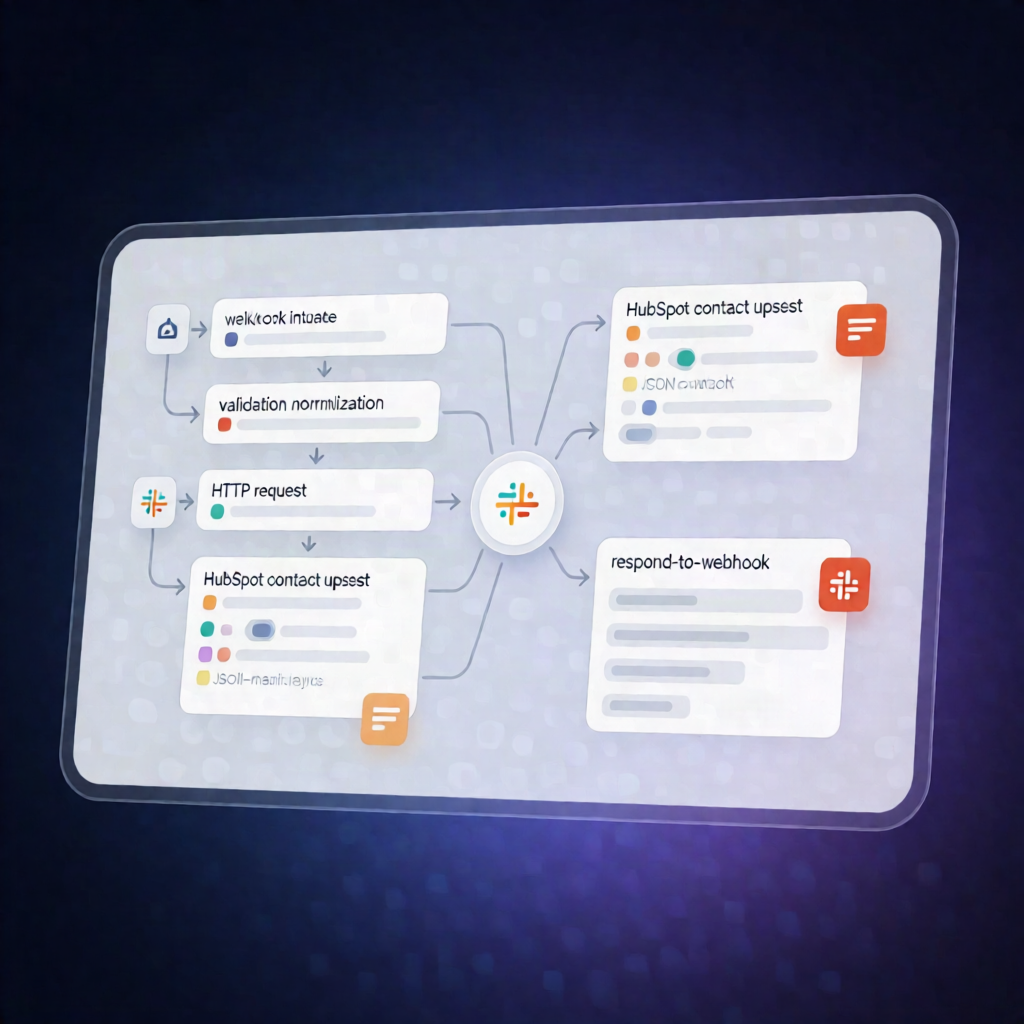
This n8n workflow receives website form submissions via a webhook, validates and normalizes the lead data, then searches HubSpot by email to update an existing contact or create a new one. You’ll get a clear JSON response indicating whether the contact was created or updated.
What this workflow does
- Receives form submissions through a POST request to an n8n webhook endpoint (supports JSON or form-encoded payloads).
- Validates and normalizes lead fields, including email, name, phone, and country code. Optionally verifies an inbound shared secret from a request header.
- Rejects invalid leads with an HTTP 400 response that includes validation errors.
- Searches HubSpot CRM by email to find a matching contact.
- Creates or updates the HubSpot contact using a properties payload. For new contacts, it sets lifecycle stage and lead status.
- Returns an HTTP 200 JSON response describing the outcome (created vs. updated).
Use cases
- Prevent duplicate contacts when visitors submit the same email from landing pages, signup forms, or demo requests.
- Ensure consistent lead data in HubSpot by normalizing phone numbers and country codes before writing to CRM.
- Run a secure lead intake pipeline by requiring a shared secret header for webhook requests.
Technical details
-
n8n nodes/workflow components:
webhook,if,code,http request,respond to webhook, plus documentation viasticky note. -
HubSpot integration: Uses a HubSpot Private App token with
crm.objects.contacts.readandcrm.objects.contacts.write. -
Auth: Configure an n8n HTTP Header Auth credential sending
Authorization: Bearer <YOUR_TOKEN>for HubSpot HTTP Request steps. -
Security (optional): Set
sharedSecretin the Settings code step and requirex-form-secretfrom your form provider.