Instagram Reels Tracker: Apify to Notion via n8n & Gemini
Instagram Reels Tracker: Apify to Notion via n8n & Gemini
Regular price
£10.99
Regular price
£10.99
Sale price
Unit price
per
⬇
Instant Digital Download
∞
Unlimited Downloads
★
Lifetime Access in Your Account
Couldn't load pickup availability
🔥
128+ Sold
Popular with n8n builders
⚡
23 people viewing
High interest right now
✅
9 added today
Fast-moving digital product

Instagram Reels Tracker: Apify to Notion via n8n & Gemini
Regular price
£10.99
Regular price
£10.99
Sale price
Unit price
per
Track Instagram Reels trends automatically—then store insights in Notion using n8n (Apify + Gemini)
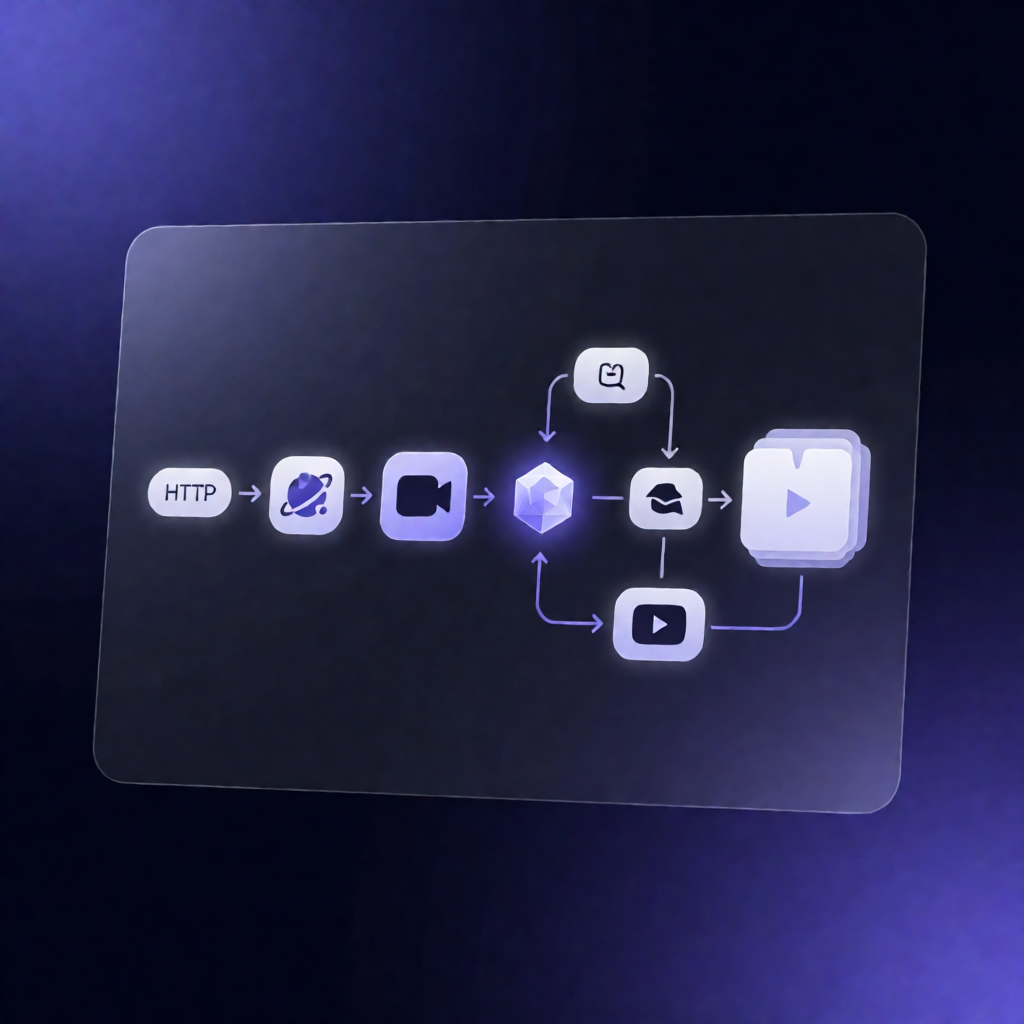
This n8n workflow monitors selected Instagram accounts, pulls recent Reels via Apify, analyzes performance, and saves the results into a structured Notion database—so you can spot trending “hot” content early and move faster than competitors.
What this workflow does
Designed for Instagram Reels tracking, the automation runs on a schedule to:
- Monitor public profiles you choose and collect their recent Reels using Apify.
- Analyze performance by calculating engagement levels from the retrieved Reels data.
- Detect early “hot” content—reels that show promising signals early.
- Translate text if needed, then organize all outputs for fast review.
- Organize results into a Notion database with a structured table designed for ongoing production decisions.
You can follow along with the included video walkthrough: https://www.youtube.com/watch?v=rdfRNHpHX8o.
Use cases
- Social media managers tracking competitor Reels trends to inform upcoming content themes.
- Marketers building an evidence-based content pipeline (find, evaluate, and prioritize Reels performance).
- Automation engineers and SaaS operators managing a repeatable workflow for discovery + structured reporting in Notion.
Technical details
- Apify for Instagram Reels discovery/collection.
- Notion for saving results into a structured database (downloadable table structure provided).
- Gemini support for text translation/analysis as part of the workflow’s processing.
- Workflow logic implemented with nodes including: if, set, code, wait, notion, switch.
- Compatibility note: this template contains community nodes that are only compatible with the self-hosted version of n8n.
Setup: create the required Notion databases using the provided structure file, then import the .json workflow into your n8n.
Download Notion structure: https://drive.google.com/file/d/1FVaS_-ztp6PDAJbETUb1dkg8IqE4qHqp/view?usp=sharing