Instant Google Forms Alerts via n8n: Sheets + Gmail Email
Instant Google Forms Alerts via n8n: Sheets + Gmail Email
Regular price
£40.99
Regular price
£40.99
Sale price
Unit price
per
⬇
Instant Digital Download
∞
Unlimited Downloads
★
Lifetime Access in Your Account
Couldn't load pickup availability
🔥
128+ Sold
Popular with n8n builders
⚡
23 people viewing
High interest right now
✅
9 added today
Fast-moving digital product

Instant Google Forms Alerts via n8n: Sheets + Gmail Email
Regular price
£40.99
Regular price
£40.99
Sale price
Unit price
per
Instant Google Forms alerts in Gmail—automatically, via n8n
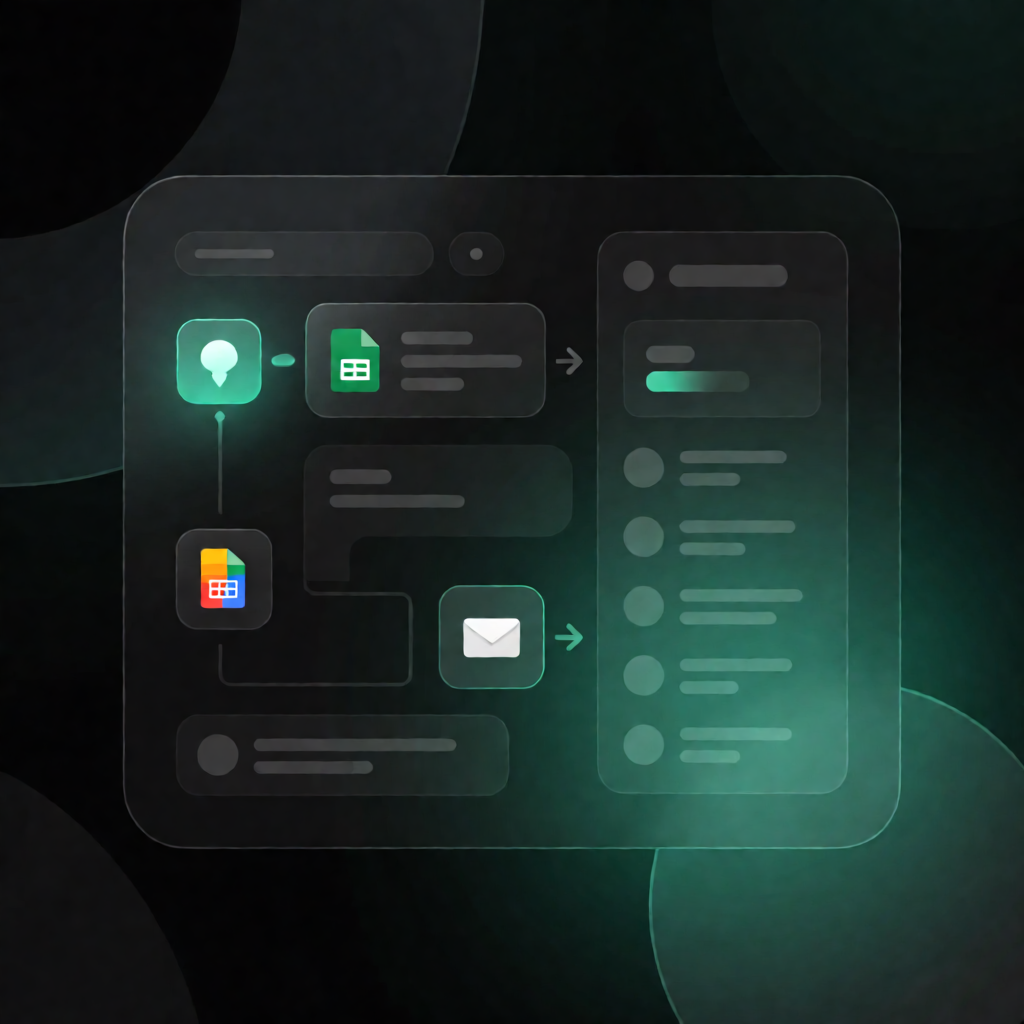
Get an email notification the moment someone submits your Google Form. This n8n workflow monitors your Google Sheets form responses and sends an instant Gmail alert (as an HTML email) every time a new row is added.
What this workflow does
- Watches your Google Form responses by triggering once per minute when a new row appears in the selected Google Sheets worksheet.
- Pulls the new response data from that row—specifically the respondent’s email address and the request text.
- Generates a clean HTML email body containing the details from the newly added row.
- Sends the notification via Gmail to your configured recipient address.
Use cases
- Notify a support inbox when a customer submits a request form.
- Alert a team email whenever someone fills out a Google Form for inquiries or quotes.
- Route time-sensitive requests to the right people without manually checking Sheets.
- Maintain fast response workflows for SaaS operations—especially when uptime or turnaround matters.
Technical details
- Trigger: Google Sheets trigger that runs every minute when a new row is added to the worksheet linked to your Google Form responses.
- Processing: Code node to format the HTML email content from the new row (including respondent email + request text).
- Email delivery: Gmail node to send the generated HTML message to the configured recipient.
- Notes: A Sticky Note node is included for workflow clarity.
- Setup: Connect Google Sheets OAuth and select the spreadsheet/sheet; connect Gmail OAuth; set the Gmail recipient; confirm the workflow reads the correct column names (e.g., “Adresse e-mail” and “Please write your request”).