Larvabot Reply Lead Sync to HubSpot Contacts (n8n Workflow)
Larvabot Reply Lead Sync to HubSpot Contacts (n8n Workflow)
Regular price
£4.99
Regular price
£4.99
Sale price
Unit price
per
⬇
Instant Digital Download
∞
Unlimited Downloads
★
Lifetime Access in Your Account
Couldn't load pickup availability
🔥
128+ Sold
Popular with n8n builders
⚡
23 people viewing
High interest right now
✅
9 added today
Fast-moving digital product

Larvabot Reply Lead Sync to HubSpot Contacts (n8n Workflow)
Regular price
£4.99
Regular price
£4.99
Sale price
Unit price
per
Sync Larvabot replied leads into HubSpot Contacts automatically (every 15 minutes)
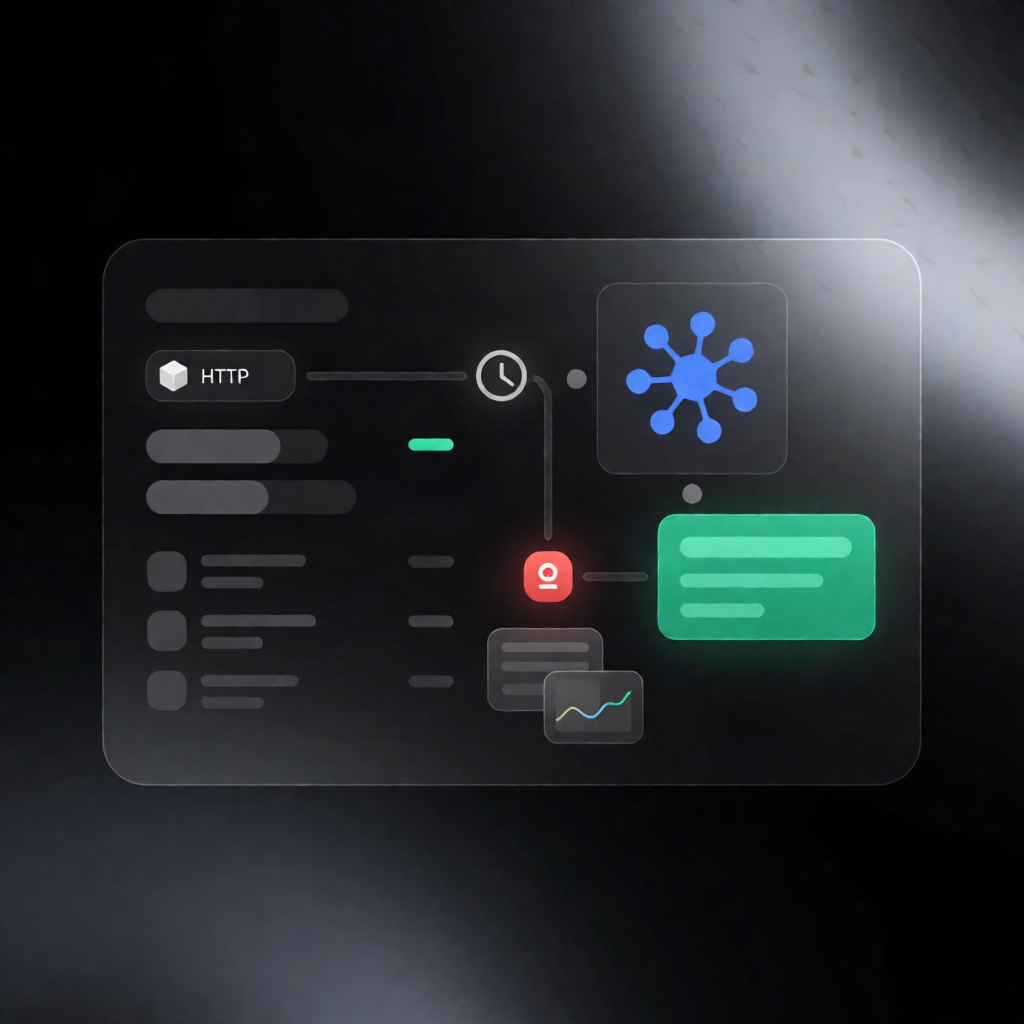
This n8n workflow automatically pulls replied leads from the Larvabot API and then creates or updates matching contacts in HubSpot—using the lead’s email, name, company, and website.
What this workflow does
- Runs on a 15-minute schedule via a Schedule Trigger.
-
Fetches up to 100 replied leads from the Larvabot API using the
repliedevent. - Deduplicates across executions by filtering out leads that were already processed previously (tracked by lead ID).
-
Creates or updates HubSpot contacts for each new/deduplicated lead, using:
- First name and last name
- Company name
- Website URL
Use cases
- RevOps teams want immediate visibility in HubSpot when prospects reply.
- SaaS operators need faster lead-to-contact synchronization to keep pipeline data current.
- Automation engineers standardize how conversational outcomes (replies) flow into CRM contacts.
Technical details
-
Larvabot integration: HTTP Request node using Authorization: Bearer <your_key>, requesting
repliedleads (default up tolimit100). - Deduplication: Remove Duplicates logic to avoid reprocessing the same lead ID across workflow runs.
- HubSpot integration: HubSpot node to create or update contacts using the lead’s email and profile fields.
- Includes: Schedule Trigger, HTTP Request, Remove Duplicates, and supporting nodes (with a Sticky Note for workflow clarity).
Setup
- Create a Larvabot API key and add it as an HTTP Header Auth credential (Bearer token).
- Connect your HubSpot credentials.
- (Optional) Adjust query parameters such as event and limit to match your syncing needs.