Lead Webhook to Gmail Alerts & Acknowledgements (n8n)
Lead Webhook to Gmail Alerts & Acknowledgements (n8n)
Regular price
£40.99
Regular price
£40.99
Sale price
Unit price
per
⬇
Instant Digital Download
∞
Unlimited Downloads
★
Lifetime Access in Your Account
Couldn't load pickup availability
🔥
128+ Sold
Popular with n8n builders
⚡
23 people viewing
High interest right now
✅
9 added today
Fast-moving digital product

Lead Webhook to Gmail Alerts & Acknowledgements (n8n)
Regular price
£40.99
Regular price
£40.99
Sale price
Unit price
per
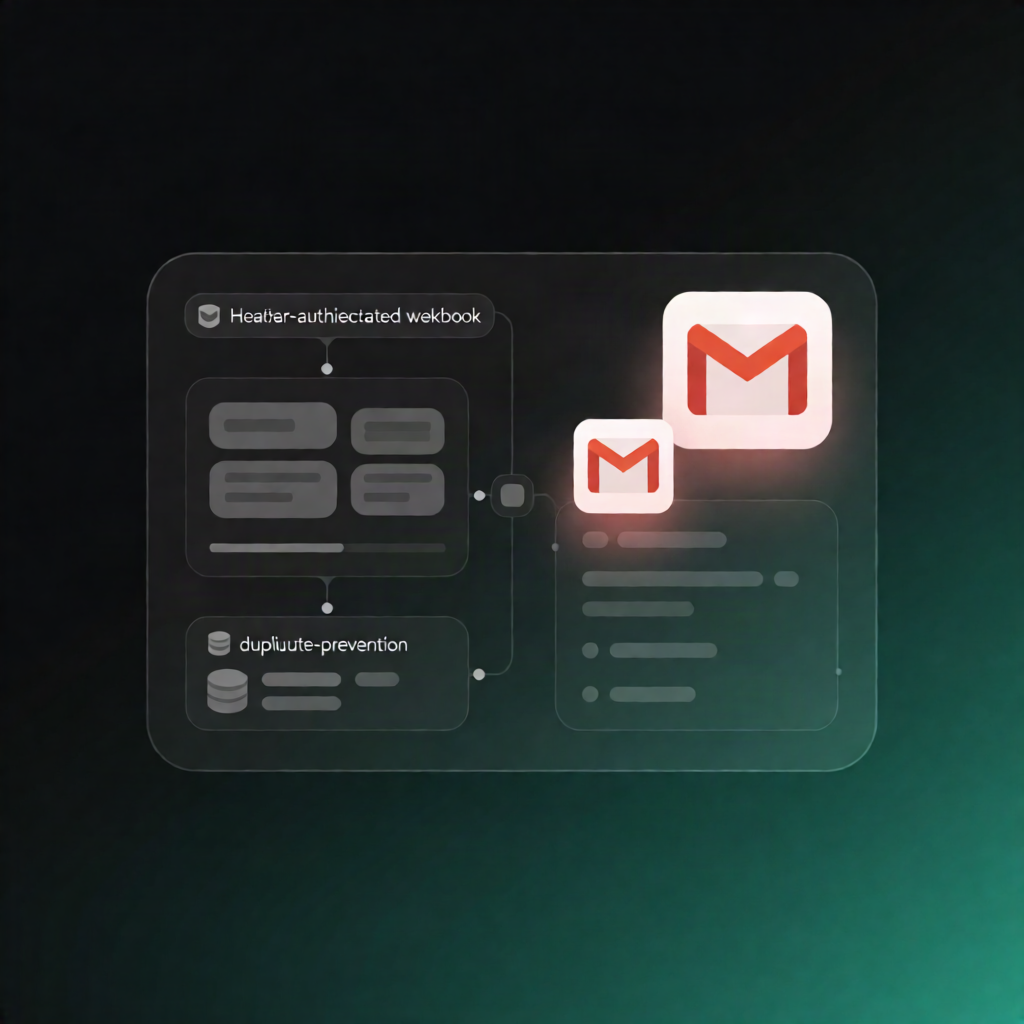
Instant Gmail Alerts + Lead Acknowledgements from a Header-Authenticated Webhook (n8n)
This n8n workflow listens for new lead submissions on a header-authenticated webhook, verifies and normalizes the data, prevents duplicate notifications, and then sends two Gmail emails—an admin alert and a lead acknowledgement—before returning a JSON response to the caller.
What this workflow does
- Receives lead data via POST webhook: A header-authenticated webhook accepts lead details from your form or CRM.
- Validates and normalizes payload: Incoming fields are normalized (e.g., trimming the name and lowercasing the email). Invalid payloads are rejected with an HTTP 400 JSON response.
- Prevents duplicate processing: The workflow checks an n8n Data Table log for an existing row with the same leadId, ensuring notifications aren’t sent twice.
- Handles duplicates gracefully: If the lead was already processed, it returns a JSON response indicating the request is a duplicate.
-
Sends Gmail emails for new leads: For new leads, it sends:
- Admin notification email
- Lead acknowledgement email
- Logs outcomes and responds: Email send statuses and any errors are written back to the Data Table, and the caller receives a success JSON payload.
Use cases
- SaaS operators who need reliable lead capture notifications with instant Gmail alerts and automatic acknowledgements.
- Automation engineers integrating an existing CRM/form system with an authenticated webhook.
- Teams that must avoid duplicate outreach by enforcing idempotency using a Data Table log.
Technical details
- Webhook with Header Auth credential
- if and set nodes for validation and normalization
- data table workflow logging (recommended name: lead_notification_log with columns like leadId, executionId, adminEmailStatus, adminEmailError, leadEmailStatus, leadEmailError)
- Gmail OAuth2 integration for both email steps
- merge to consolidate processing results before replying